
Ads & listings
Product on Model Video
A person presents, wears or uses the product in a short clip.
45 free credits on sign-up, enough for a short draft clip.
- 1Upload the product photo, plus a model photo if you have one
- 2Choose holding, wearing or using; describe the model and scene if needed
- 3Set length and shape, then render
Went in
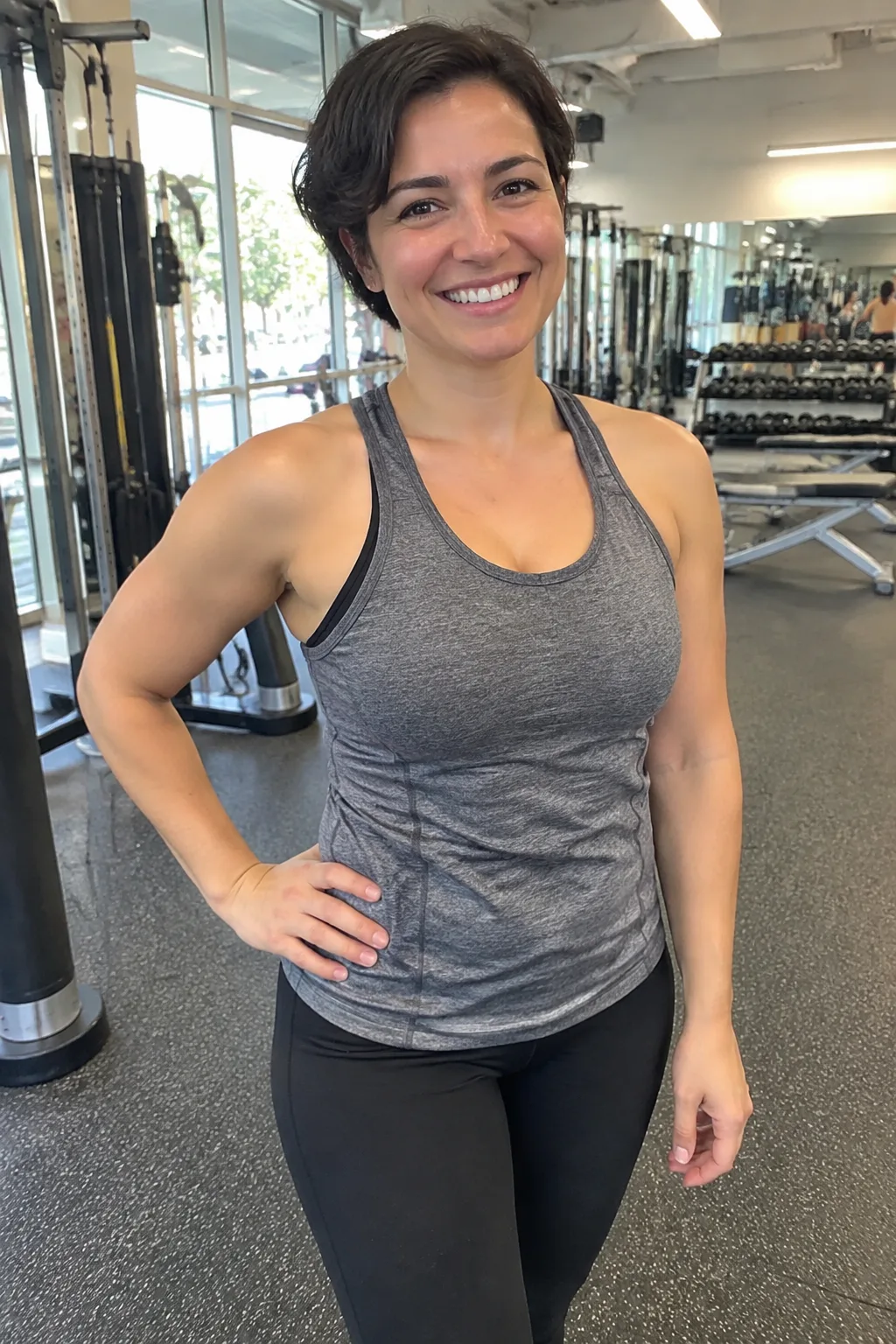
Model photo
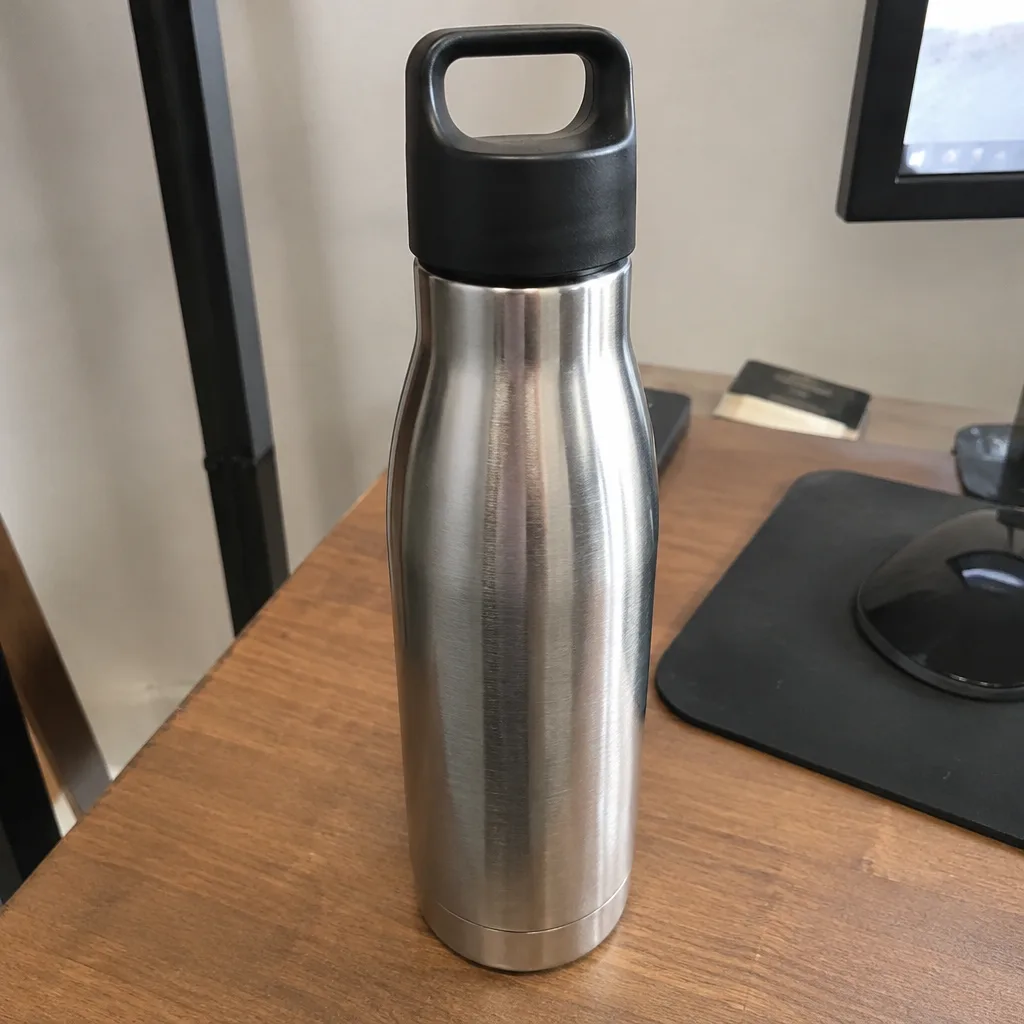
Product photo
Came out
Rendered by this video type from the photos shown on the left.
People sell products. This tool puts a person in the frame: upload a model photo and the video model uses it, together with the product photo, as references for the clip, or describe a model in a line and the clip invents one. The clip then animates a small, natural action — presenting the product to the camera, shifting so a worn item is seen from more than one angle, or using it as intended — with a slow push-in.
With a model photo, the person's face, hair, skin tone and build are kept as photographed and the motion keeps them realistic. The product's label, shape and colors are held throughout. An optional scene line sets the place; without it the default is a bright studio.
Vertical 9:16 is the default because on-model clips mostly go to Reels, TikTok and Stories. There is no opening frame here: your product photo and the model photo both go to the video model as references, so the person and the product stay as photographed. A five-second 720p clip is 105 credits. Rendering Product on Model Still first lets you check the model and grip for 4 credits.
Credits
| Option | Credits | Good for |
|---|---|---|
| Draft 360p | 7 cr/s + 11 | Cheap preview of the motion before a full render |
| Standard 720p | 21 cr/s + 11 | Listing players, feeds and ads |
| Pro 1080p | 31 cr/s + 11 | Upscaled render for hero slots and full-width players |
| 4K | 62 cr/s + 11 | Upscaled render for large screens and in-store displays |
Settings
- Product photo · Model photo (optional)
- ActionHoldingWearingUsing
- Model description (if no model photo)
- Scene (optional)
- Output · MP4 video with sound, 16:9 or 9:16 (default 9:16), 3–15 seconds
In the Studio
- Send any still into any video type without uploading again
- Length, shape, resolution and cost shown before you render
- Opening frame and clip both kept in your library
- Draft 360p previews; 720p, 1080p and 4K renders
About this video type
Also try
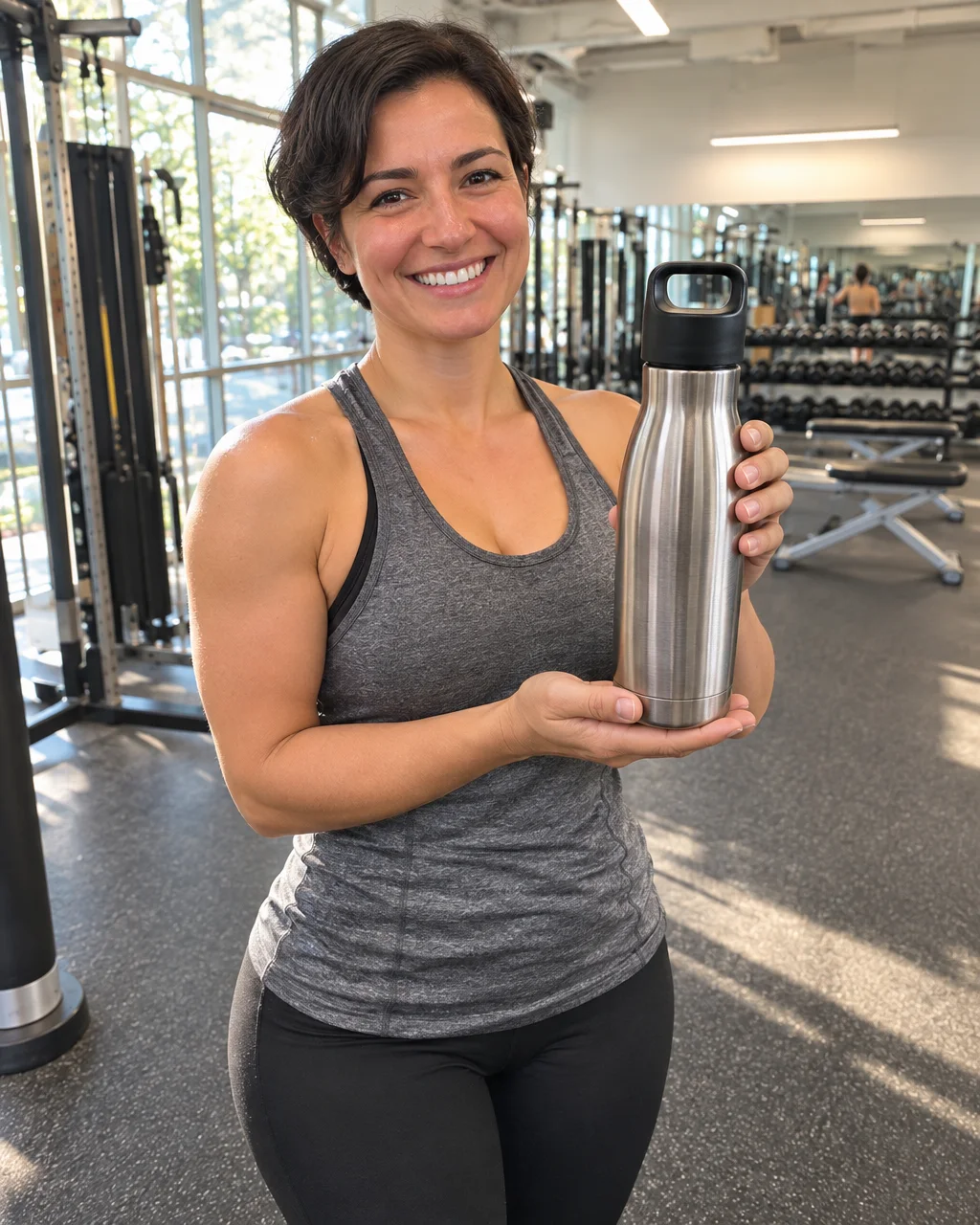
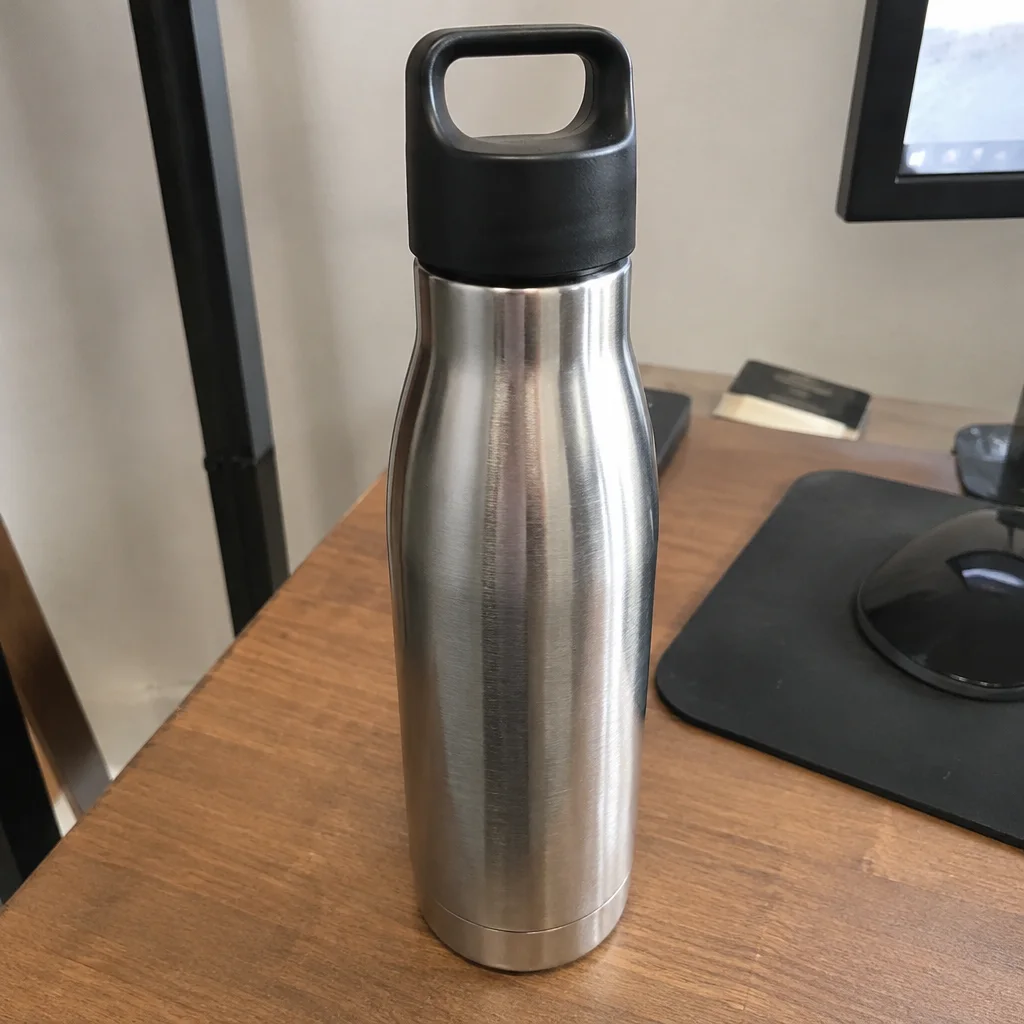
Product on Model Still
A person holding, wearing or using the product, as a still.

Unboxing Video
Hands lift the product out of its box and set it down for the camera.
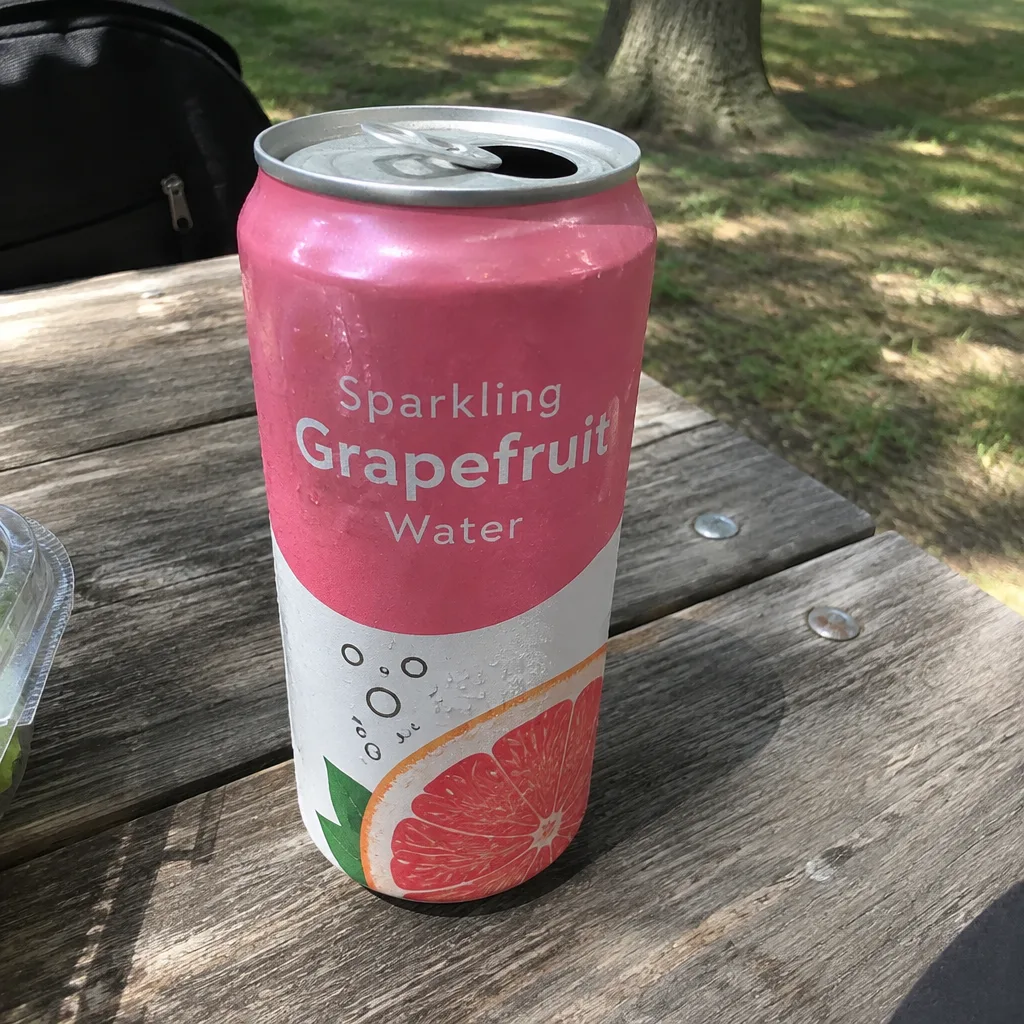
Social Ad Clip
A scroll-stopping ad clip sized for TikTok, Reels, Shorts, feed or page.
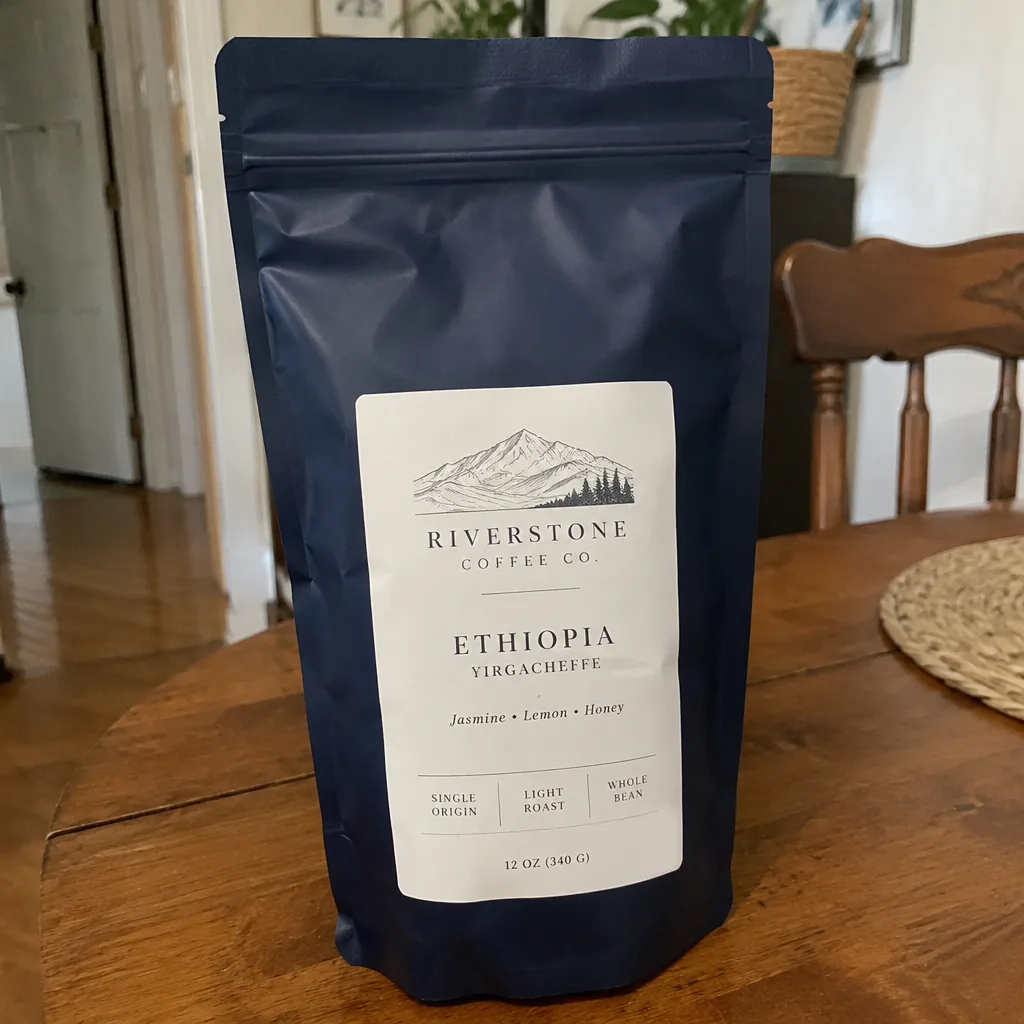
Lifestyle Scene Video
B-roll of your product in a kitchen, cafe, beach, gym or eleven other scenes.