
Scenes & effects
Custom Motion
Describe the move yourself; optionally describe a new setting too.
45 free credits on sign-up, enough for a short draft clip.
- 1Upload the product photo
- 2Describe the motion, and a new setting if you want one
- 3Set length and shape, then render
Went in
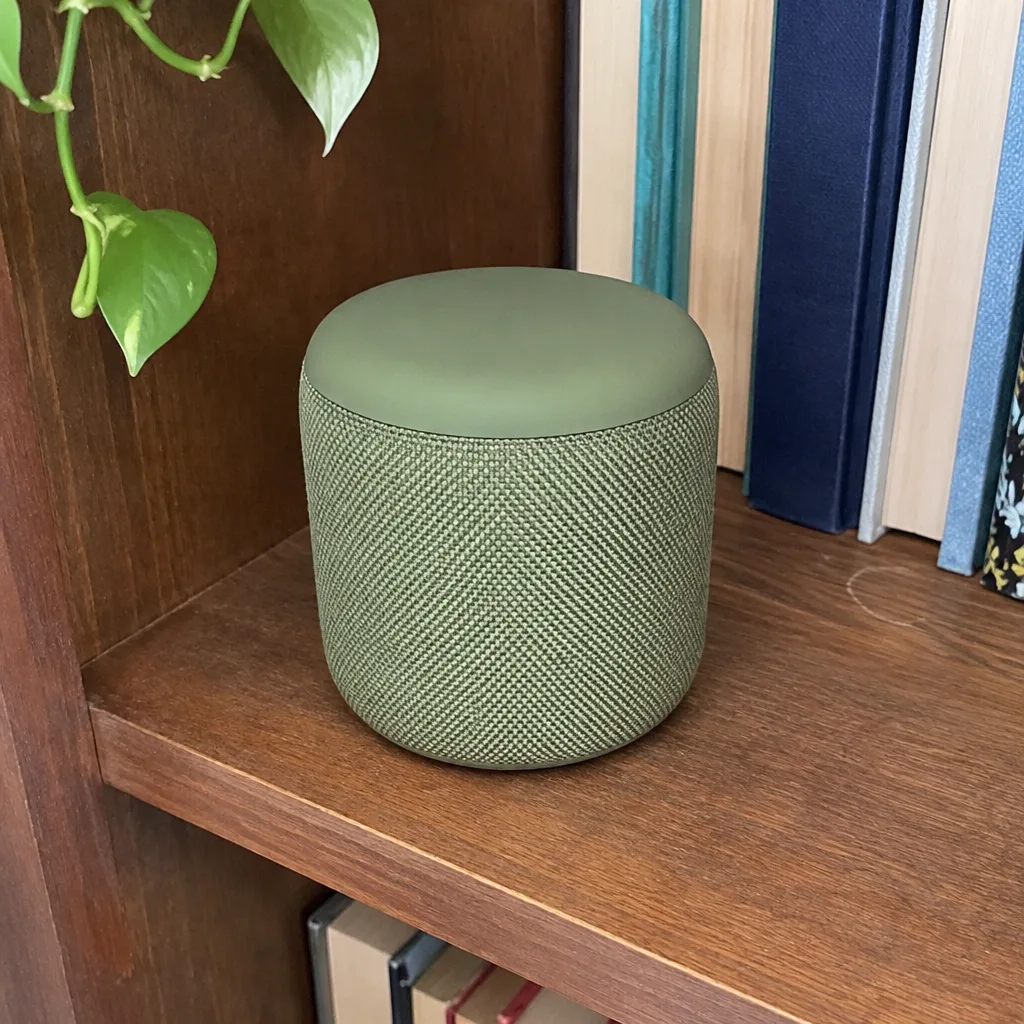
Came out
Rendered by this video type from the photos shown on the left.
When the presets do not say what you need, say it yourself. Custom Motion takes a sentence describing what should happen — the camera orbits left while the cap unscrews and lifts away, the bag swings gently on its strap, the lamp switches on — and renders it. An optional second field describes a new setting; leave it empty and the clip starts from your photo's own background, tidied.
The product fidelity rules still apply: shape, label, colors and artwork are held, invented text is blocked, and the motion is asked to be smooth and stable. Within those limits the description is yours, so this is the tool for product-specific actions no preset covers.
Write the motion as a camera operator would read it: subject, move, speed. A five-second 720p clip is 116 credits. If the first attempt is not right, rephrase and run again; each run is a new opening frame and clip.
Credits
| Option | Credits | Good for |
|---|---|---|
| Draft 360p | 7 cr/s + 11 | Cheap preview of the motion before a full render |
| Standard 720p | 21 cr/s + 11 | Listing players, feeds and ads |
| Pro 1080p | 31 cr/s + 11 | Upscaled render for hero slots and full-width players |
| 4K | 62 cr/s + 11 | Upscaled render for large screens and in-store displays |
Settings
- Product photo
- Describe the motion
- New setting (optional)
- Output · MP4 video with sound, 16:9 or 9:16 (default 16:9), 3–15 seconds
In the Studio
- Send any still into any video type without uploading again
- Length, shape, resolution and cost shown before you render
- Opening frame and clip both kept in your library
- Draft 360p previews; 720p, 1080p and 4K renders
About this video type
Also try
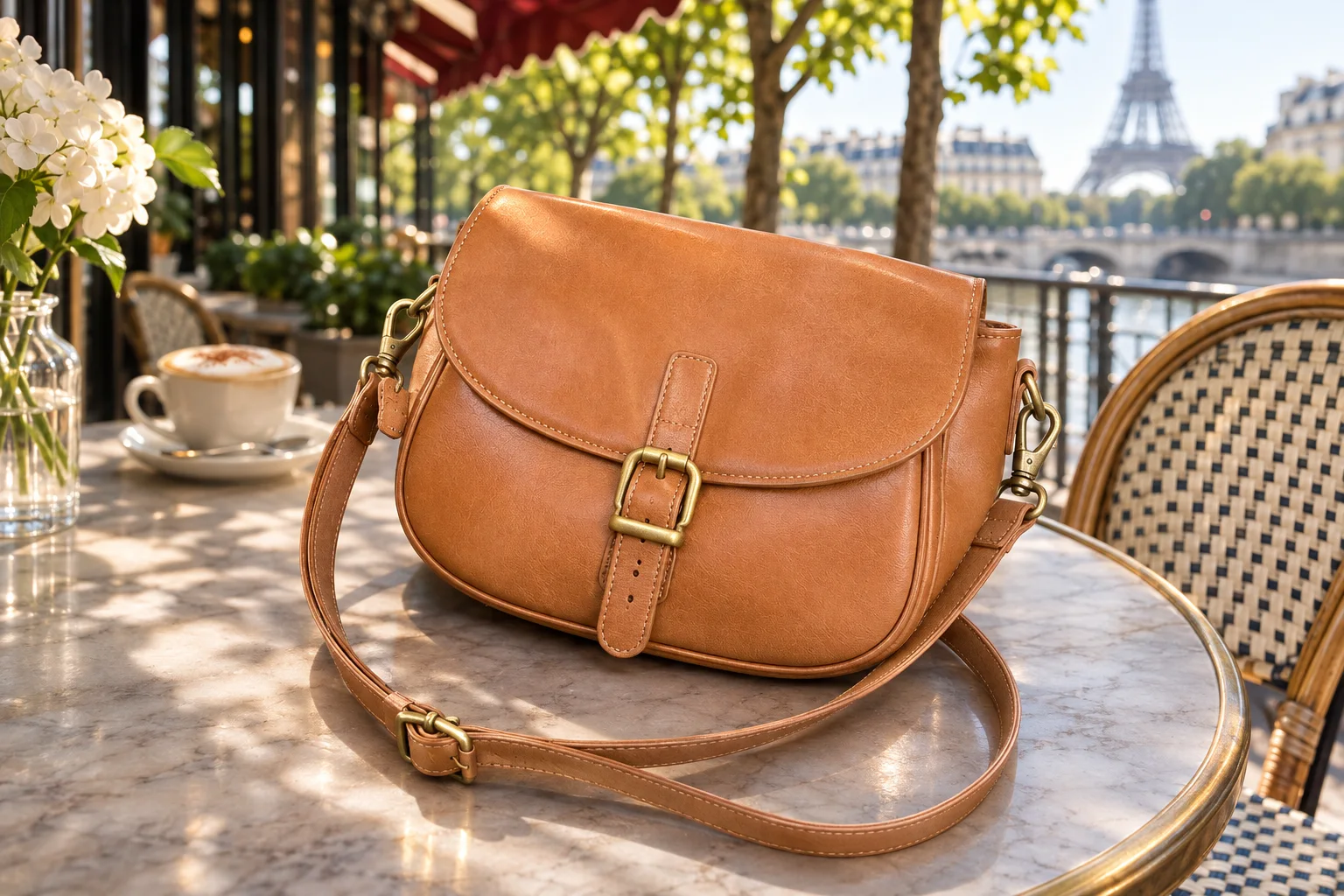
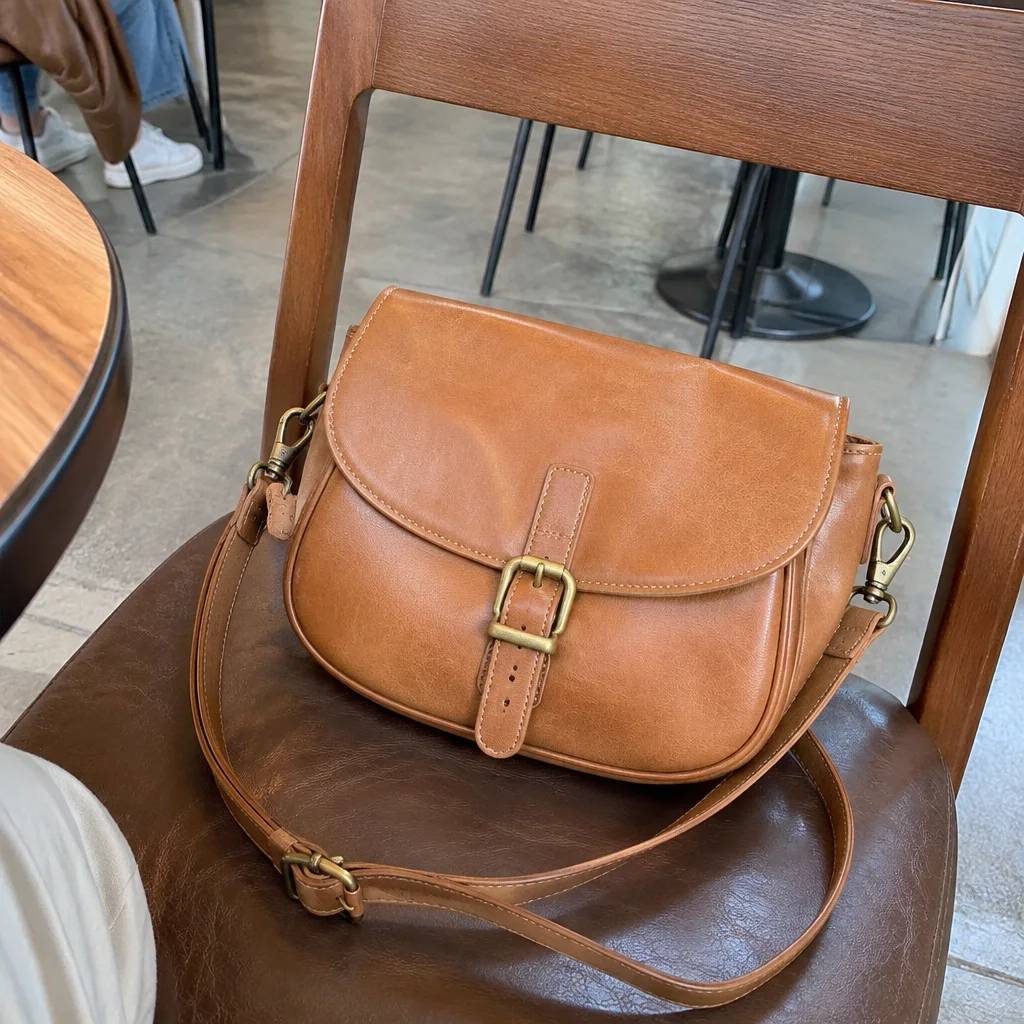
Custom Scene Still
Describe any setting in a sentence; the product is placed there as a still.
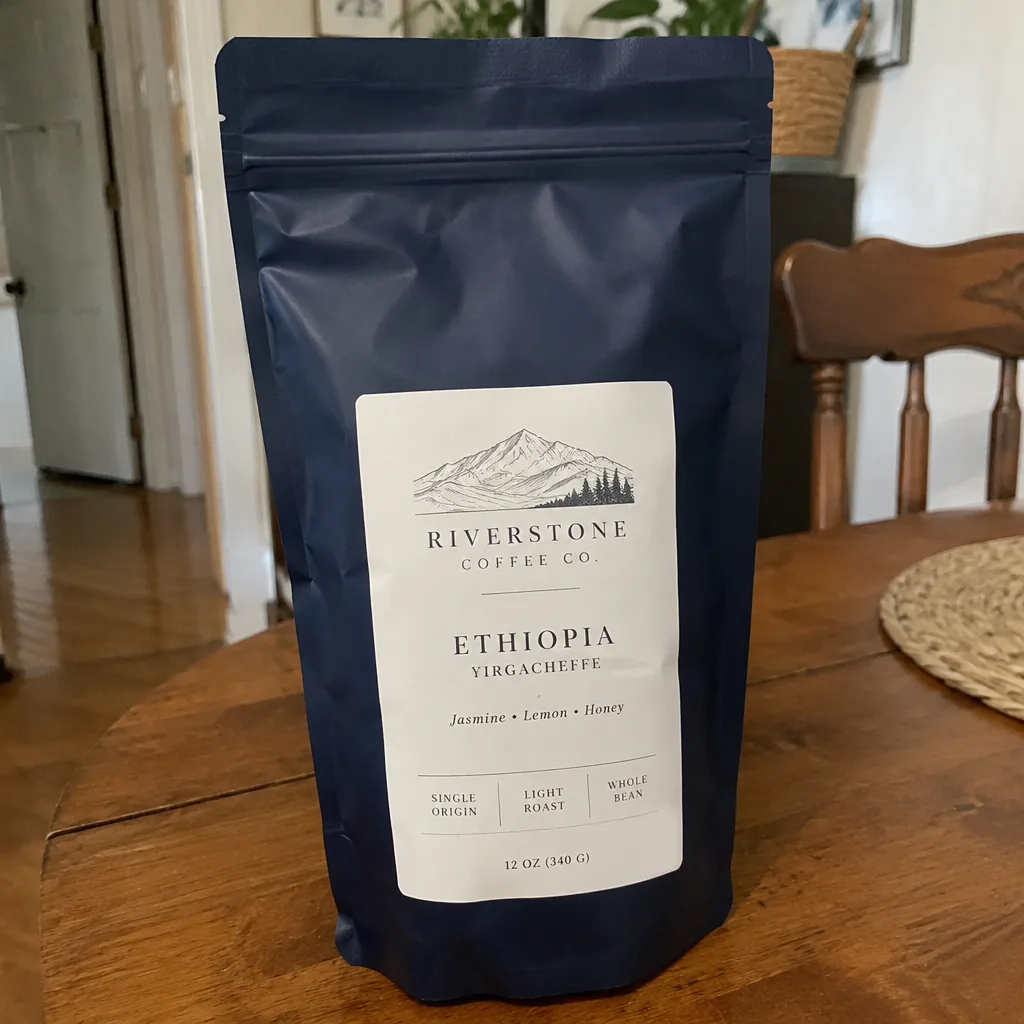
Lifestyle Scene Video
B-roll of your product in a kitchen, cafe, beach, gym or eleven other scenes.
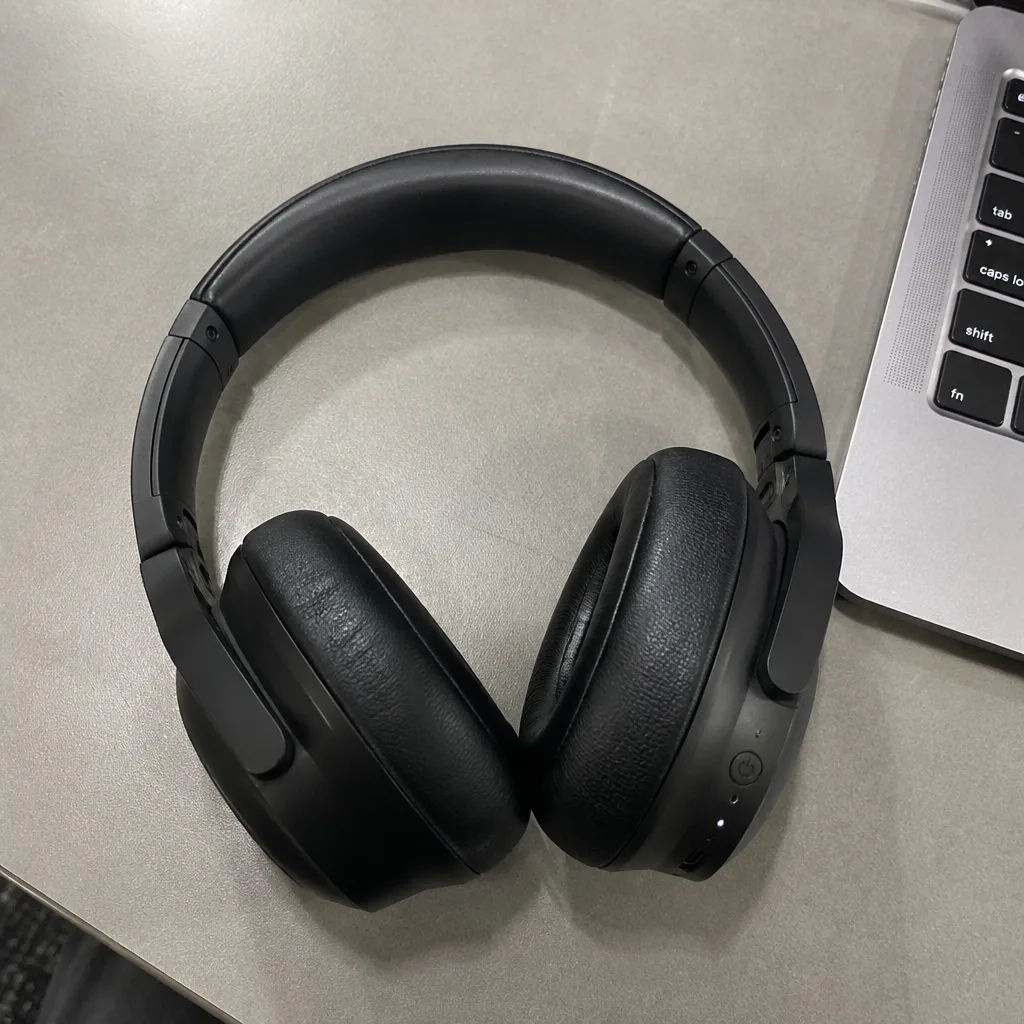
Hero Reveal
A launch-style reveal: light sweeps across the product as the camera pushes in.
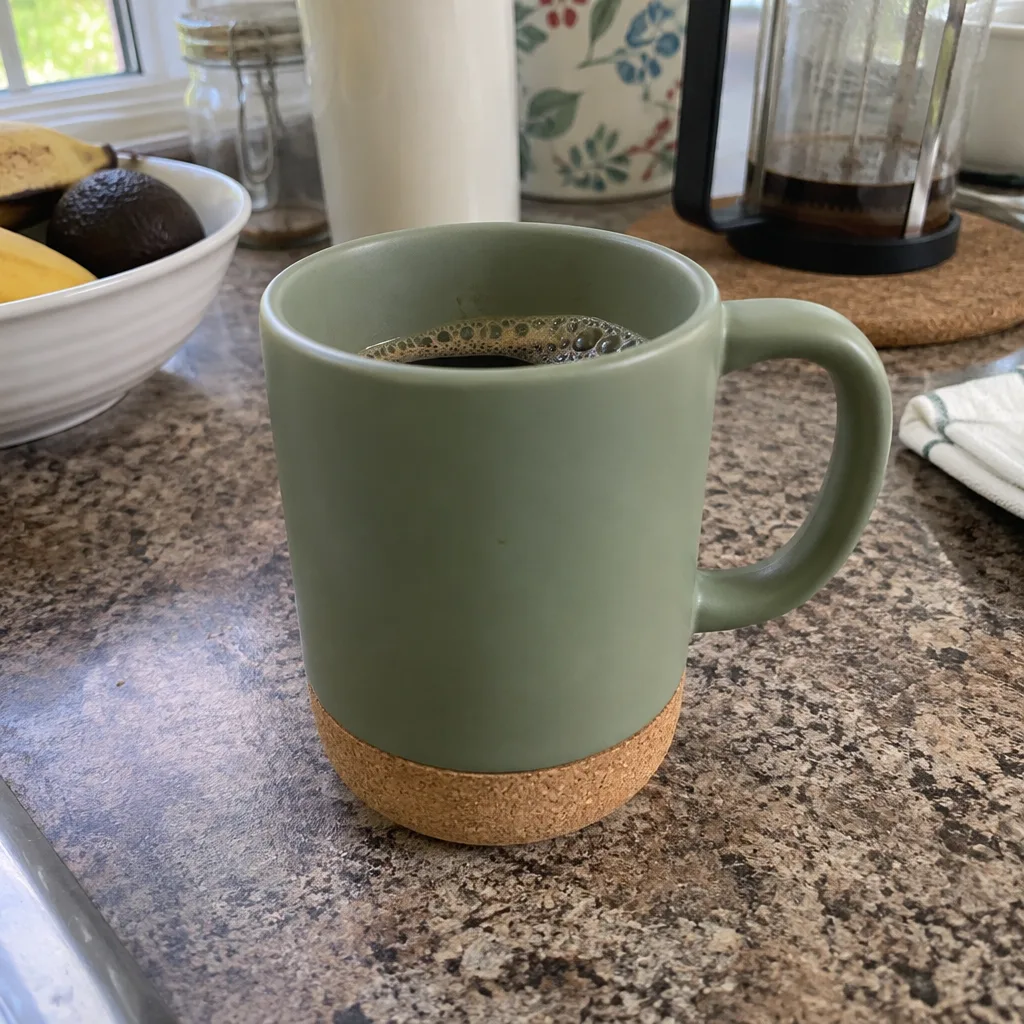
360° Product Spin
A full turntable rotation of your product from one photo.