
More tools
Custom Scene Still
Describe any setting in a sentence; the product is placed there as a still.
45 free credits on sign-up, enough for a short draft clip.
- 1Upload the product photo
- 2Describe the setting in a sentence
- 3Download or send the still into Custom Motion video
Went in
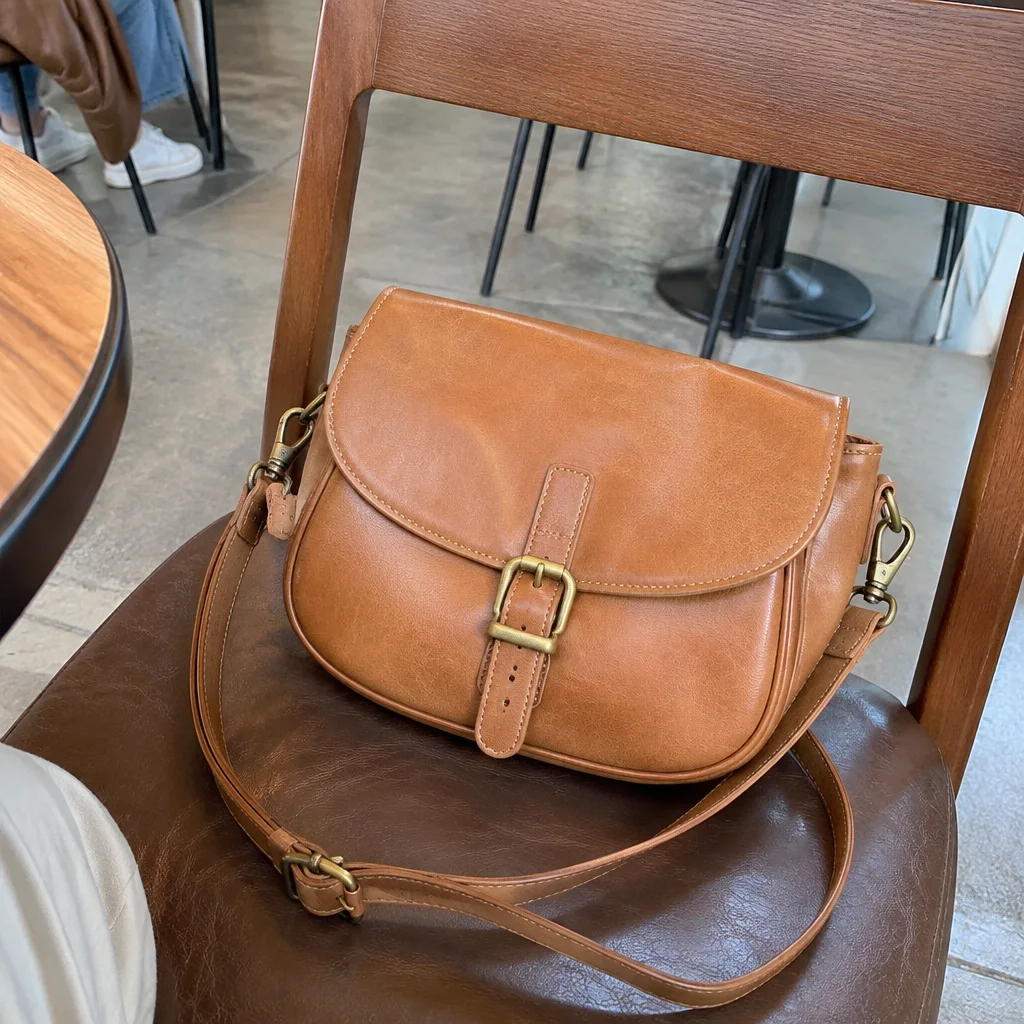
Came out
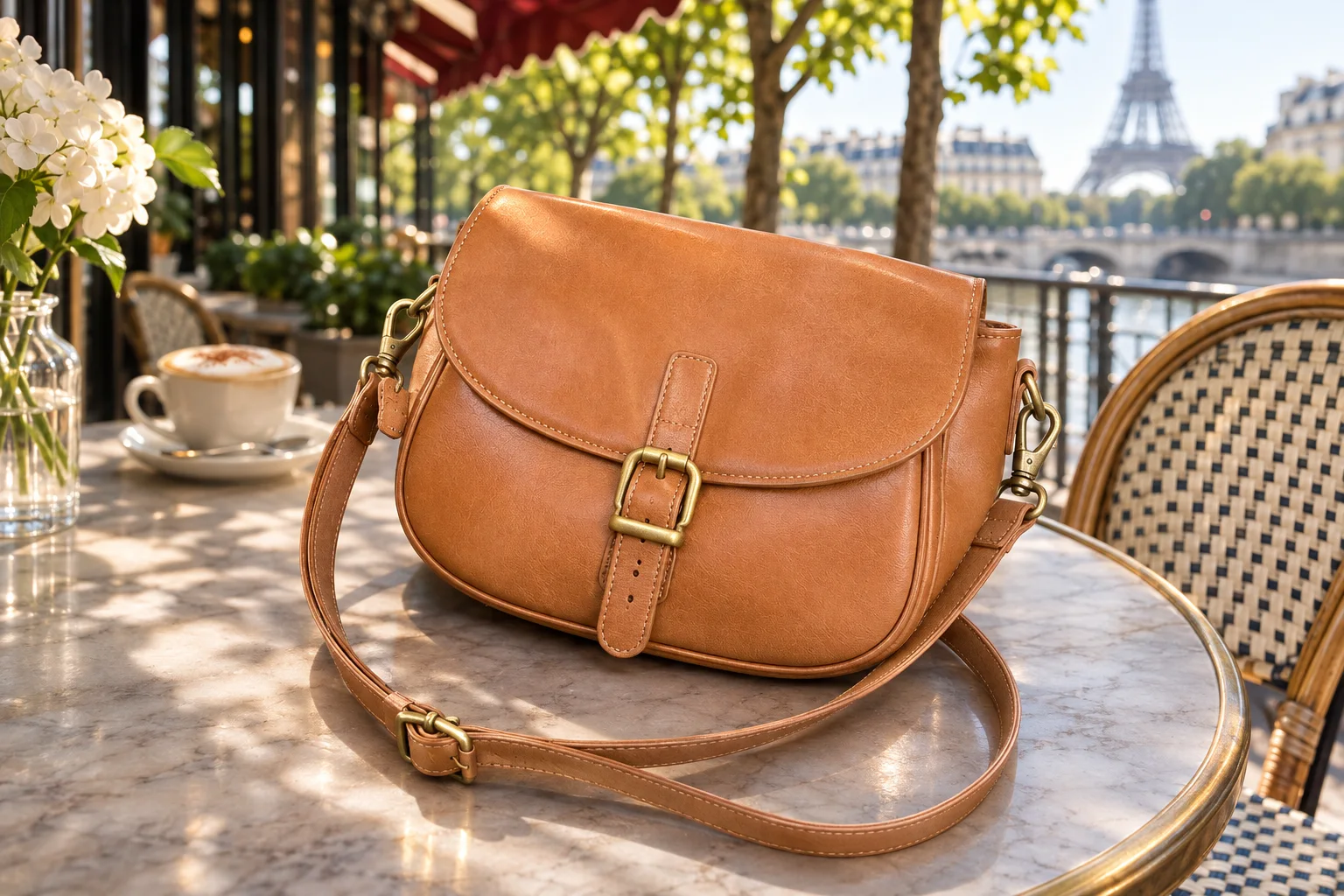
Rendered by this tool from the product photo shown on the left.
When none of the presets fit, write the set yourself. One sentence is enough: where the product sits, the time of day, the mood. The still places the product in that setting with contact shadows and reflections that match the light you described.
This is the still behind Custom Motion video's optional setting field, so a scene that works here can be reused as the opening frame of a clip with your own camera move. It also fills the gap for categories the presets do not cover — a surfboard on a dune, a lantern in a tent.
Keep the description about the place, not the product; the product itself is held as photographed. Add a ratio if you already know the shape the clip will need.
Credits
| Option | Credits | Good for |
|---|---|---|
| Standard | 4 | Quick stills and opening frames |
| Pro | 12 | Gallery and PDP stills |
| Max | 44 | Print and zoom |
Settings
- Product photo
- Describe the setting
- Output ratioSame as upload1:12:33:29:1616:93:44:34:5+6
- Output · Any shape, chosen under Output ratio
In the Studio
- Send any still into any video type without uploading again
- Length, shape, resolution and cost shown before you render
- Opening frame and clip both kept in your library
- Draft 360p previews; 720p, 1080p and 4K renders
About this video type
Also try
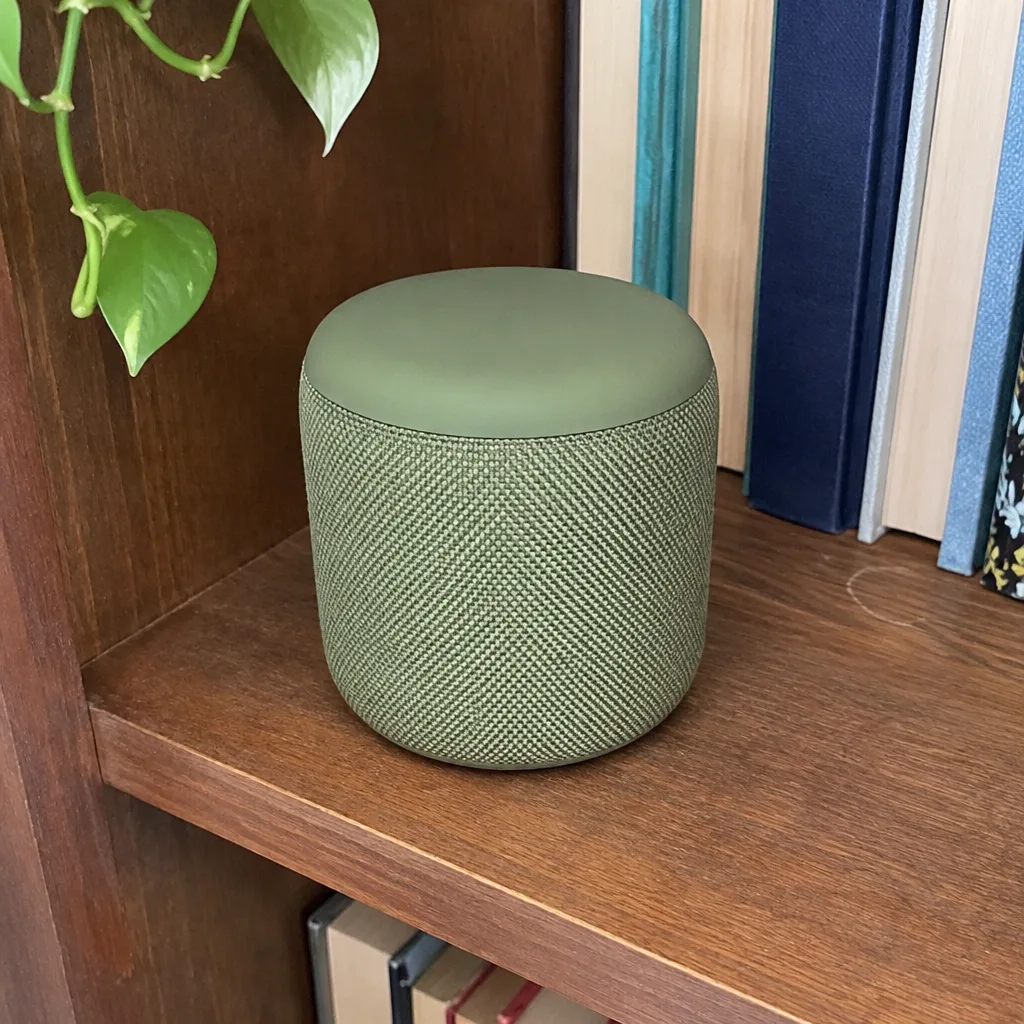
Custom Motion
Describe the move yourself; optionally describe a new setting too.
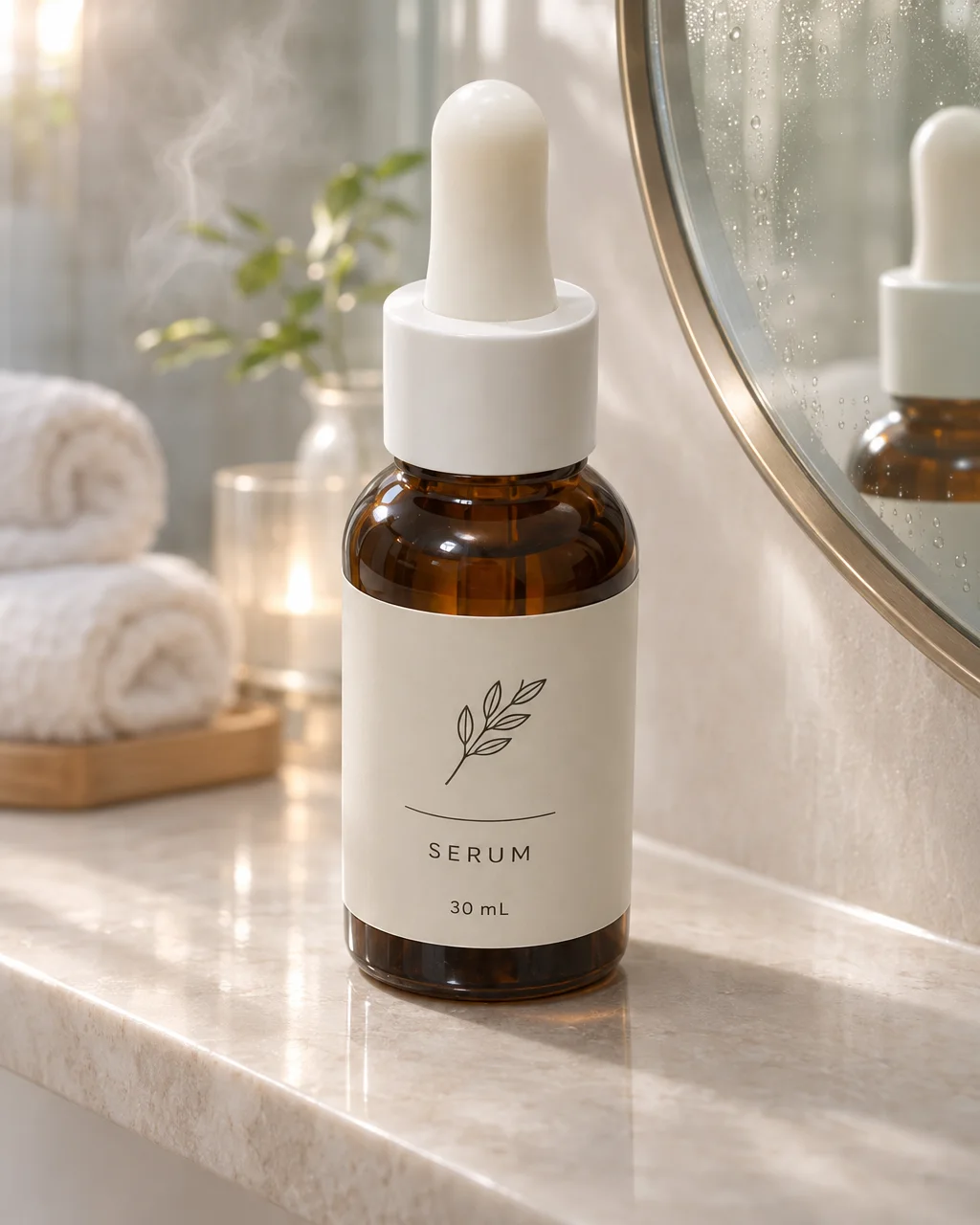
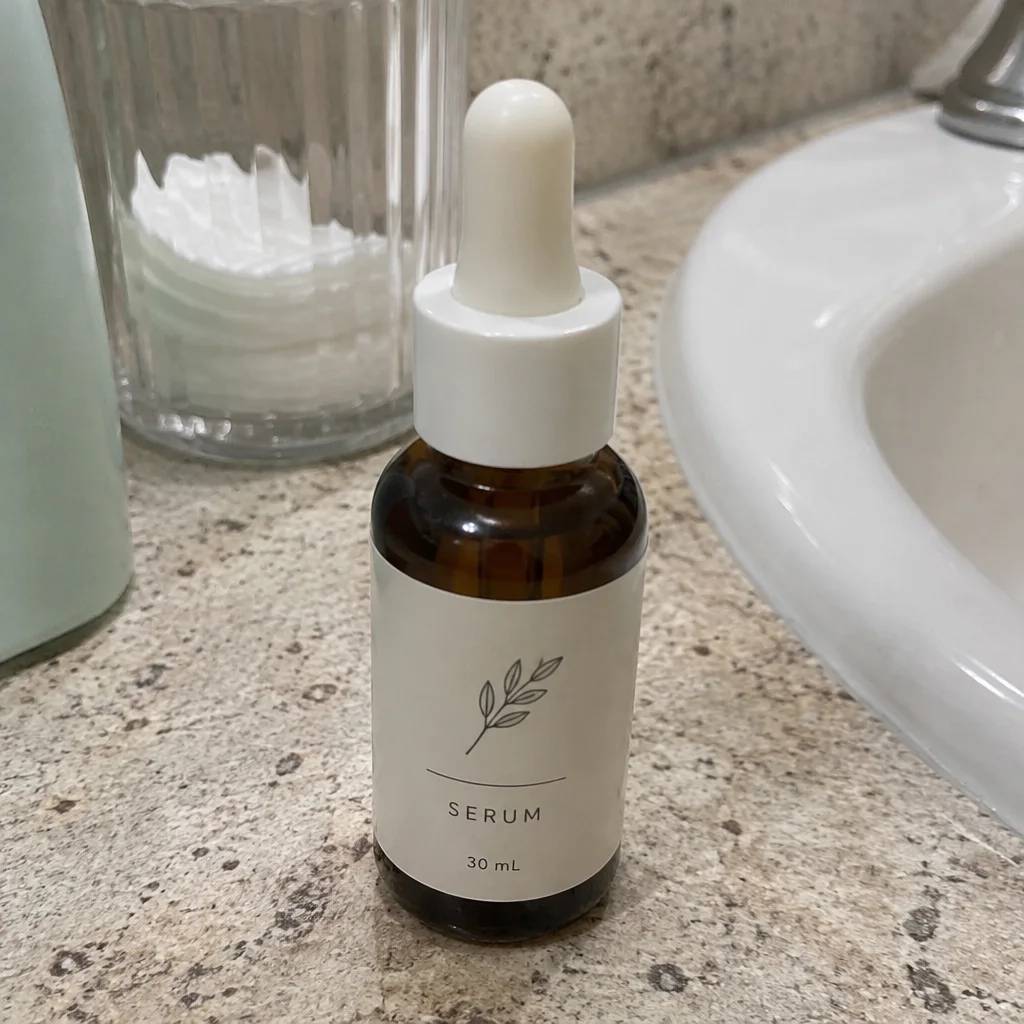
Lifestyle Still
The product placed in one of fifteen real-world scenes, as a still.
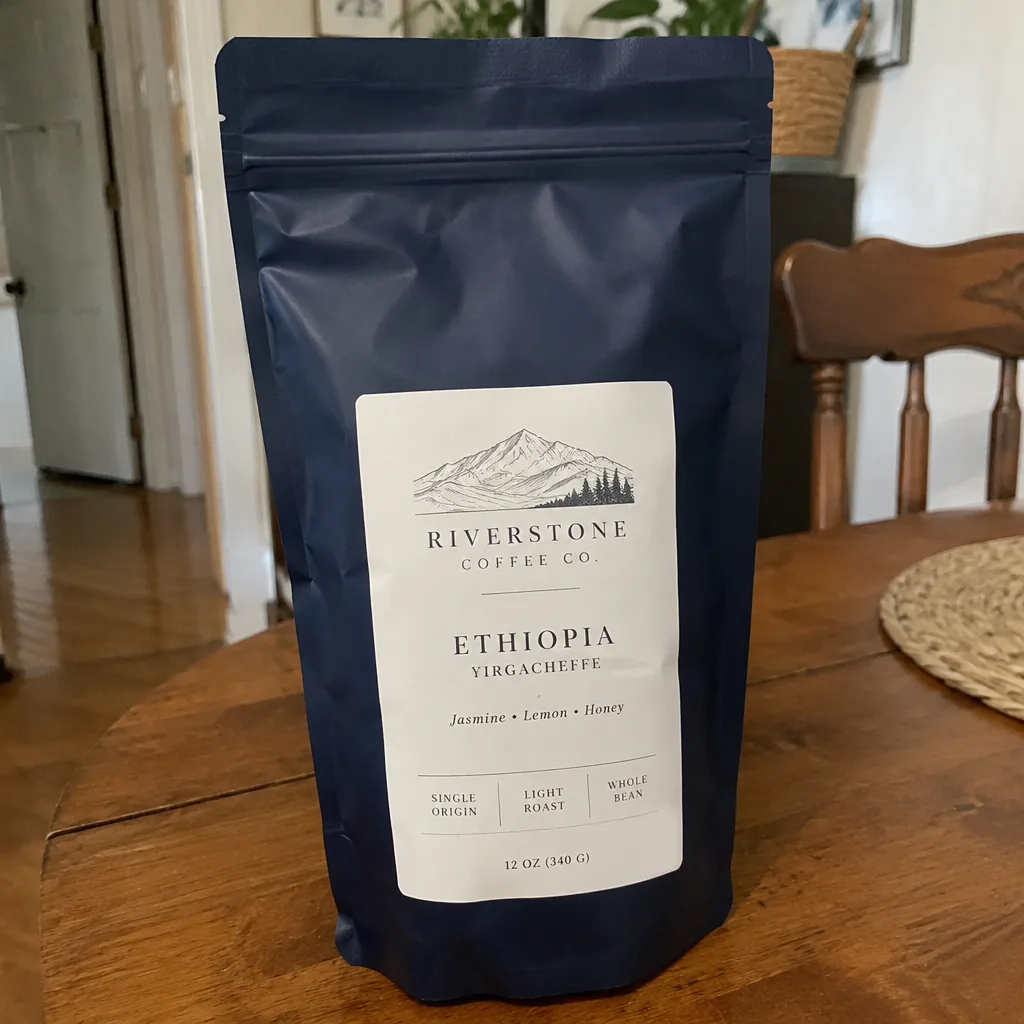
Lifestyle Scene Video
B-roll of your product in a kitchen, cafe, beach, gym or eleven other scenes.
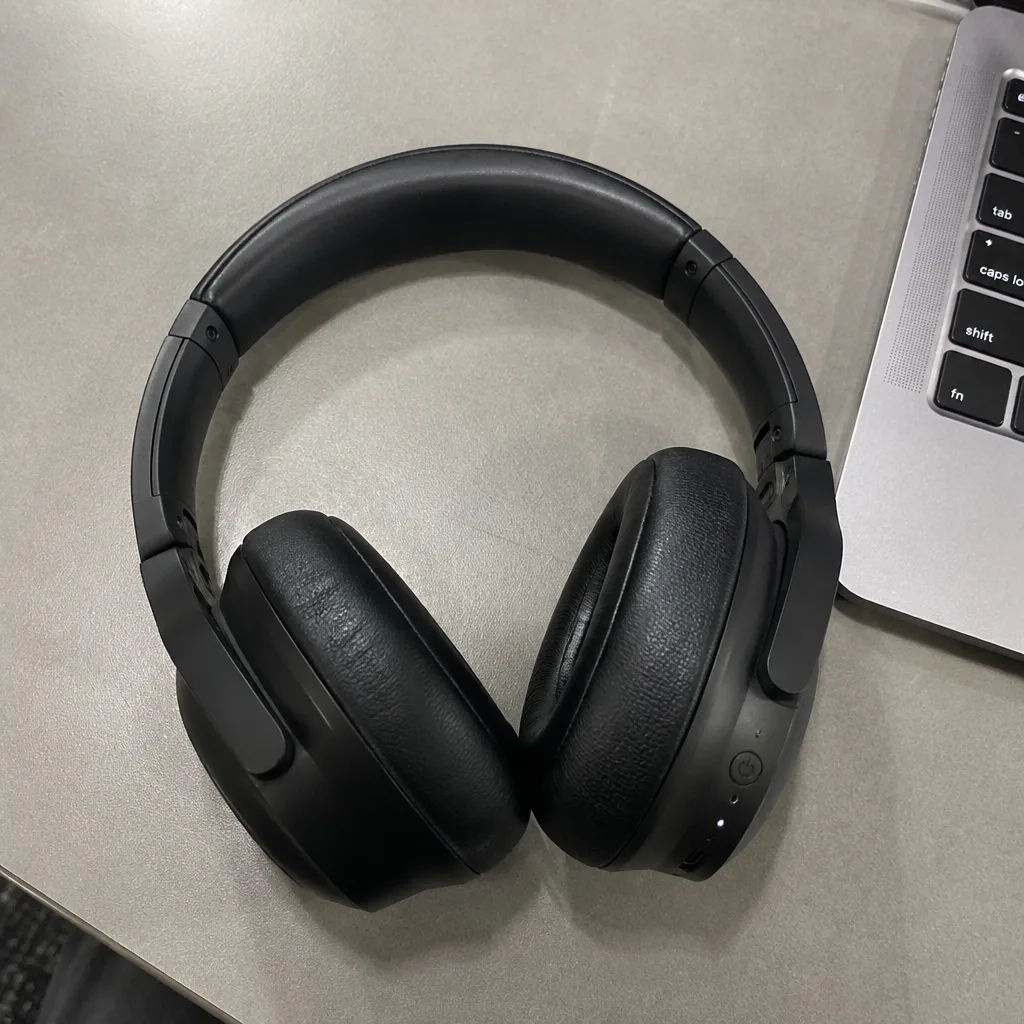
Hero Reveal
A launch-style reveal: light sweeps across the product as the camera pushes in.