
Stills
Lifestyle Still
The product placed in one of fifteen real-world scenes, as a still.
45 free credits on sign-up, enough for a short draft clip.
- 1Upload the product photo
- 2Choose a scene and, if you like, add a detail
- 3Download or send the still into a video type
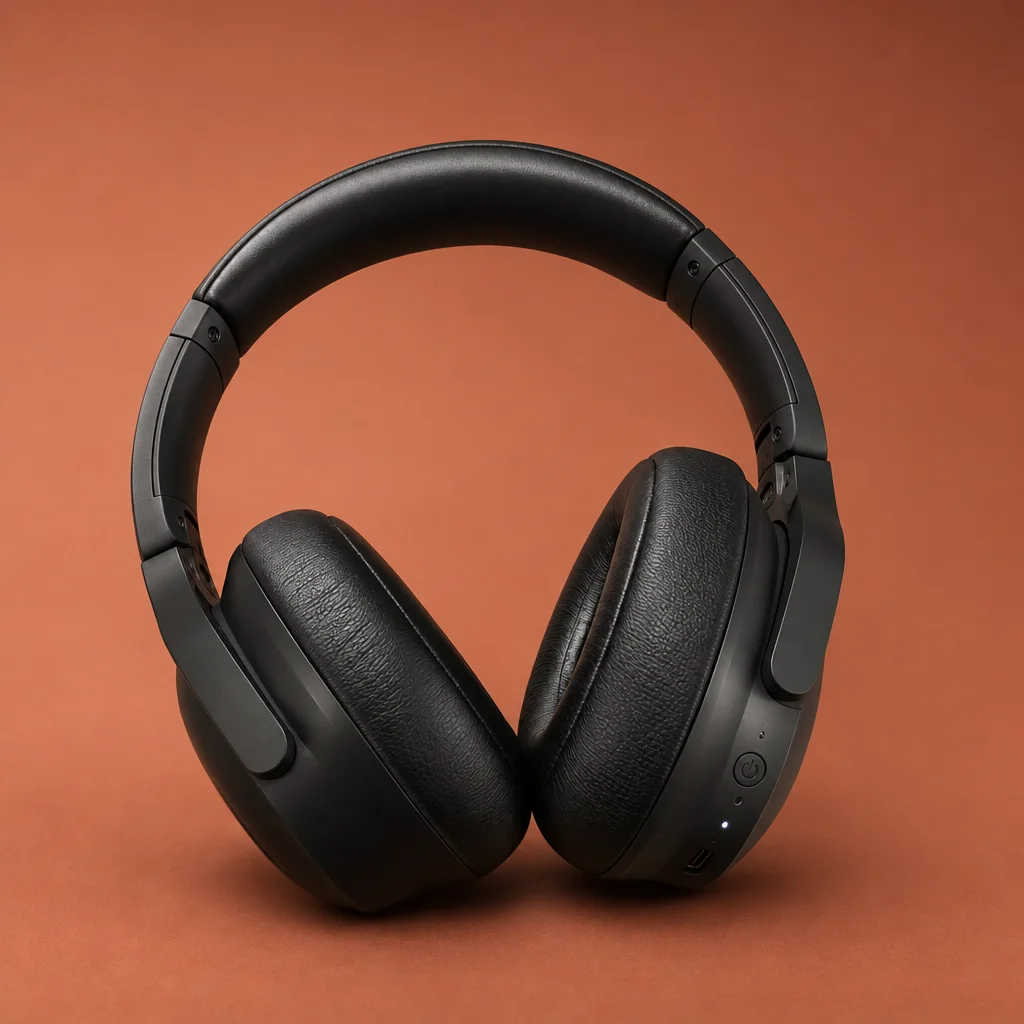
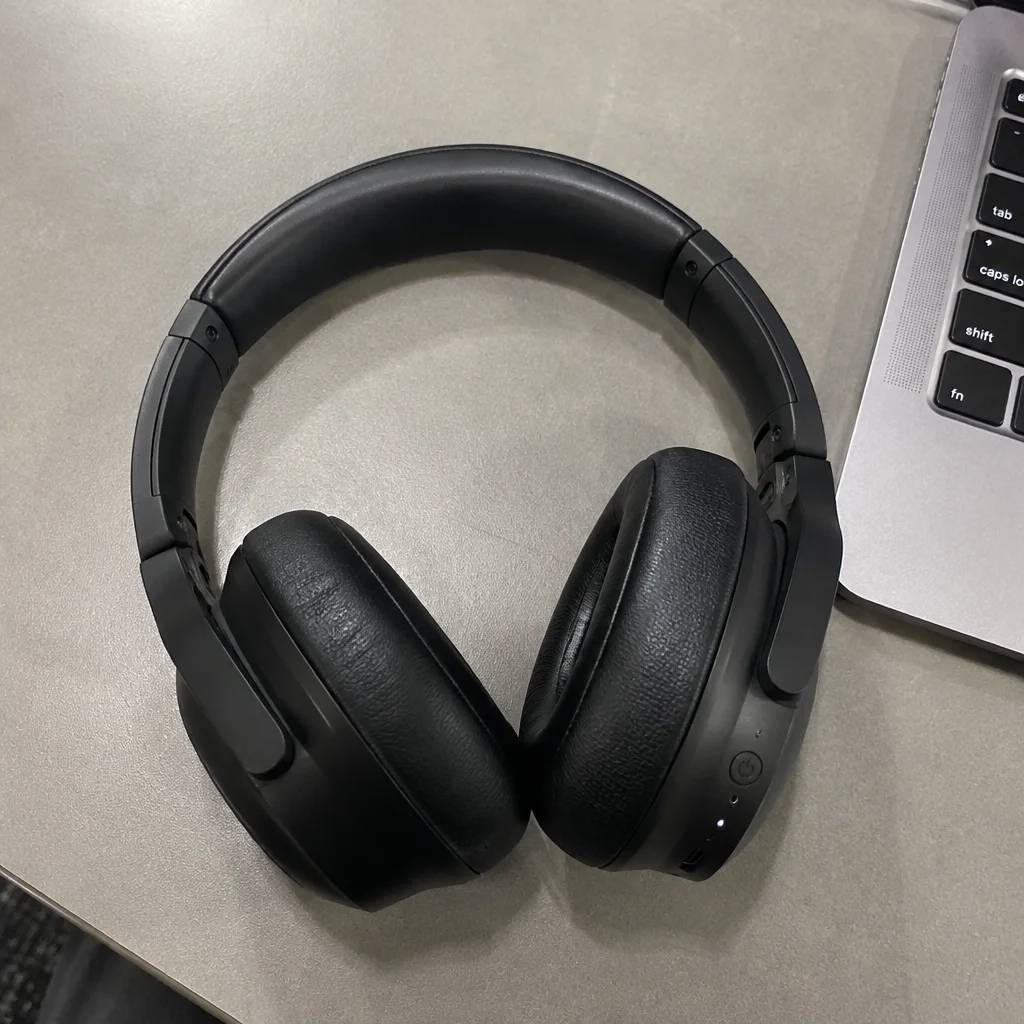
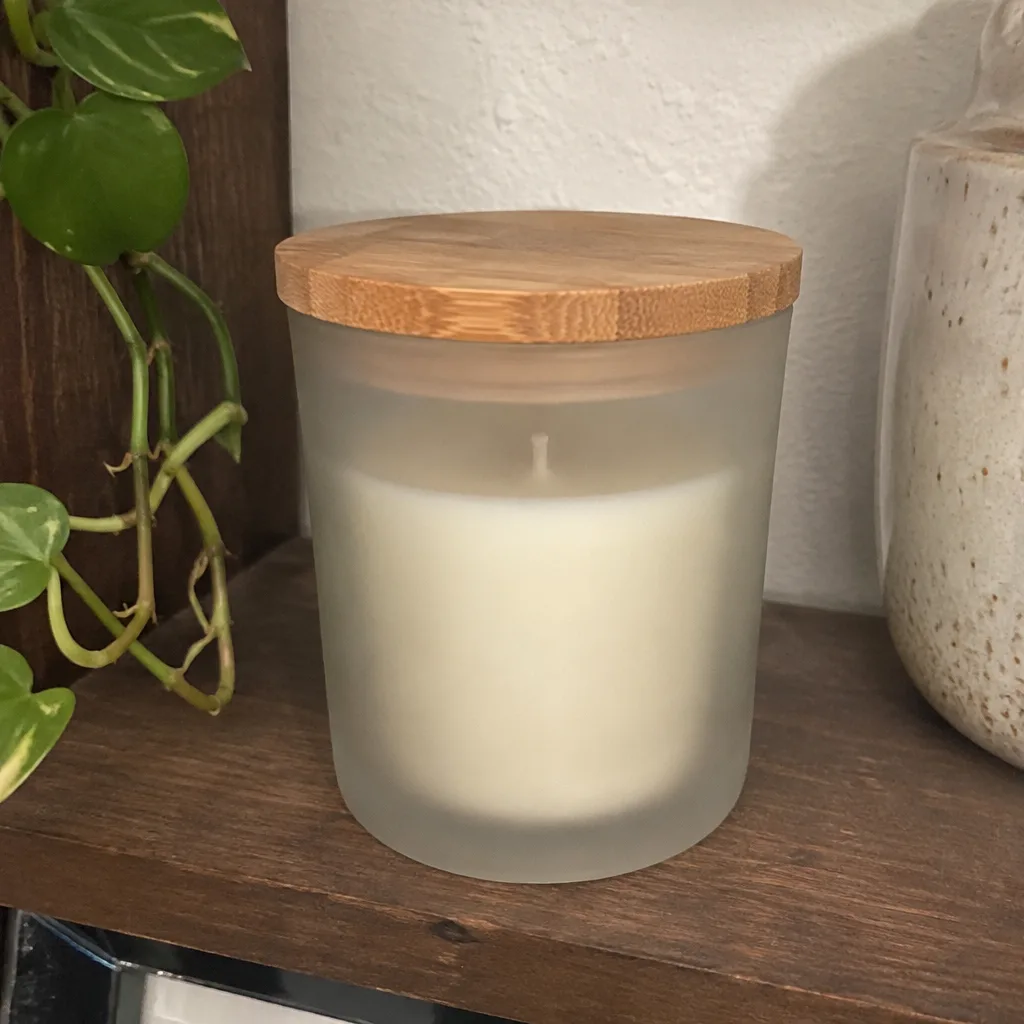
Went in

Came out

Rendered by this tool from the product photo shown on the left.
Fifteen scene presets — kitchen, bathroom shelf, picnic, office desk, neon, boutique and more — each with its own surface, light and depth of field. Upload the product photo, pick a scene, and the still shows the item sitting there as if it had been shot on location.
The still is a good way to audition a setting before spending video credits on it: render the scene for 4 credits, check the product and the mood, then send it into Lifestyle Scene Video or Make clip. The clip starts from exactly that frame.
A short note in Scene details adds a prop or a detail — a linen napkin, a sprig of rosemary — without replacing the preset. The output follows the ratio of your upload unless you pick one from the list.
Credits
| Option | Credits | Good for |
|---|---|---|
| Standard | 4 | Quick stills and opening frames |
| Pro | 12 | Gallery and PDP stills |
| Max | 44 | Print and zoom |
Settings
- Product photo
- SceneMarble KitchenWooden TableBathroom ShelfOutdoor PicnicStudio GradientBeachOffice DeskGymLiving Room+6
- Scene details (optional)
- Output ratioSame as upload1:12:33:29:1616:93:44:34:5+6
- Output · Any shape, chosen under Output ratio
In the Studio
- Send any still into any video type without uploading again
- Length, shape, resolution and cost shown before you render
- Opening frame and clip both kept in your library
- Draft 360p previews; 720p, 1080p and 4K renders
About this video type
Also try

Lifestyle Scene Video
B-roll of your product in a kitchen, cafe, beach, gym or eleven other scenes.
Studio Backdrop Still
Re-shoot the product on fourteen studio backdrops, as a still.
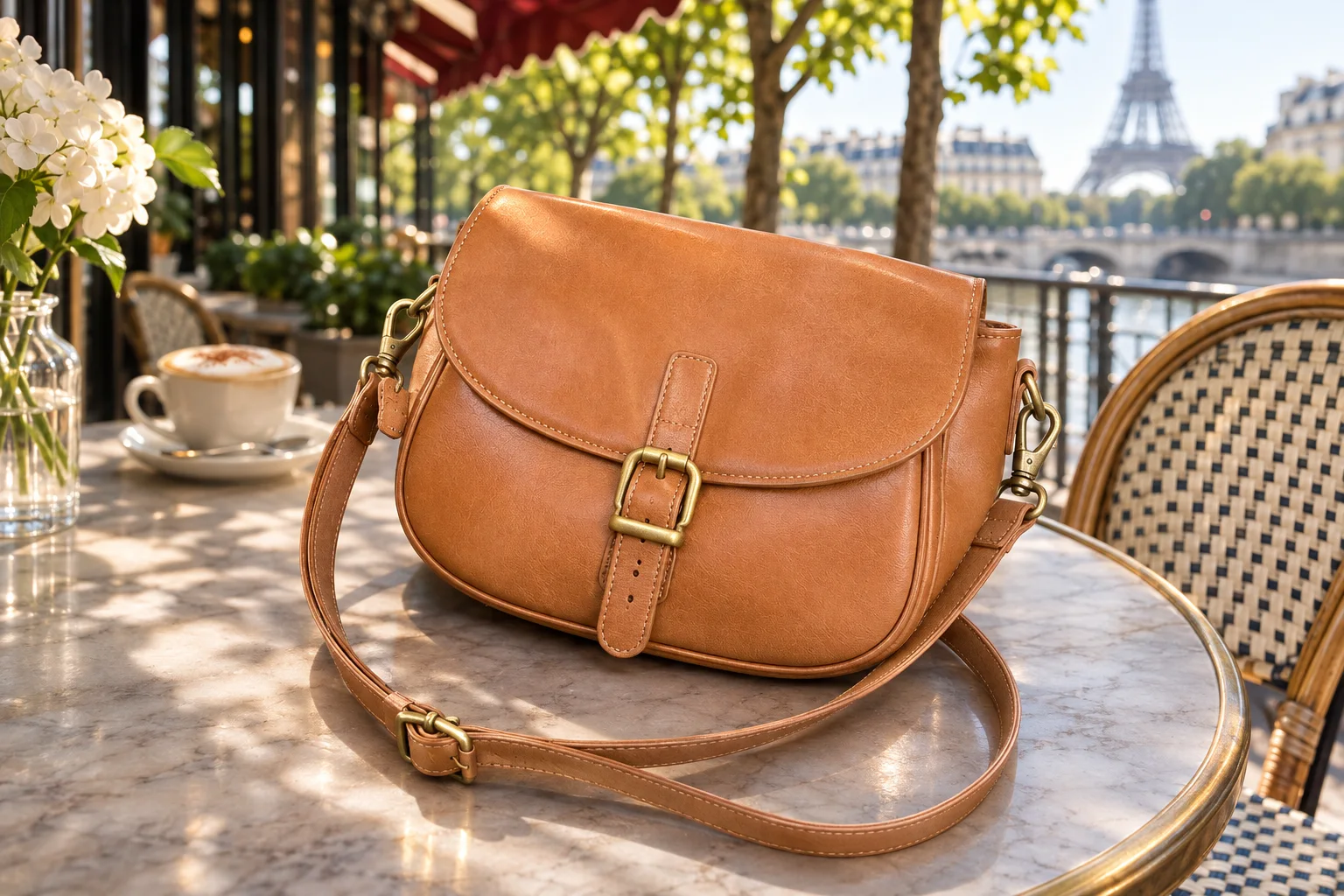
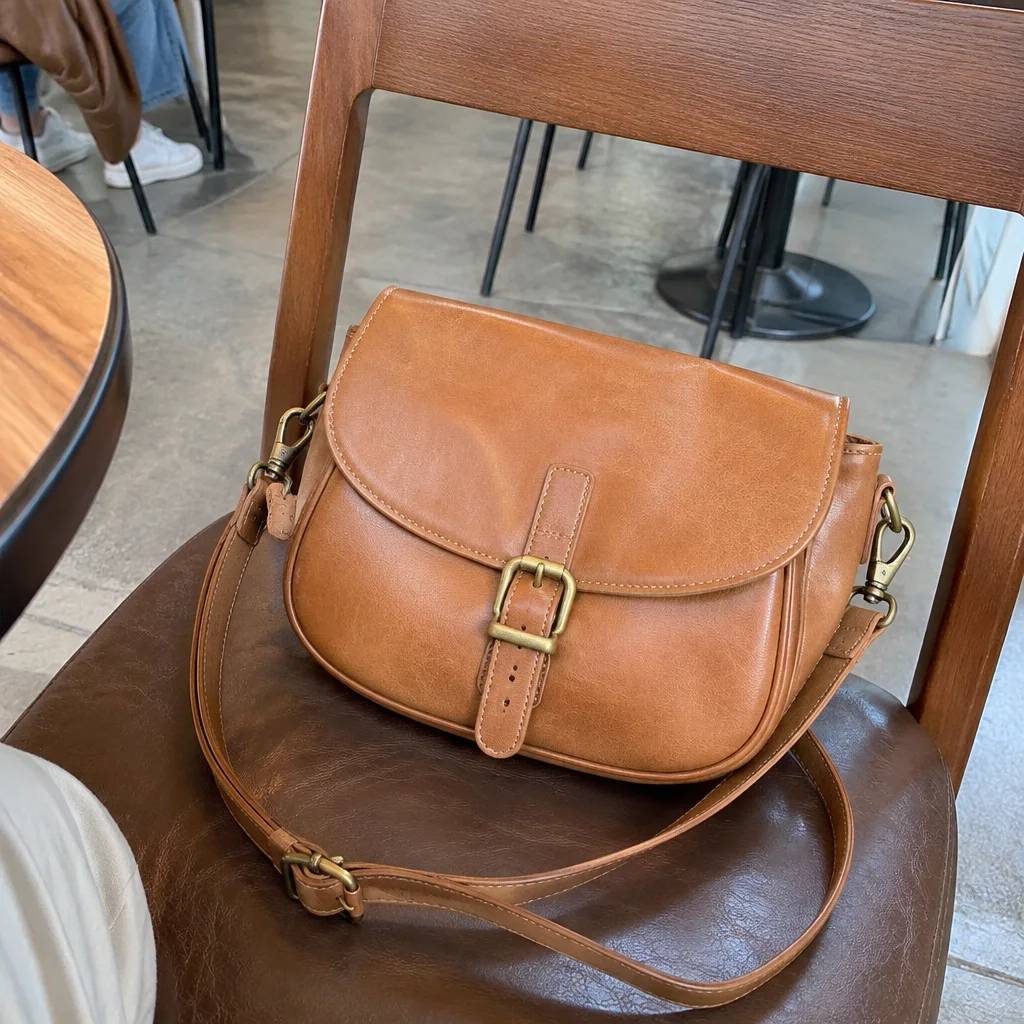
Custom Scene Still
Describe any setting in a sentence; the product is placed there as a still.
Seasonal Product Video
Holiday and seasonal clips: snow, petals, confetti, summer light.