
Stills
Studio Backdrop Still
Re-shoot the product on fourteen studio backdrops, as a still.
45 free credits on sign-up, enough for a short draft clip.
- 1Upload the product photo
- 2Pick a backdrop and output ratio
- 3Download or send the still into a video type
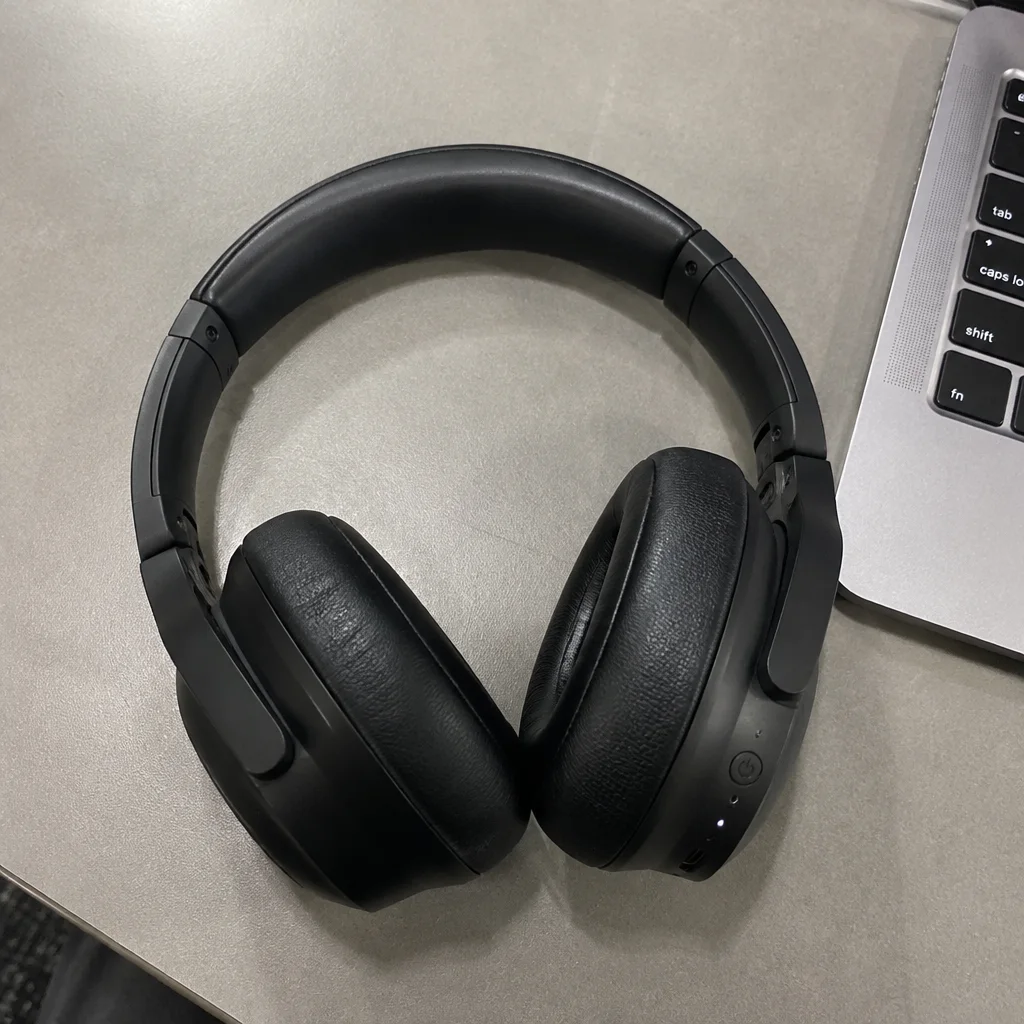
Went in
Came out
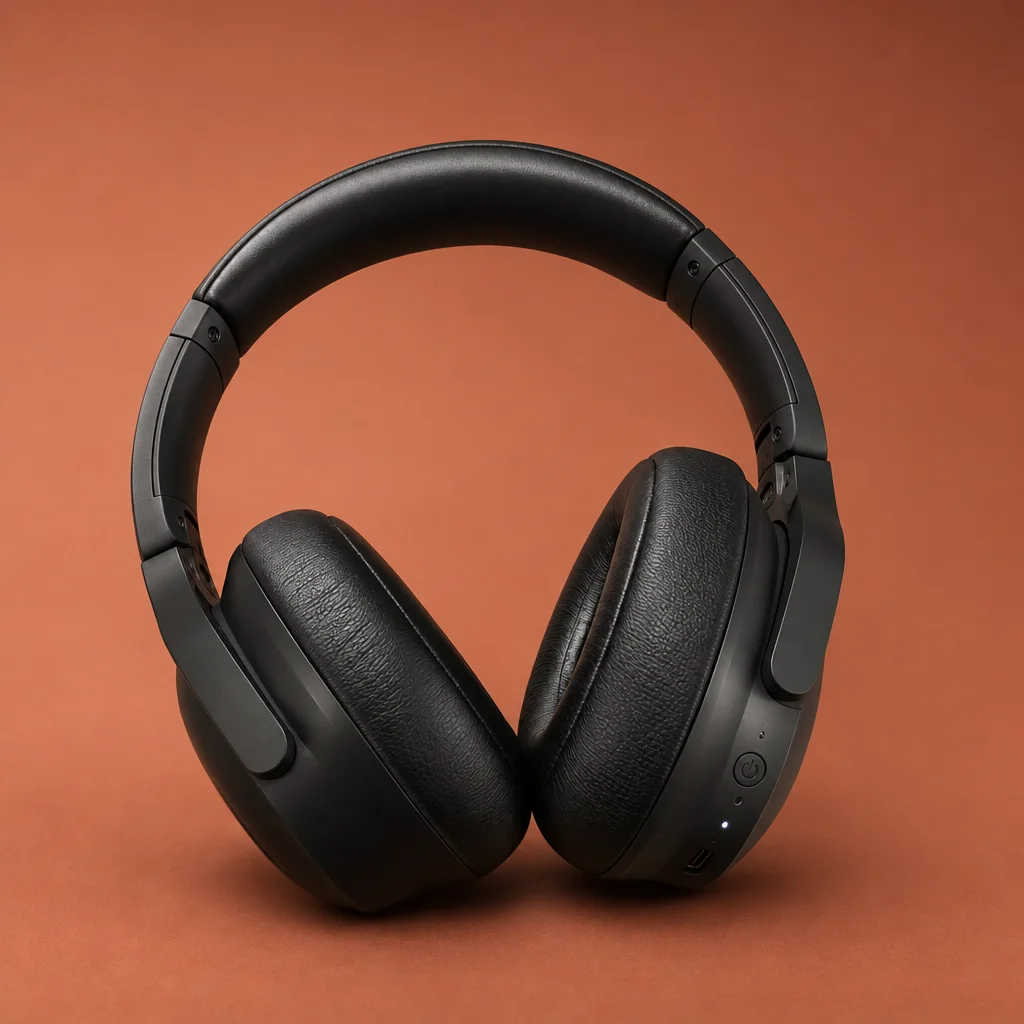
Rendered by this tool from the product photo shown on the left.
A studio backdrop is the neutral stage for a product video: no story, just the item on a seamless sweep under softbox light. This tool renders that stage as a still in fourteen colors and surfaces, from pure white to deep velvet to a reflective acrylic floor.
Sellers use it two ways. As a listing image, a colored sweep separates a product from the sea of white main images in a gallery. As a video starting point, the still goes into Studio Backdrop Video or Make clip and the clip inherits the exact backdrop and light.
The product is held as photographed; the backdrop, surface and shadow are what change. A Standard still is 4 credits. Run the same product on several backdrops to pick the one that suits its color before rendering clips.
Credits
| Option | Credits | Good for |
|---|---|---|
| Standard | 4 | Quick stills and opening frames |
| Pro | 12 | Gallery and PDP stills |
| Max | 44 | Print and zoom |
Settings
- Product photo
- BackdropWhiteBlackGreyBeigeBlushSageNavyTerracottaGradient+5
- Output ratioSame as upload1:12:33:29:1616:93:44:34:5+6
- Output · Any shape, chosen under Output ratio
In the Studio
- Send any still into any video type without uploading again
- Length, shape, resolution and cost shown before you render
- Opening frame and clip both kept in your library
- Draft 360p previews; 720p, 1080p and 4K renders
About this video type
Also try
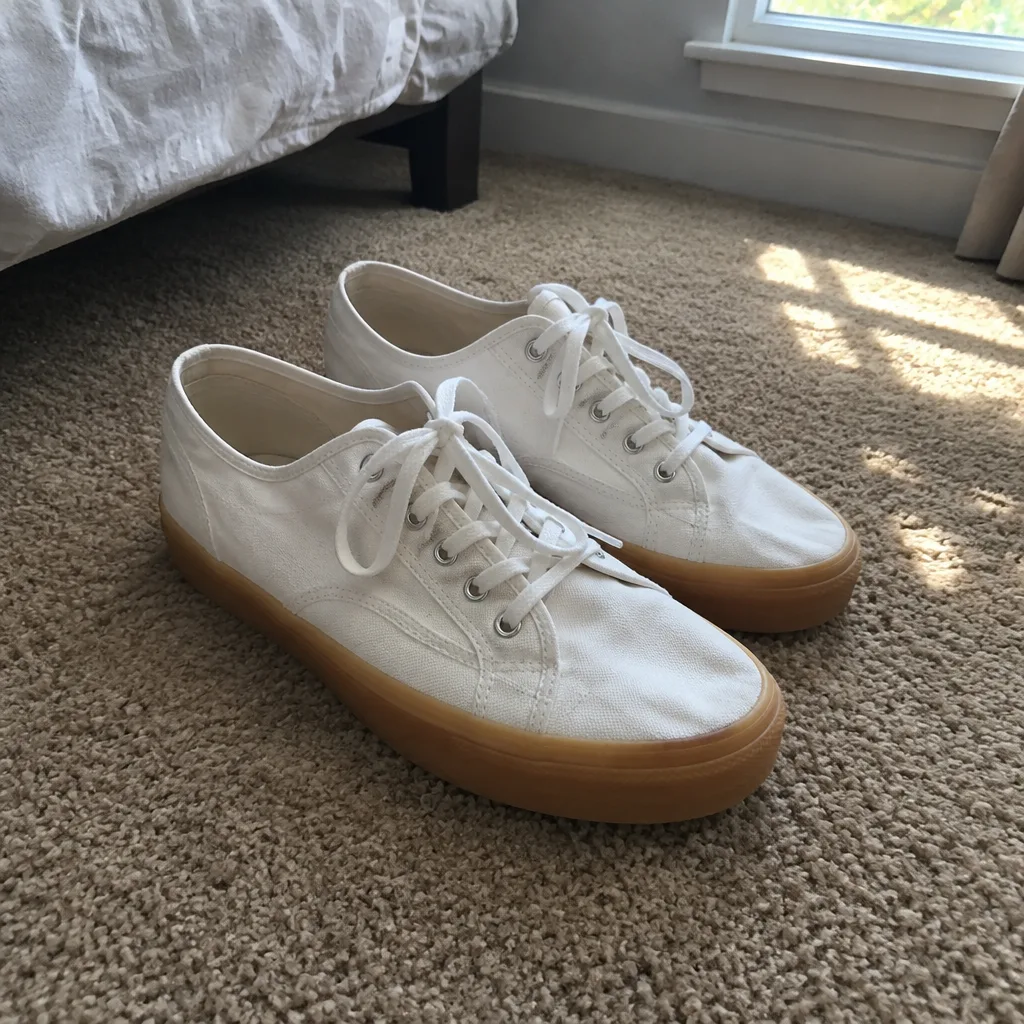
Studio Backdrop Video
A catalog-grade camera move on a seamless studio backdrop.
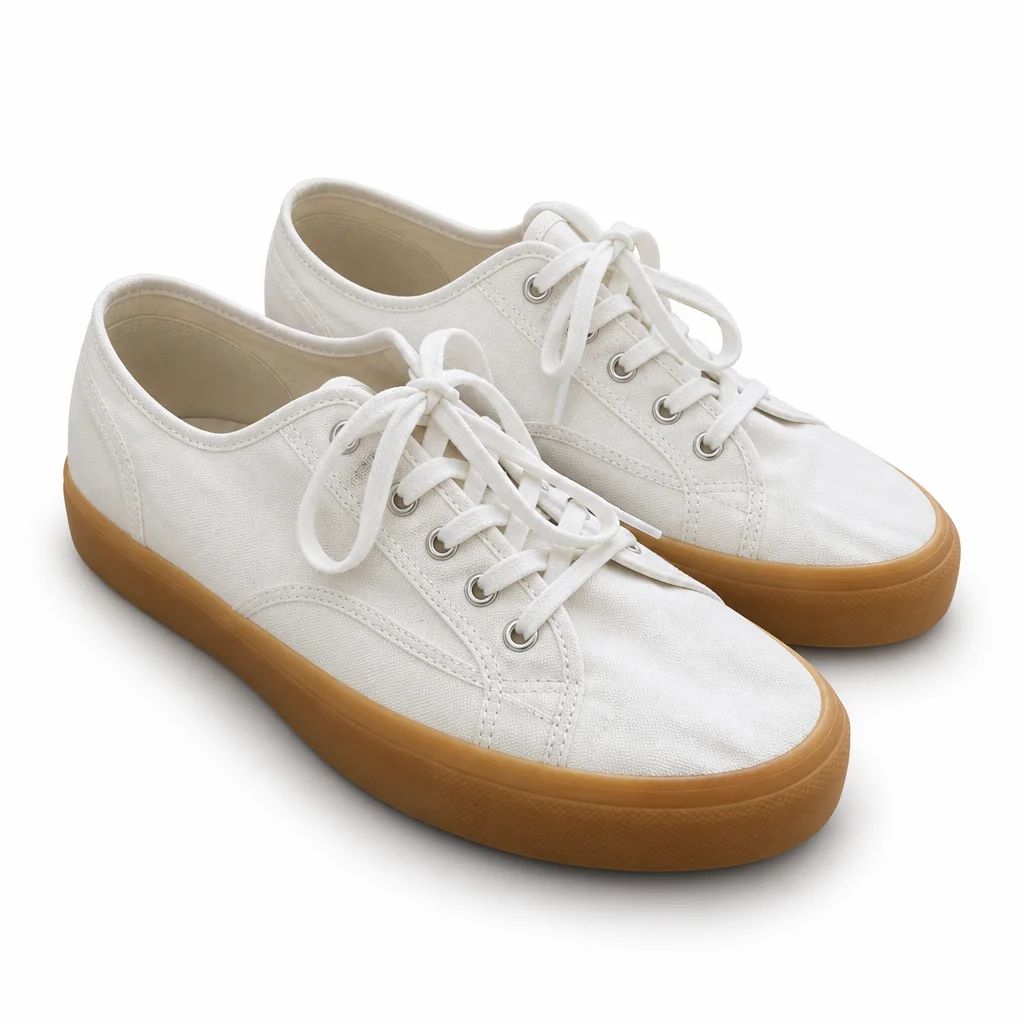
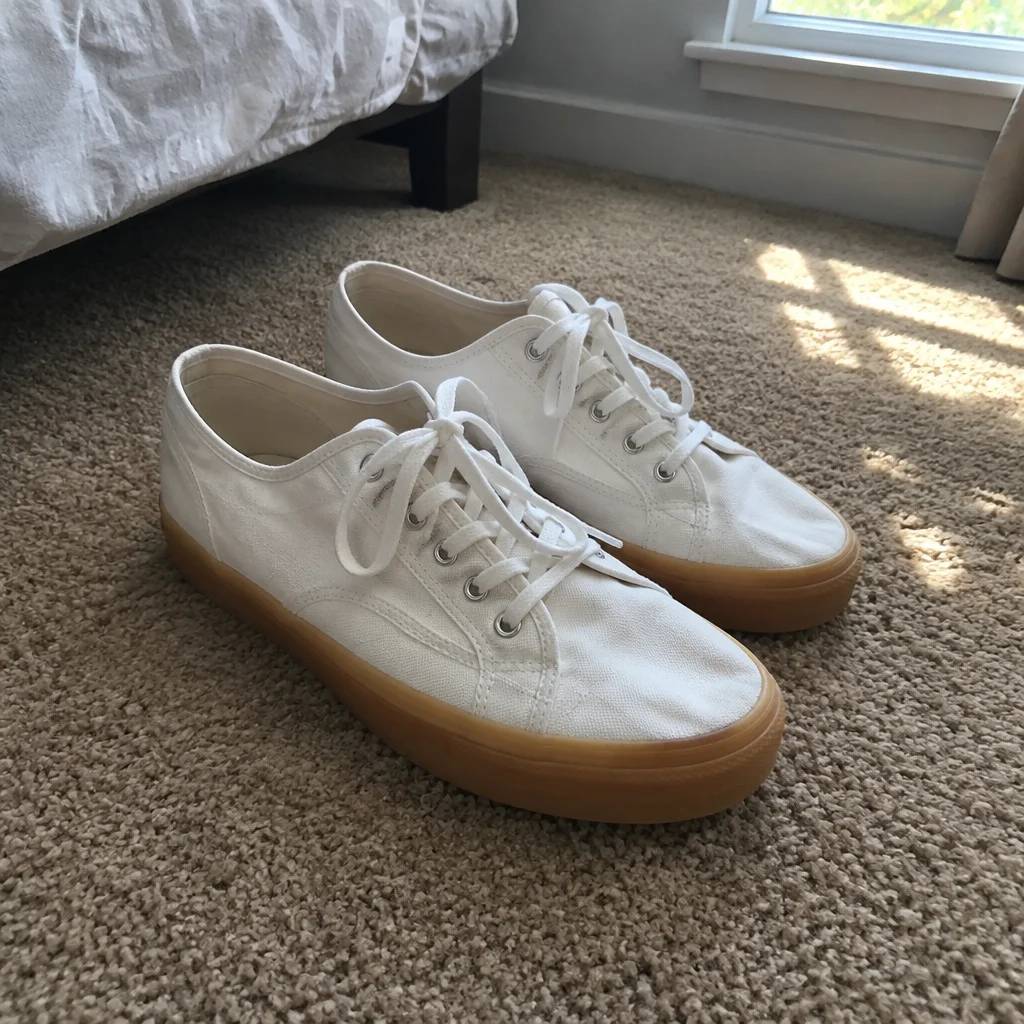
White Background Still
A clean white still of the product, ready to animate or list.
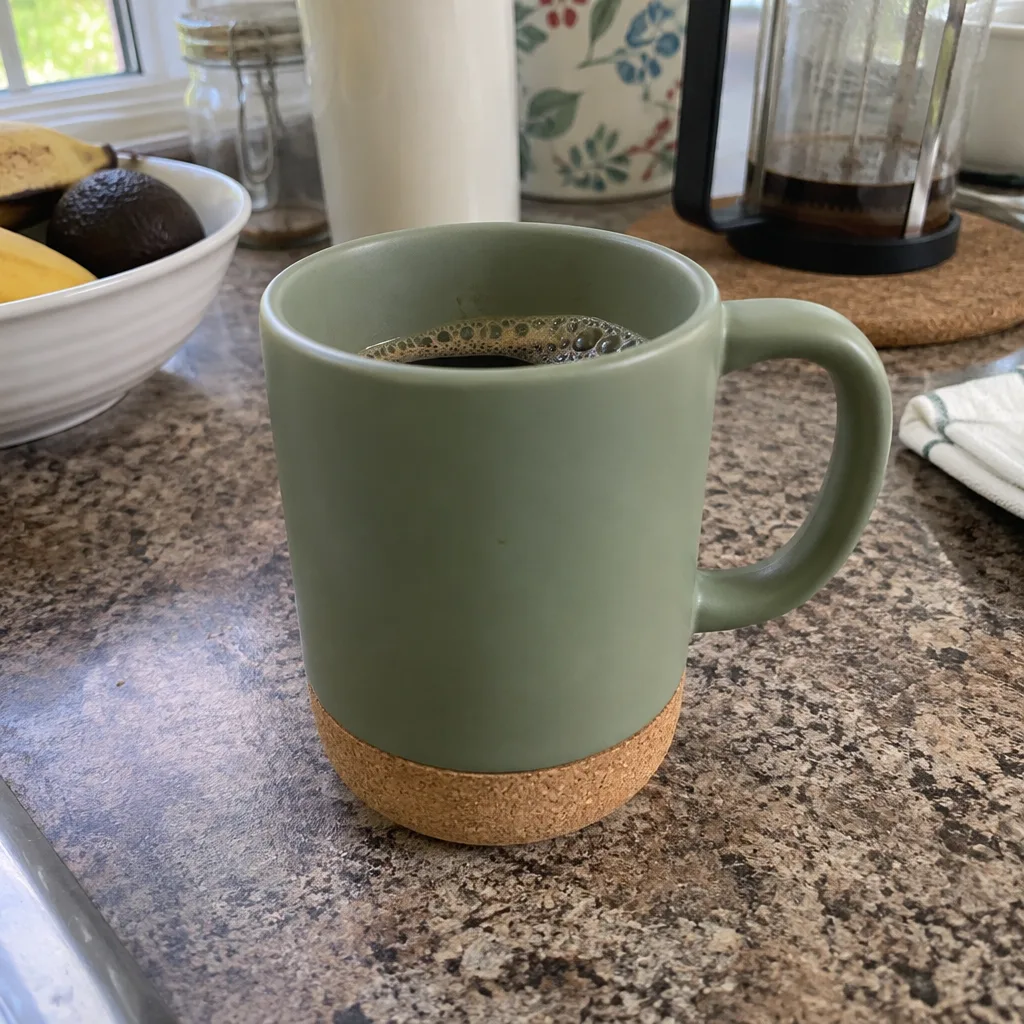
360° Product Spin
A full turntable rotation of your product from one photo.
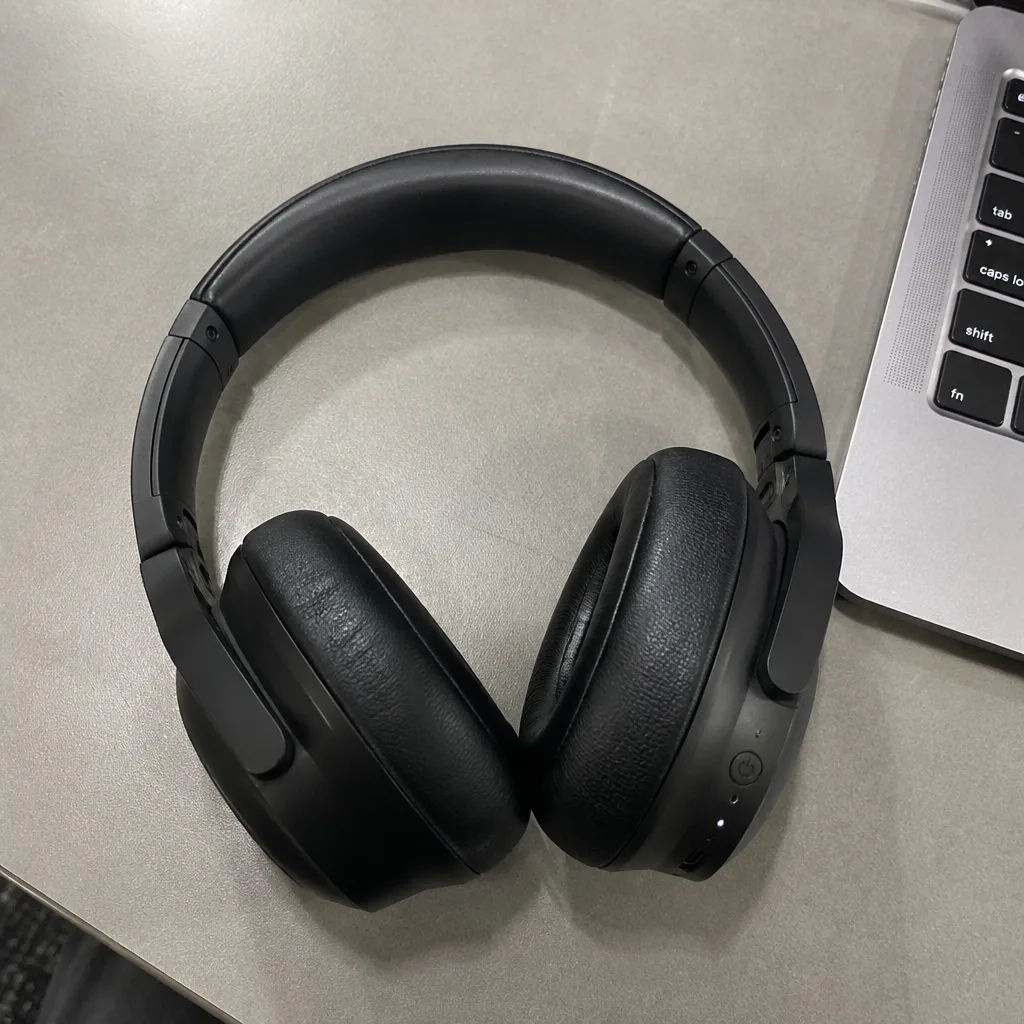
Hero Reveal
A launch-style reveal: light sweeps across the product as the camera pushes in.