
Stills
White Background Still
A clean white still of the product, ready to animate or list.
45 free credits on sign-up, enough for a short draft clip.
- 1Upload one photo with the whole product in frame
- 2Pick a shadow and the output ratio
- 3Download, or send the still into a video type
Went in
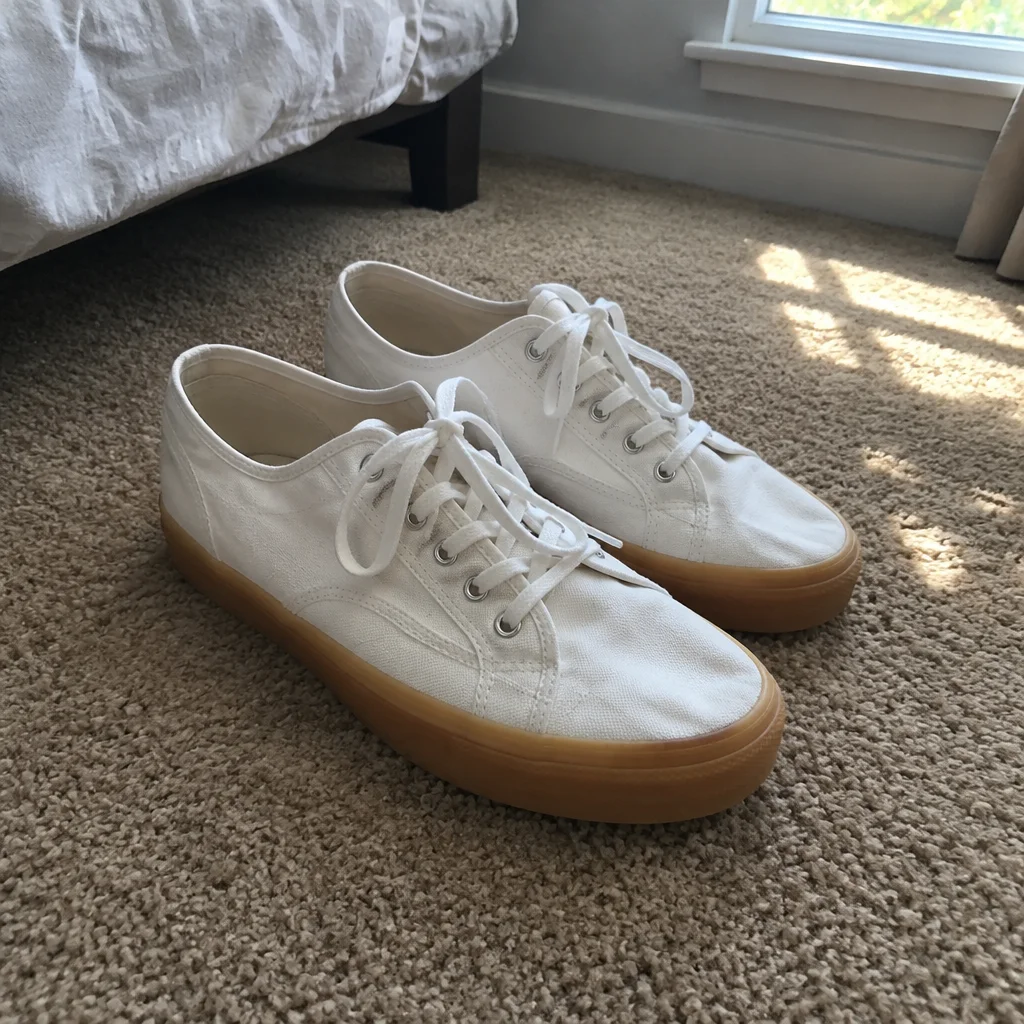
Came out
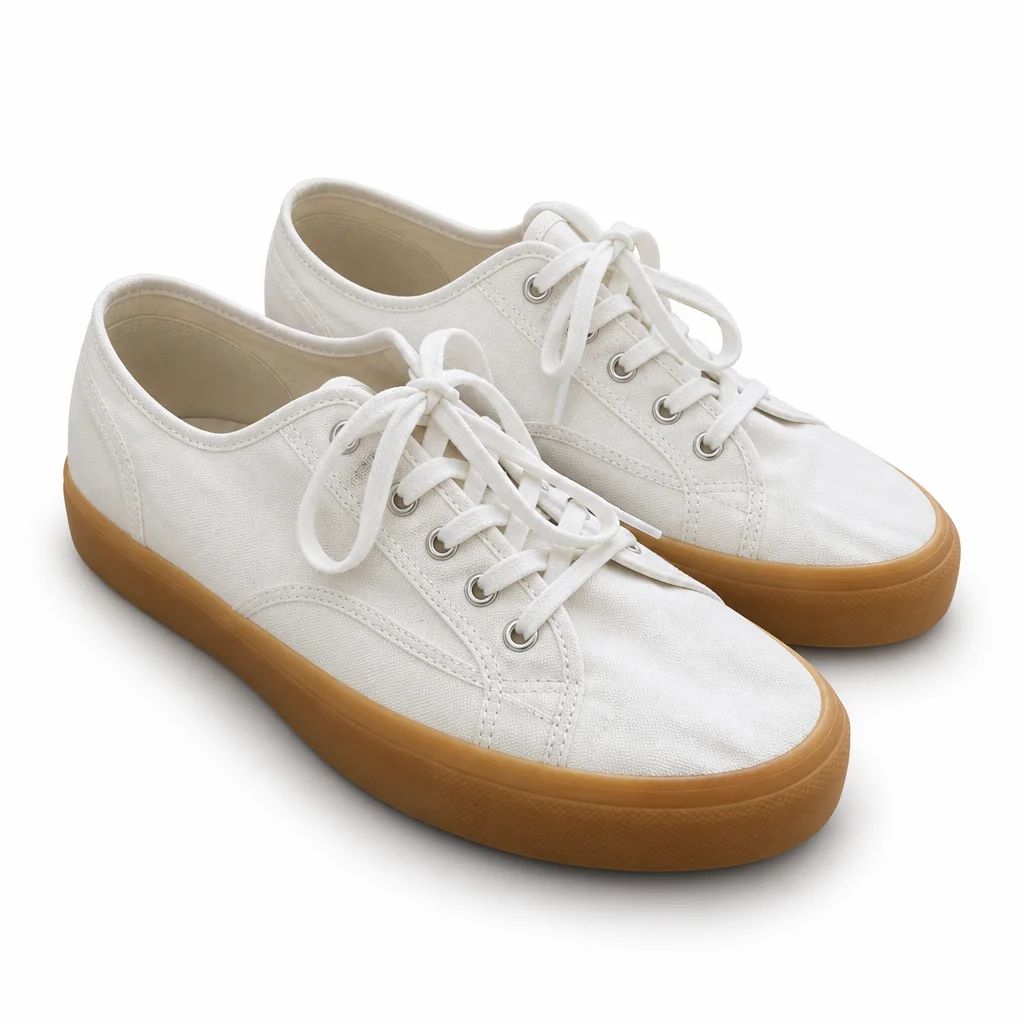
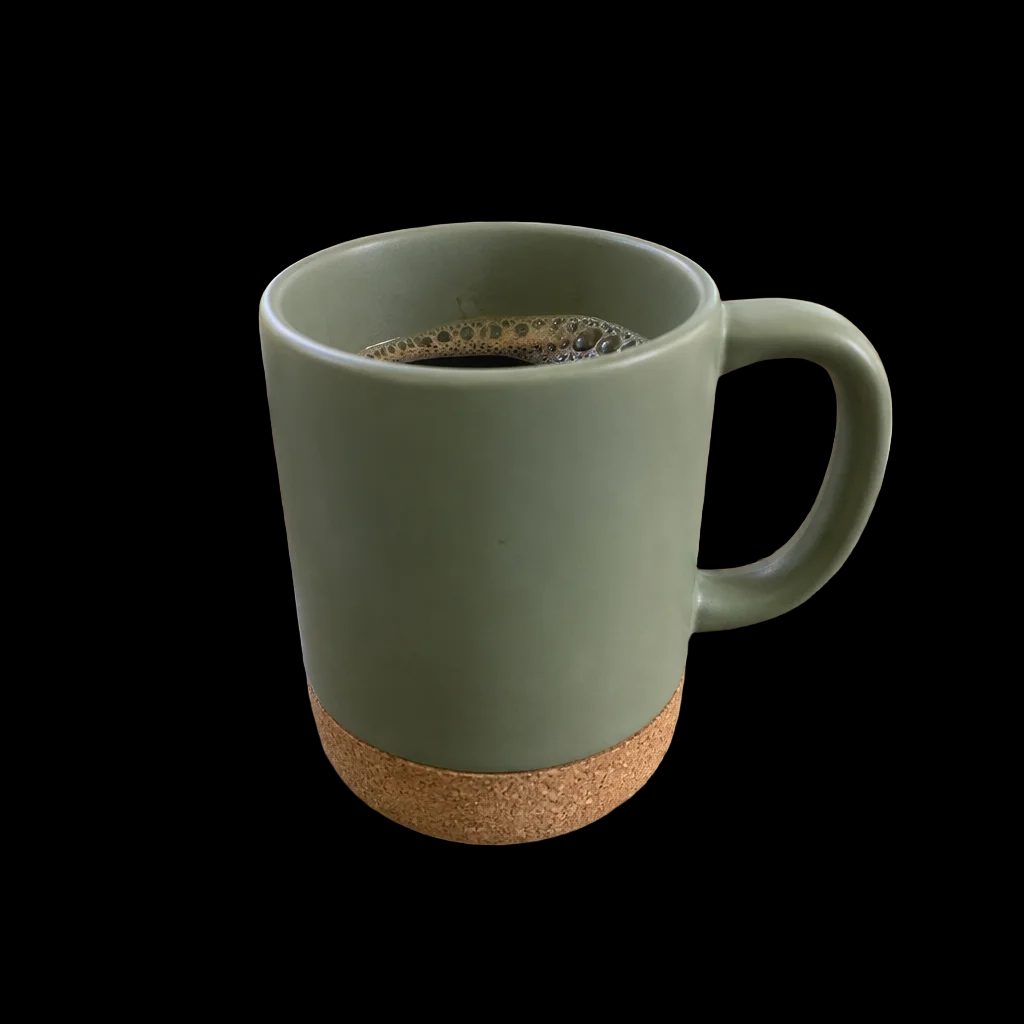
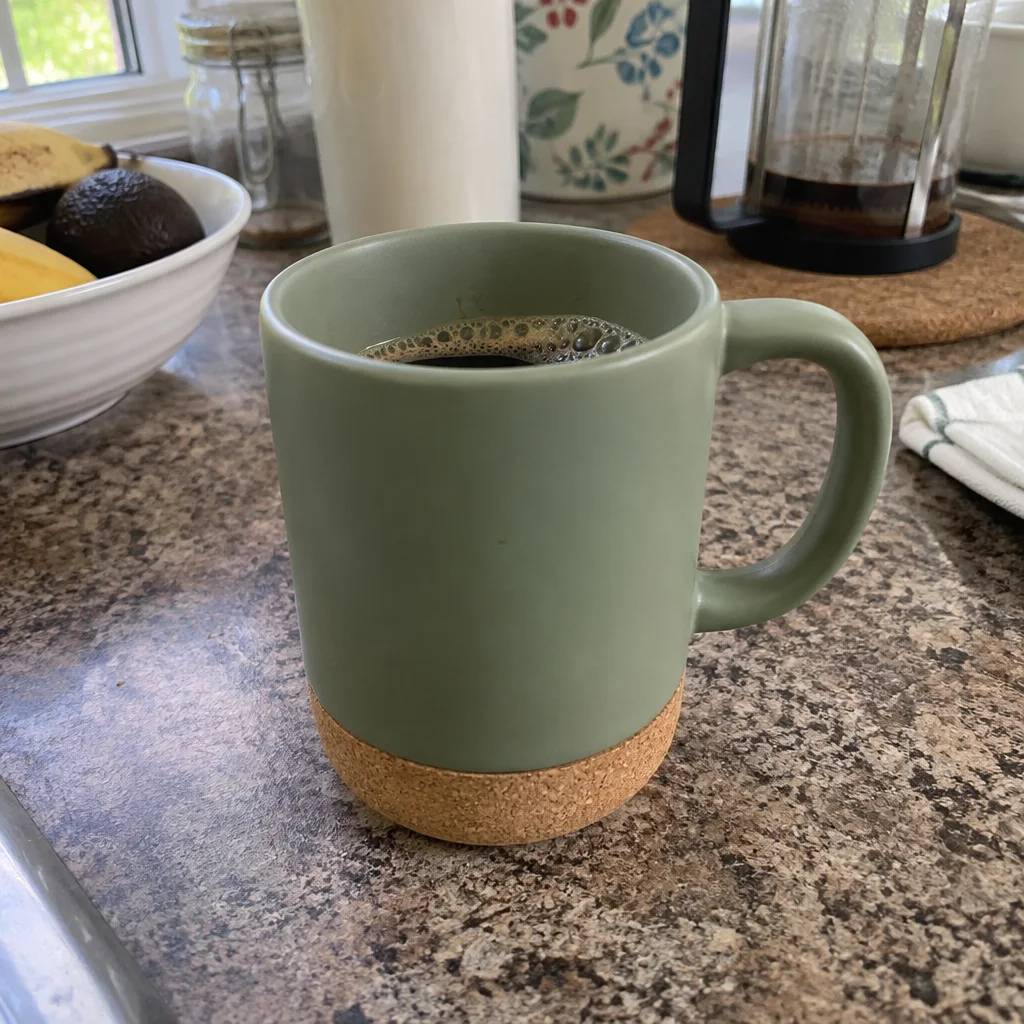
Rendered by this tool from the product photo shown on the left.
Most product videos start from a clean plate. This tool makes one: the product you photographed, centered on pure white, lit evenly, with the shadow you choose. The label, shape, colors and artwork are held as photographed; only the surroundings change.
Use it when the phone photo has a messy desk behind it and you want the opening frame of a spin or reveal to start from something tidy. The still lands in your library, where the Continue row sends it straight into the 360° spin, the hero reveal or any other video type without uploading again.
It also works as a marketplace main image on its own. Pick 16:9 or 9:16 if the still will open a clip, or any other ratio from the list for a listing image. A Standard still costs 4 credits; Pro and Max give the model more room for fine edges on fabric, hair and transparent packaging.
Credits
| Option | Credits | Good for |
|---|---|---|
| Standard | 4 | Quick stills and opening frames |
| Pro | 12 | Gallery and PDP stills |
| Max | 44 | Print and zoom |
Settings
- Product photo
- ShadowSoft shadowContact shadowNo shadow
- Output ratio1:12:33:29:1616:93:44:34:55:4+5
- Output · Output 1:1
In the Studio
- Send any still into any video type without uploading again
- Length, shape, resolution and cost shown before you render
- Opening frame and clip both kept in your library
- Draft 360p previews; 720p, 1080p and 4K renders
About this video type
Also try
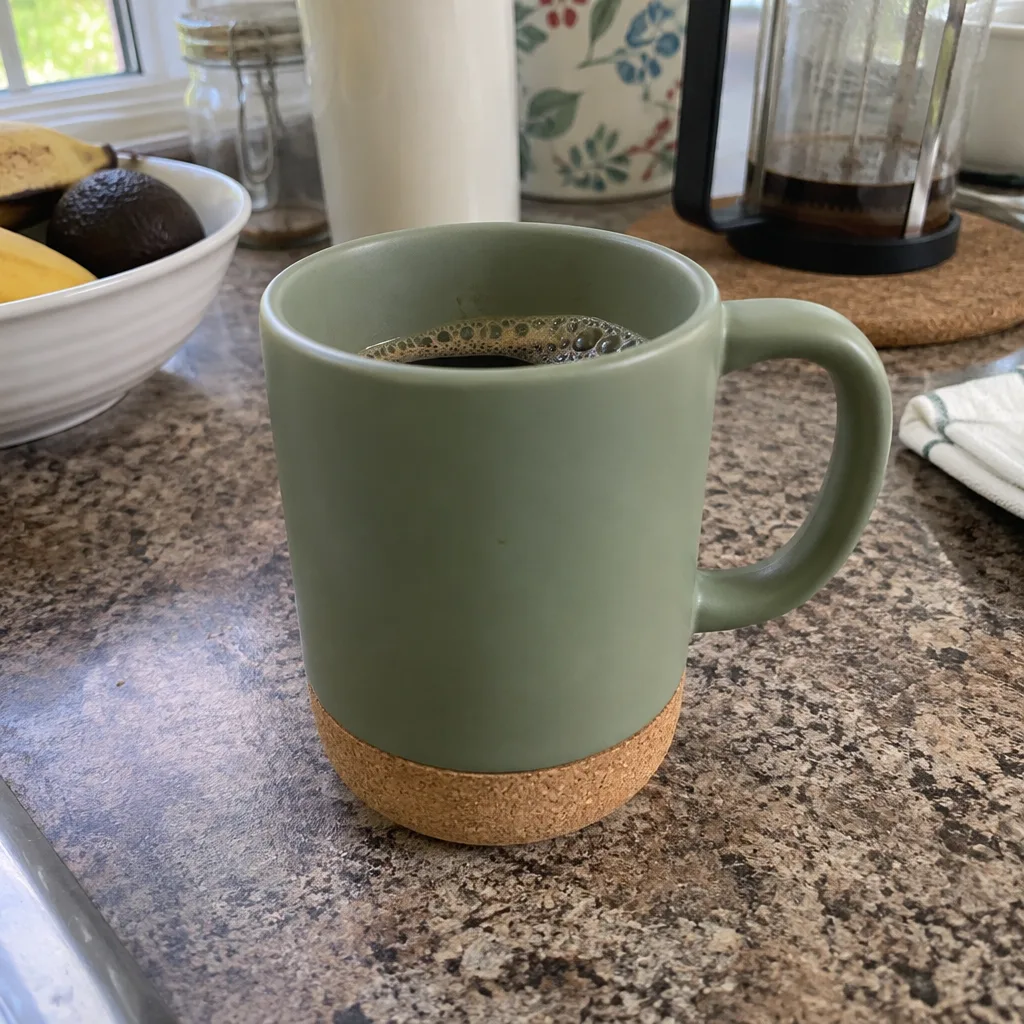
360° Product Spin
A full turntable rotation of your product from one photo.
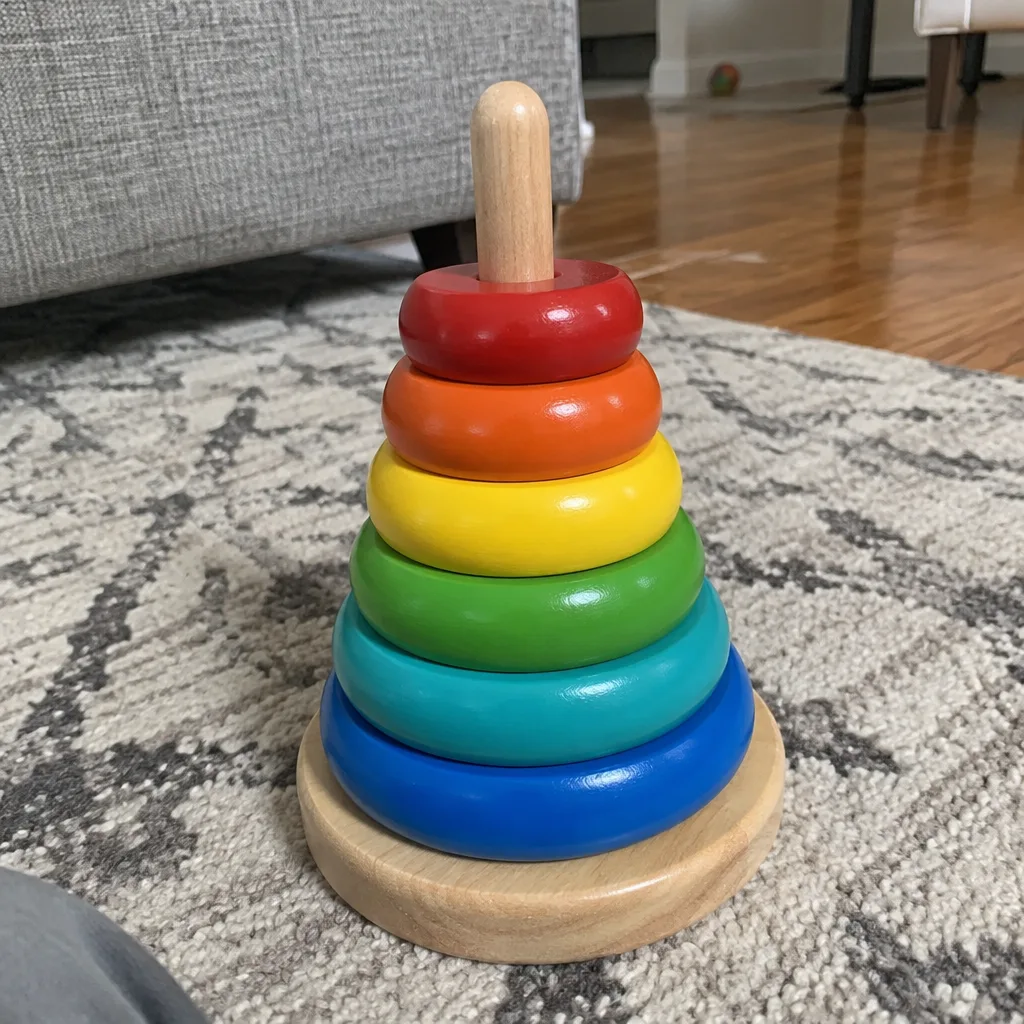
Marketplace Listing Video
A white-background listing clip in the shape your marketplace player uses.
Background Remover
Cut the product out as a transparent PNG.
Image Upscaler
A bigger, sharper file of any still, up to 32 MP.