
More tools
Background Remover
Cut the product out as a transparent PNG.
45 free credits on sign-up, enough for a short draft clip.
- 1Upload the product photo
- 2Choose Standard or Pro
- 3Download the transparent PNG
Went in
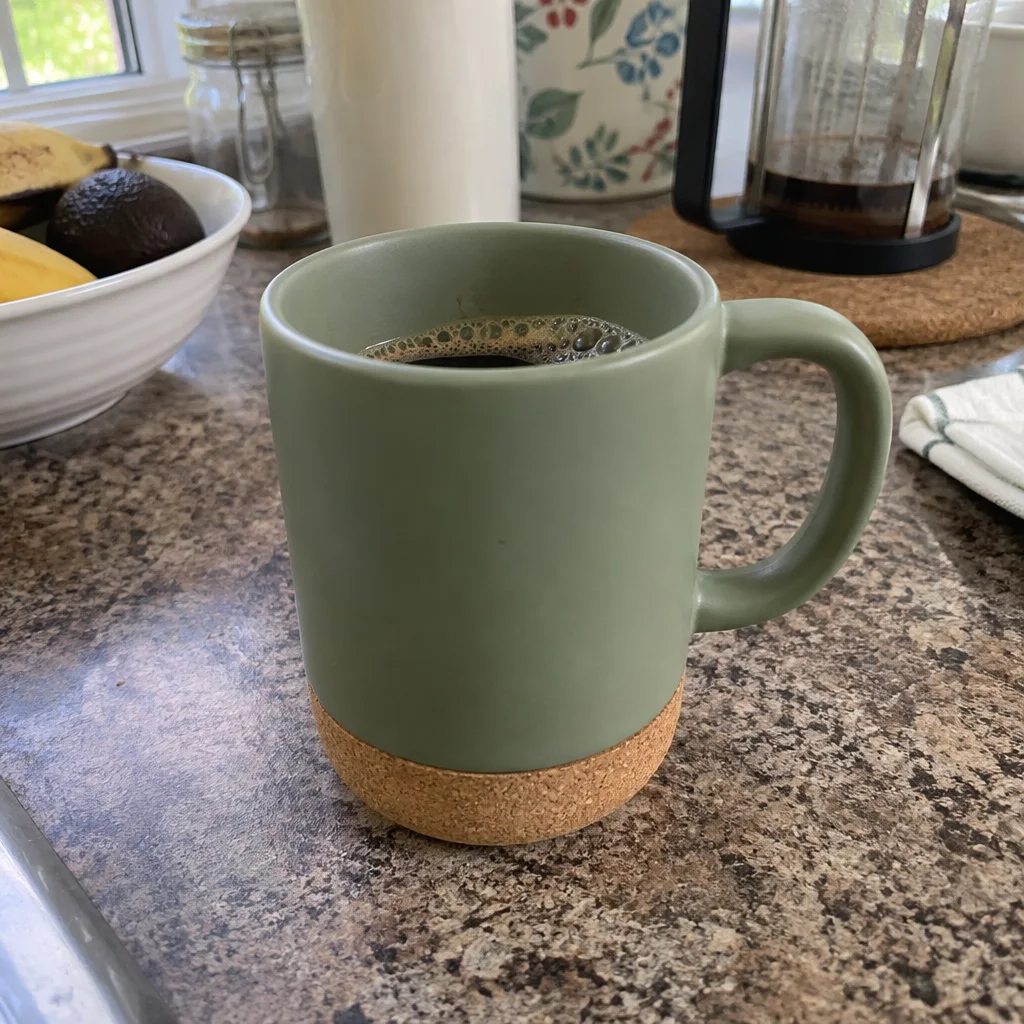
Came out
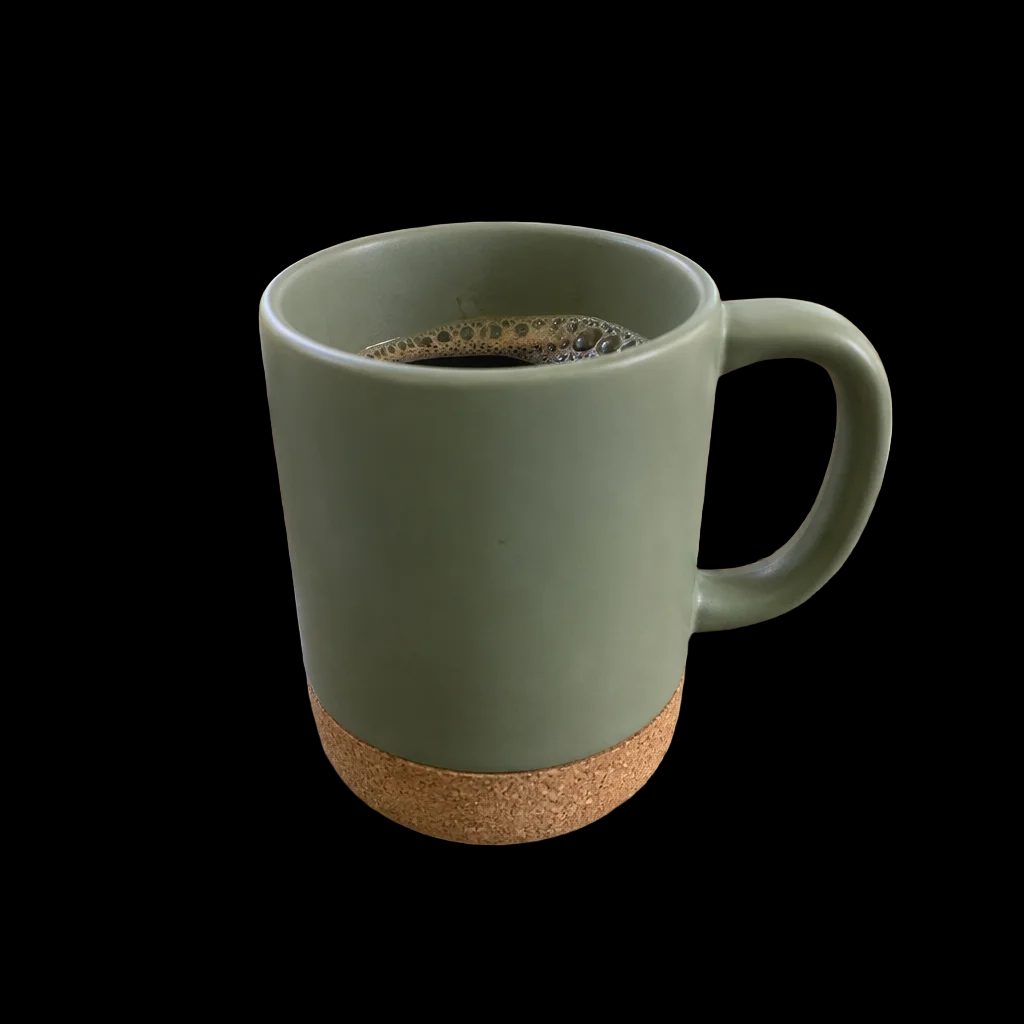
Rendered by this tool from the product photo shown on the left.
Sometimes you need the product alone, with nothing behind it, to drop onto your own template or an ad layer. Background removal does exactly that and returns a transparent PNG, shown on a checkerboard in the Studio.
Standard uses a fast cut-out model that handles most packaged goods and hard-edged products for 1 credit. Pro uses a finer model for fabric, fur, hair and glass edges at 4 credits.
The cut-out stays in your library like any still, so it can also be sent into a video type; the opening frame will then be painted around a clean silhouette.
Credits
| Option | Credits | Good for |
|---|---|---|
| Standard | 1 | Clean cut-out |
| Pro | 4 | Finer edges on fabric and hair |
Settings
- Product photo
- Output · Same shape as the photo · Transparent PNG
In the Studio
- Send any still into any video type without uploading again
- Length, shape, resolution and cost shown before you render
- Opening frame and clip both kept in your library
- Draft 360p previews; 720p, 1080p and 4K renders
About this video type
Also try
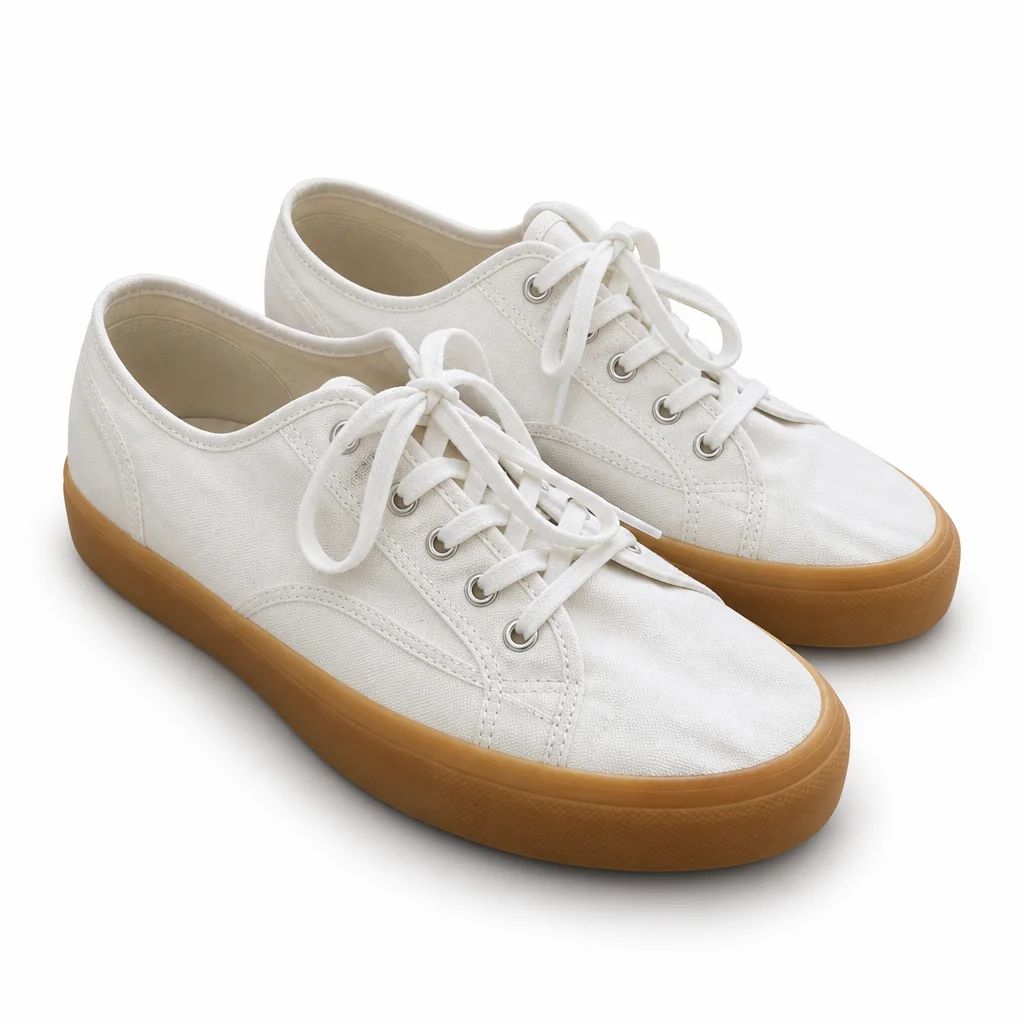
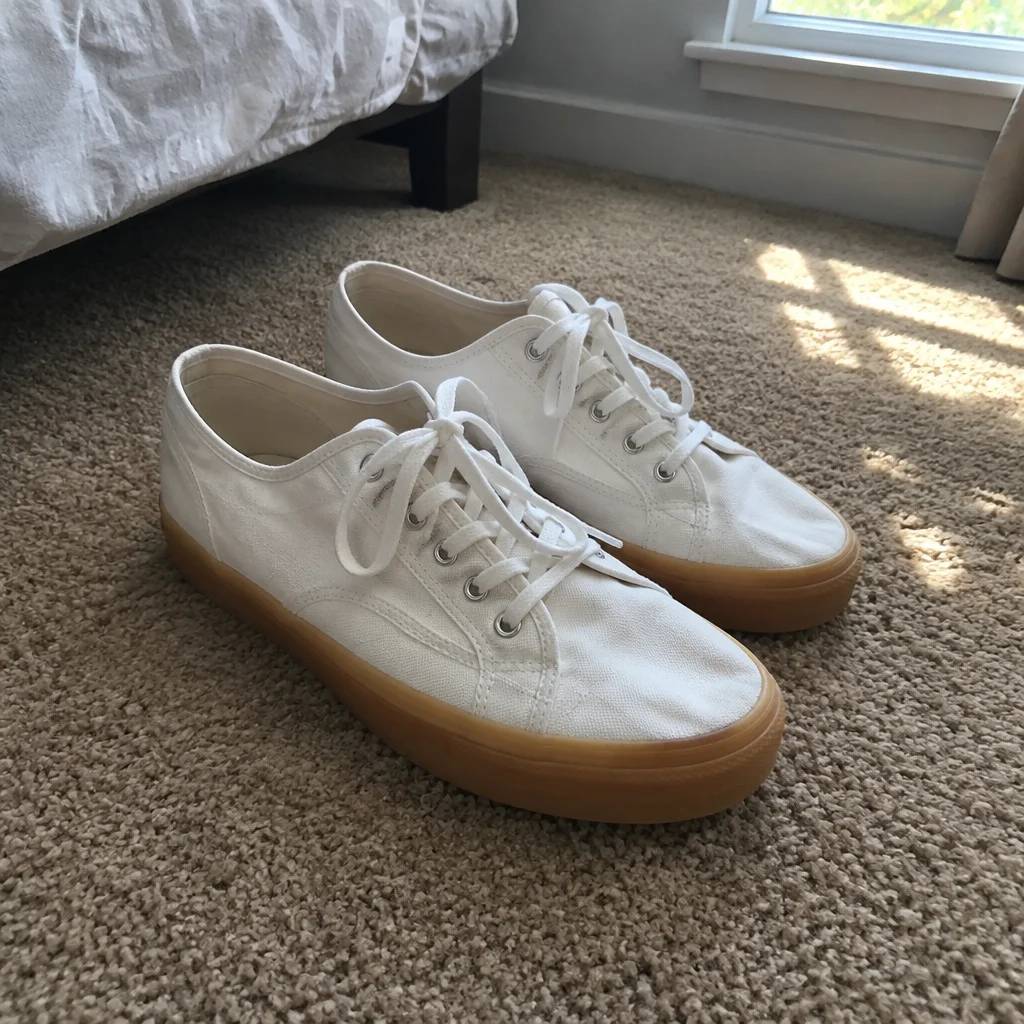
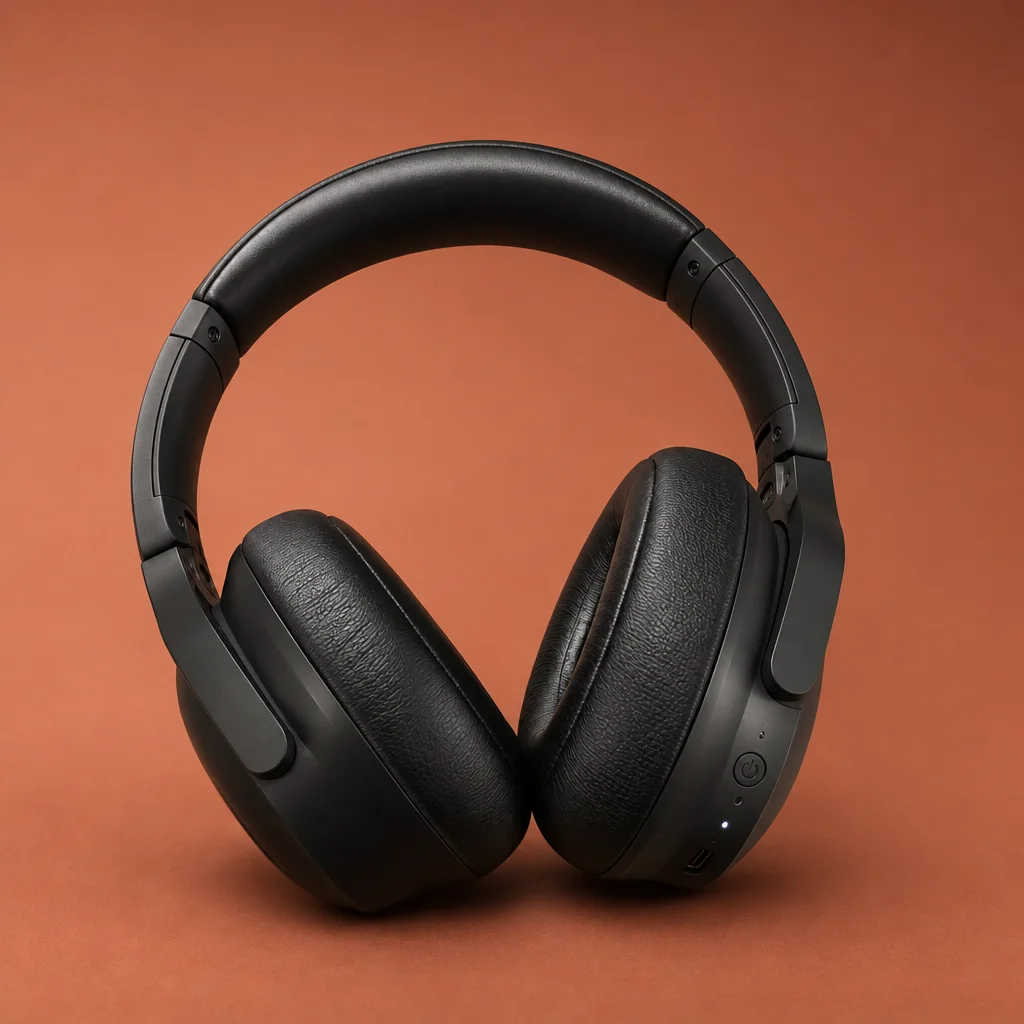
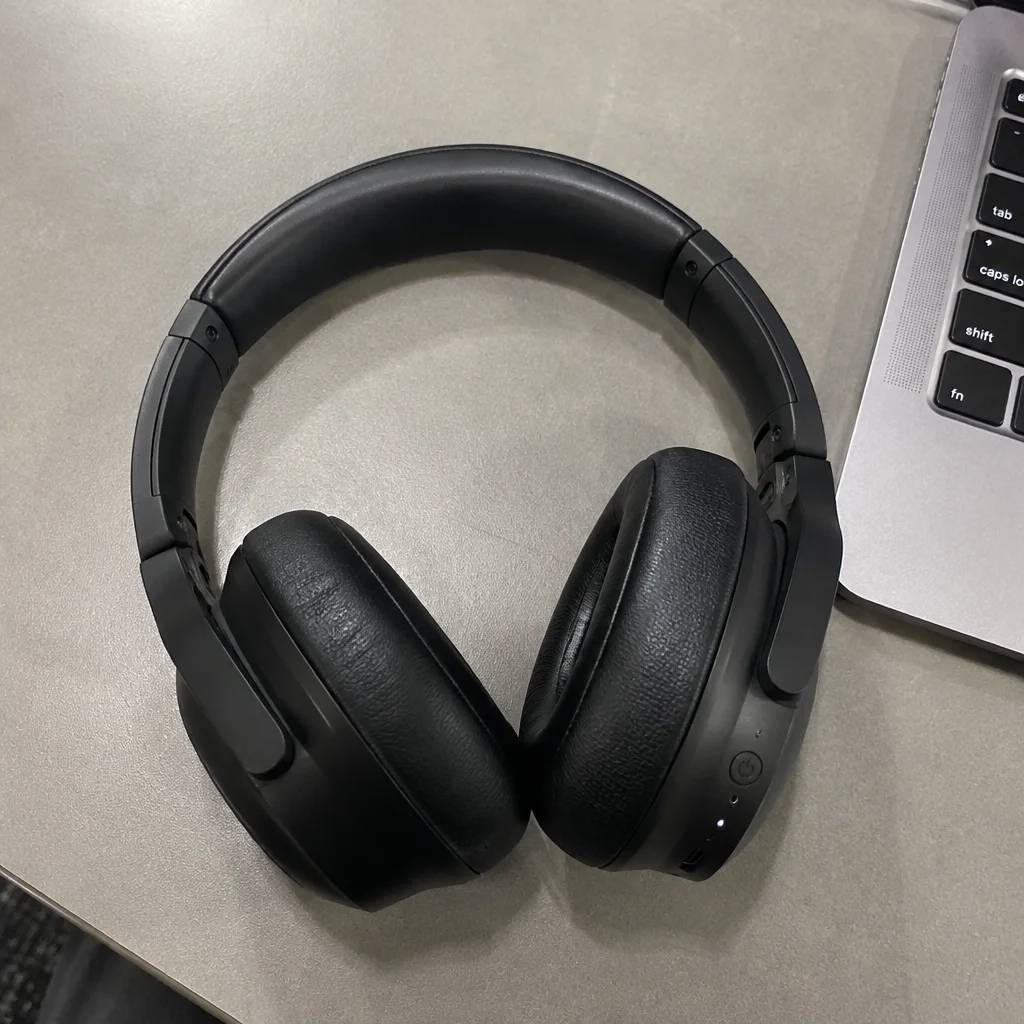
White Background Still
A clean white still of the product, ready to animate or list.
Studio Backdrop Still
Re-shoot the product on fourteen studio backdrops, as a still.
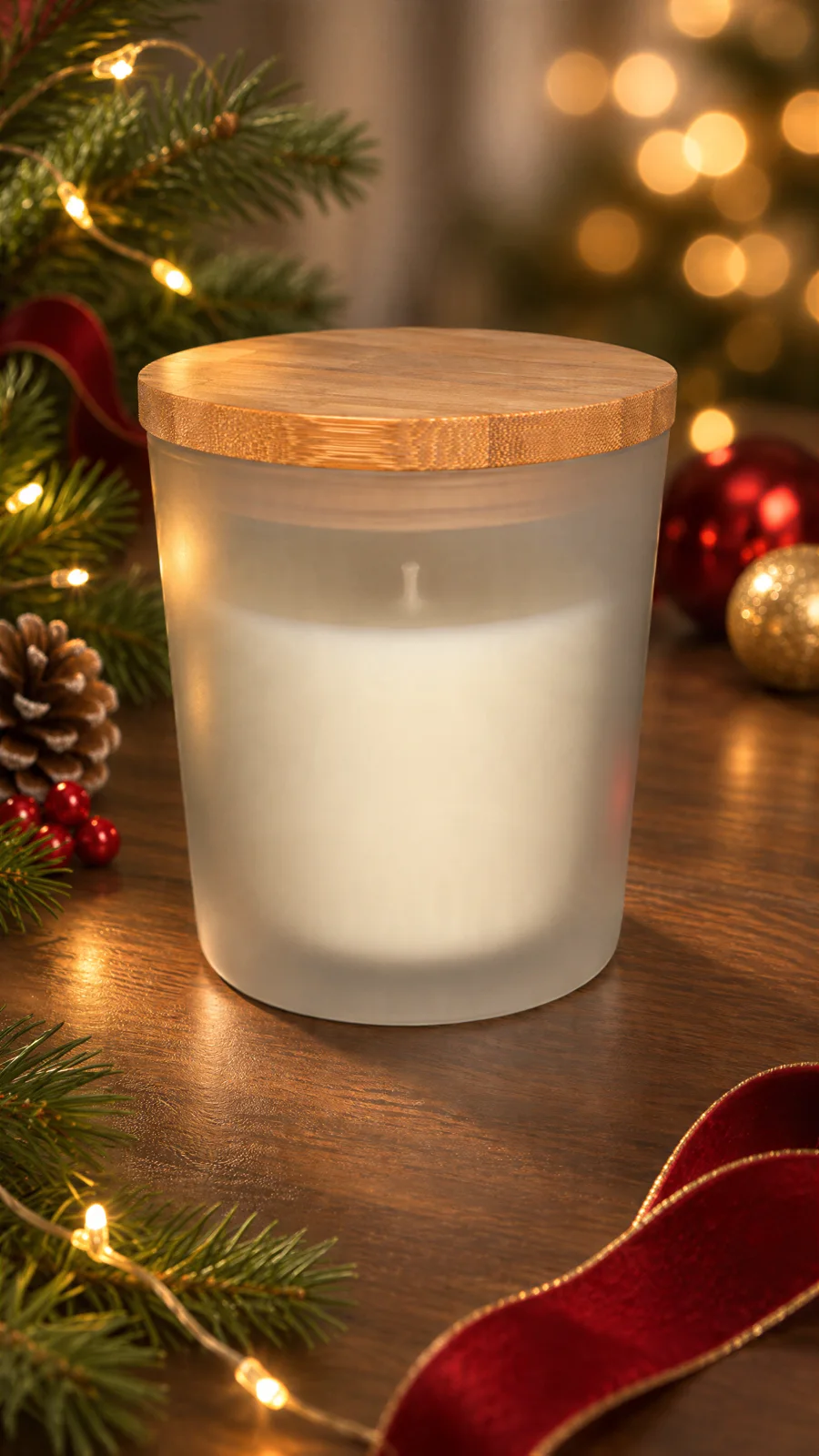
Image Upscaler
A bigger, sharper file of any still, up to 32 MP.
360° Product Spin
A full turntable rotation of your product from one photo.