
More tools
Product Video from Text
No photo yet? Describe the product and get a concept clip.
45 free credits on sign-up, enough for a short draft clip.
- 1Describe the product: shape, materials, colors, finish
- 2Pick a setting and a move
- 3Set length and shape, then render
Rendered by this tool.
Before a product exists, a video of it still helps: for a pre-order page, a crowdfunding teaser, a pitch deck or a concept test. This tool skips the photo. Describe the product in a sentence or two, choose a setting and a move, and the clip is rendered straight from the description.
Because there is no photo, there is nothing to hold fidelity to; the model invents the product from your words. Be specific about materials, colors, proportions and finish, and say what it must not have. Real brand logos are blocked, and invented text is kept off the product.
Treat the result as a concept, not a depiction of a shipped item, and label it that way where buyers will see it. A five-second 720p clip is 105 credits — there is no opening frame; the clip is rendered straight from your words.
Credits
| Option | Credits | Good for |
|---|---|---|
| Draft 360p | 7 cr/s + 11 | Cheap preview of the motion before a full render |
| Standard 720p | 21 cr/s + 11 | Listing players, feeds and ads |
| Pro 1080p | 31 cr/s + 11 | Upscaled render for hero slots and full-width players |
| 4K | 62 cr/s + 11 | Upscaled render for large screens and in-store displays |
Settings
- Describe the product
- SettingStudioLifestyleLuxuryNature
- MoveOrbitPush inReveal
- Output · MP4 video with sound, 16:9 or 9:16 (default 16:9), 3–15 seconds
In the Studio
- Send any still into any video type without uploading again
- Length, shape, resolution and cost shown before you render
- Opening frame and clip both kept in your library
- Draft 360p previews; 720p, 1080p and 4K renders
About this video type
Also try

Custom Motion
Describe the move yourself; optionally describe a new setting too.
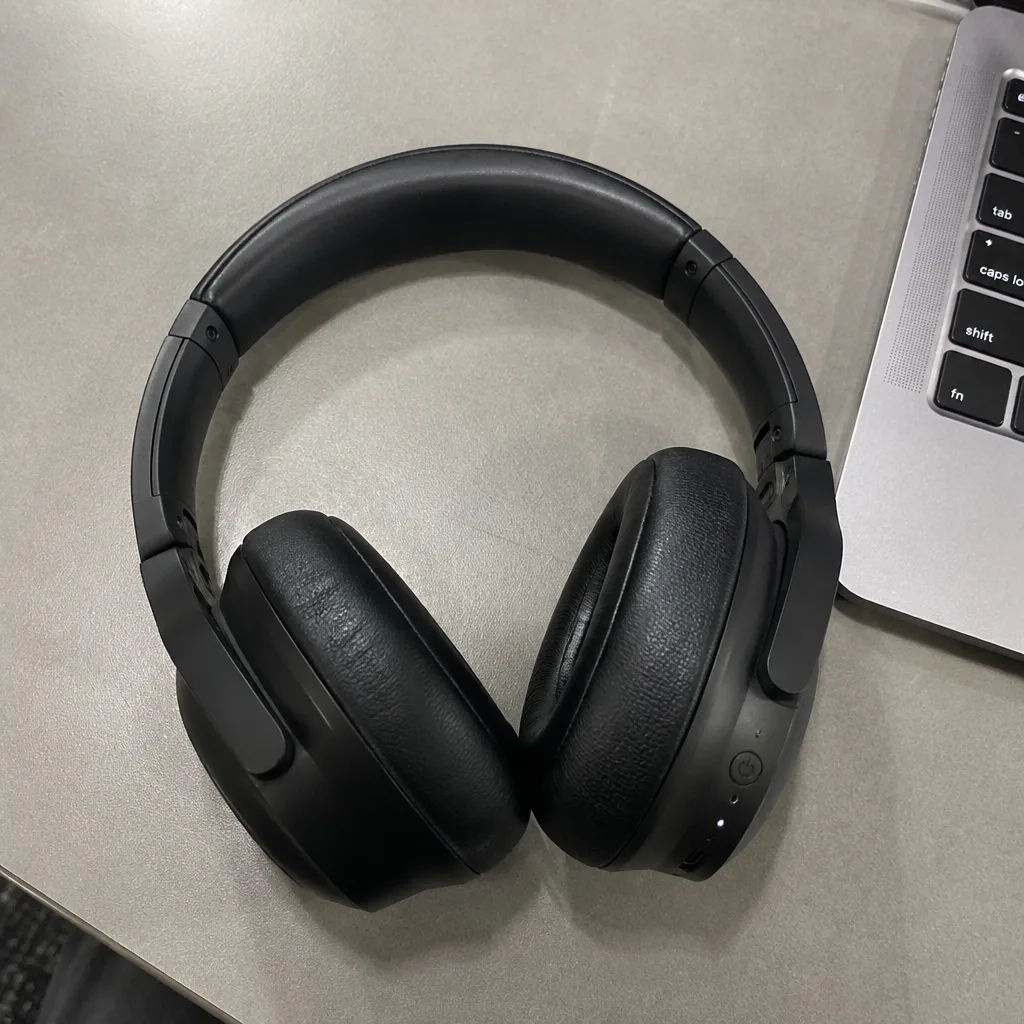
Hero Reveal
A launch-style reveal: light sweeps across the product as the camera pushes in.
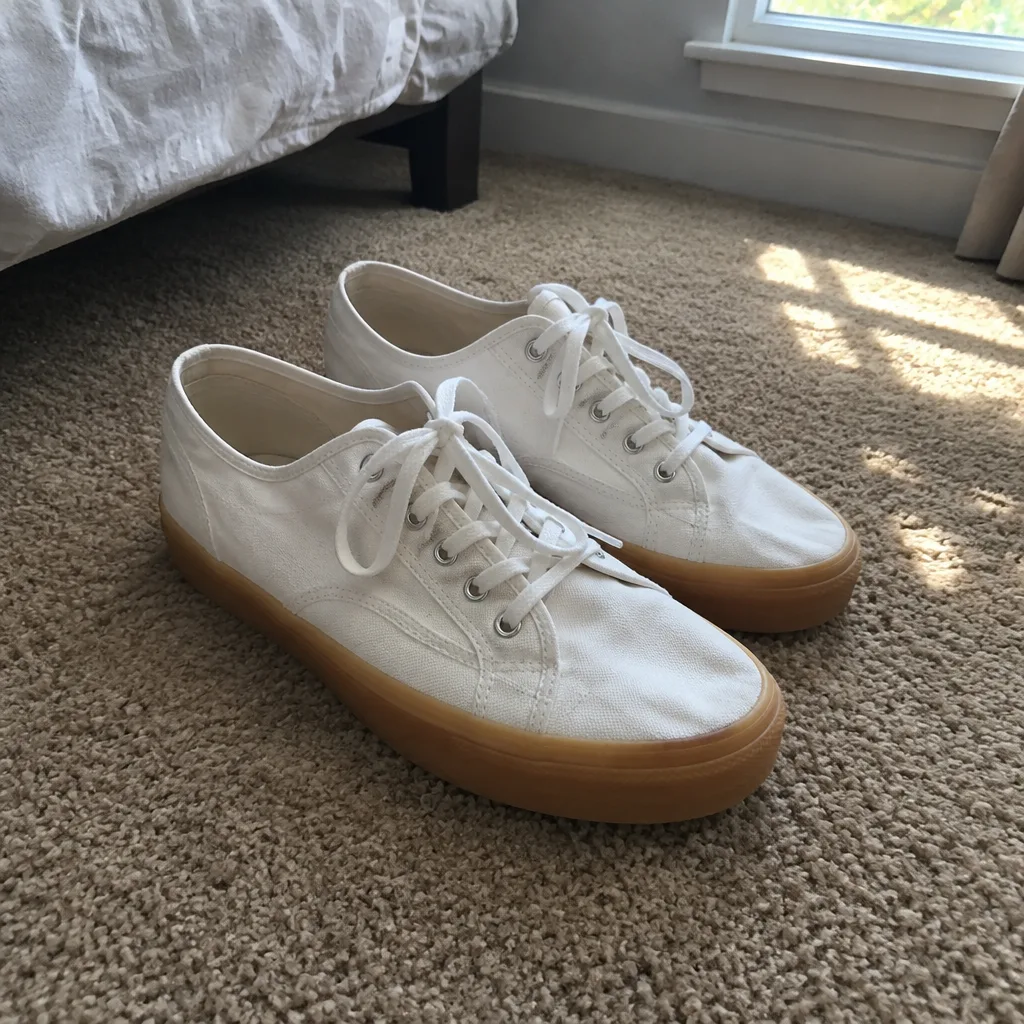
Studio Backdrop Video
A catalog-grade camera move on a seamless studio backdrop.
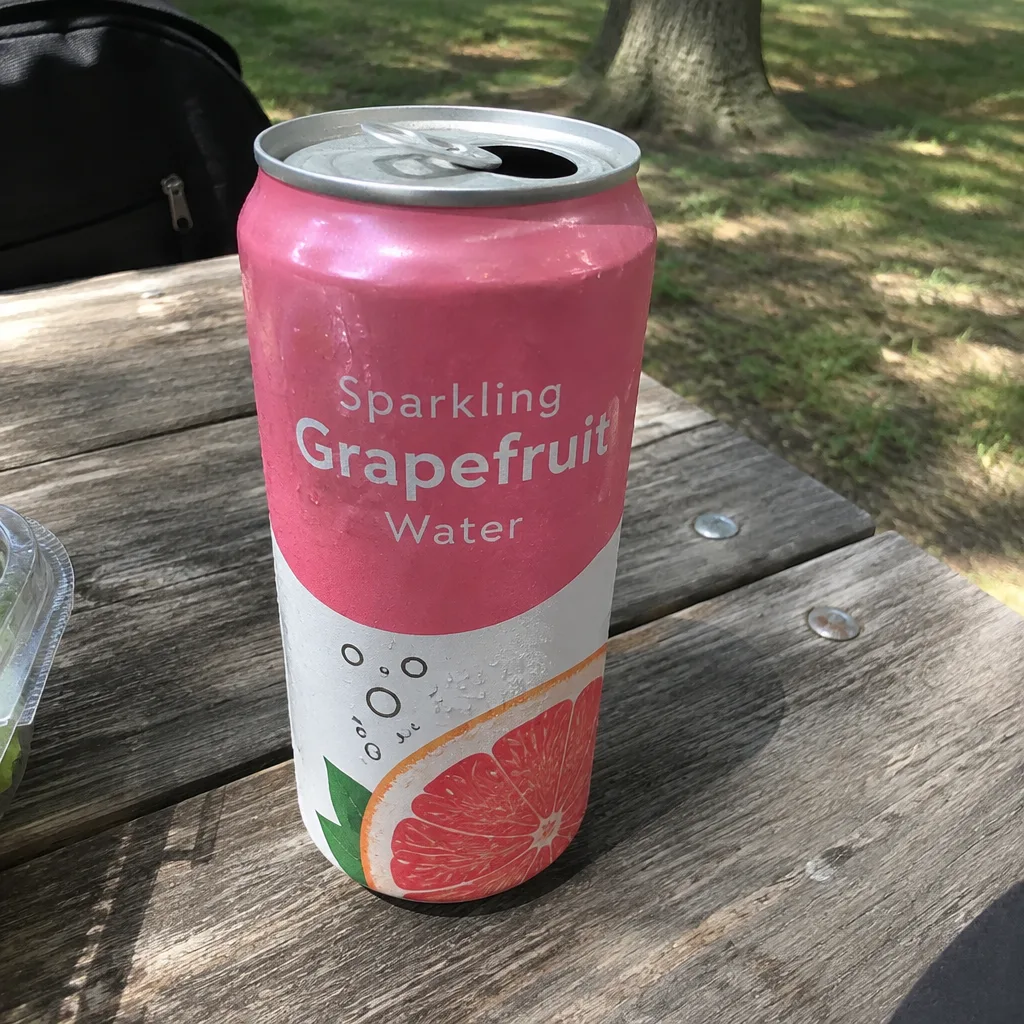
Social Ad Clip
A scroll-stopping ad clip sized for TikTok, Reels, Shorts, feed or page.