
Photo editor
Color Correction
Neutralizes casts so the product's colors on screen match the real thing.
4 free credits on sign-up, enough for one photo to animate later. Clips start at 21 credits.
- 1Upload the photo
- 2Pick a focus, or leave it on Auto
- 3Compare with the item, then animate it
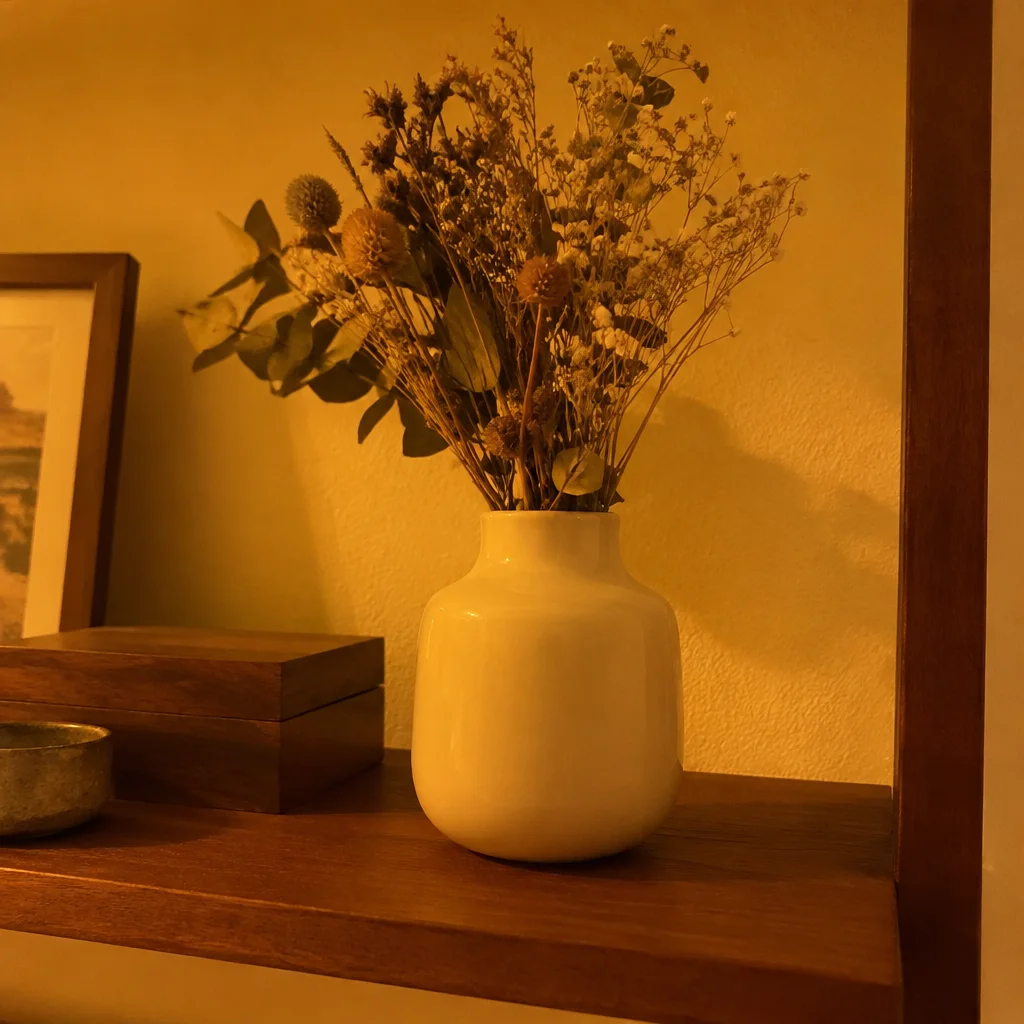
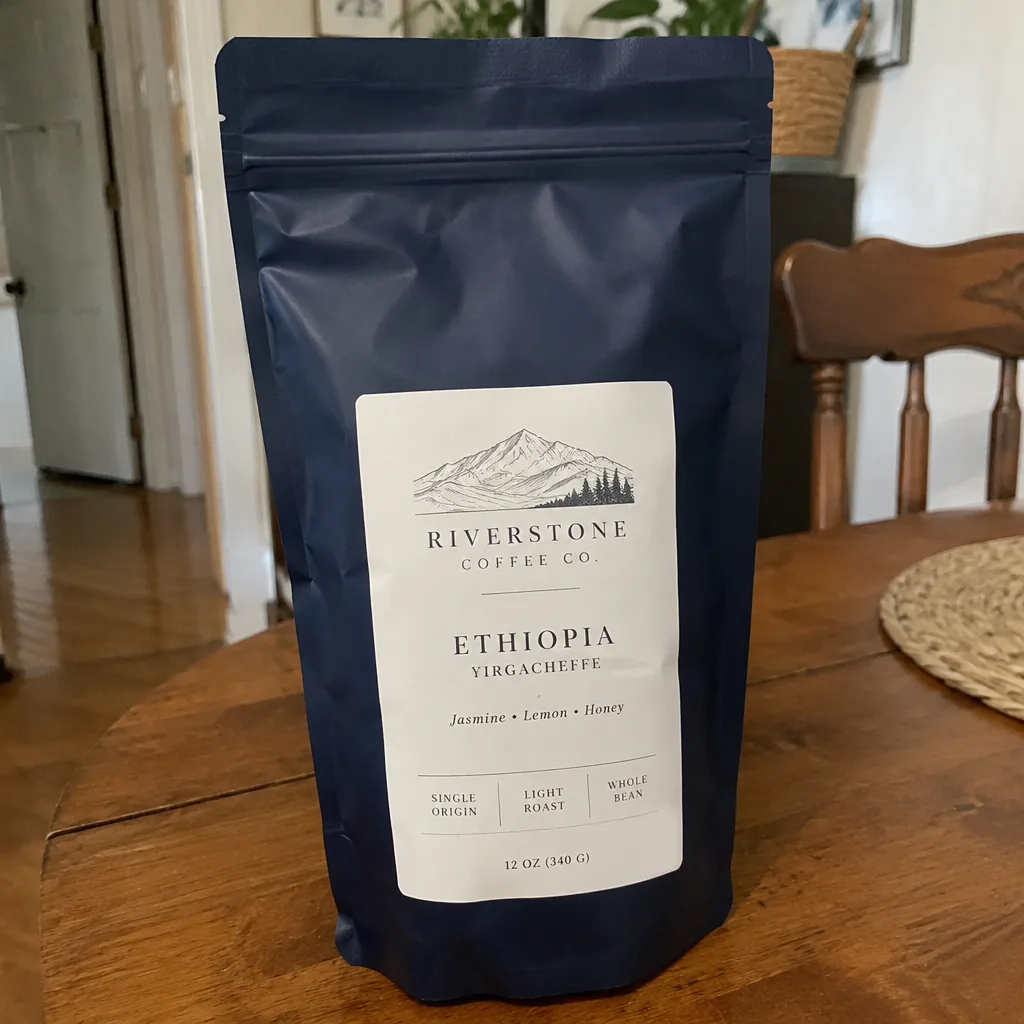
Went in
Came out
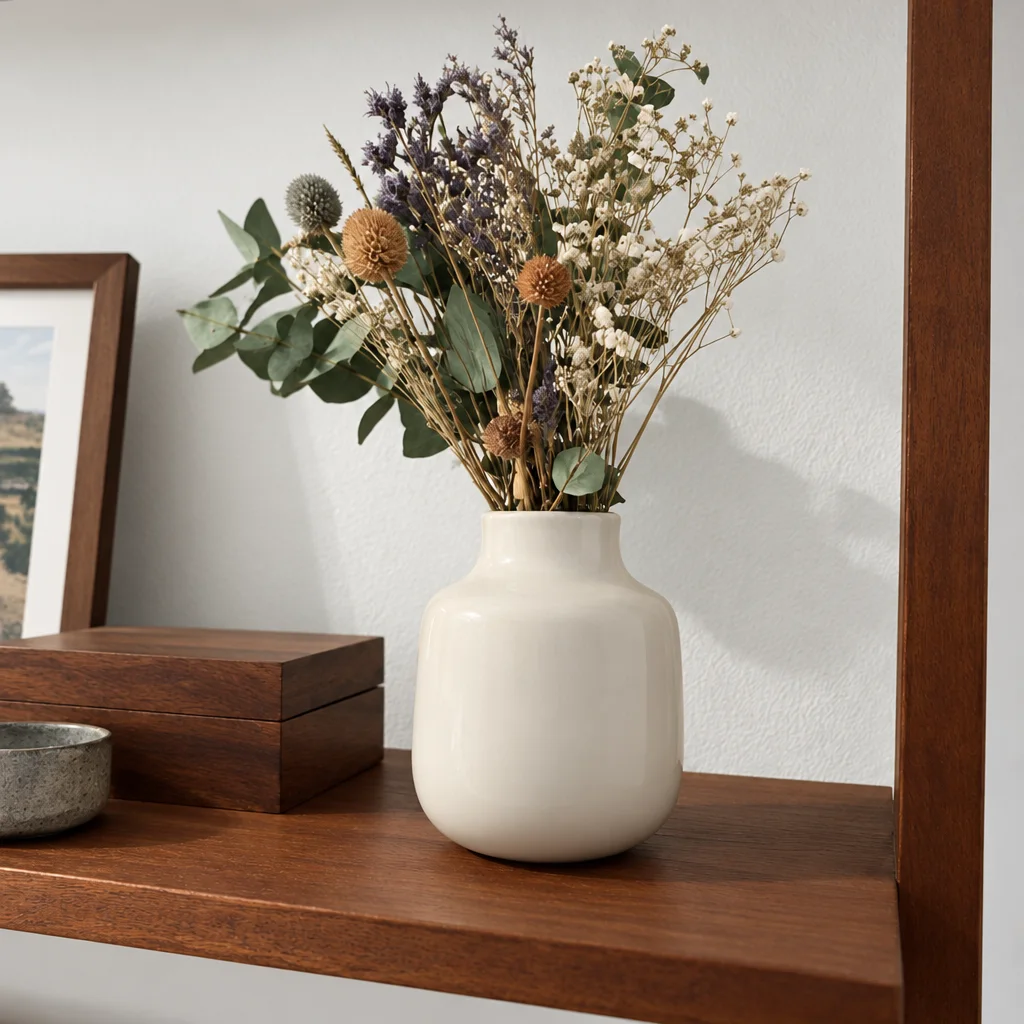
Rendered by this tool from the product photo shown on the left.
A color cast travels into every frame of a video made from the photo. A cream sweater shot under a kitchen bulb comes out mustard in the clip, and a navy bag turns purple in shade. Buyers compare what arrives with what they saw, so the color needs to be right before anything moves.
This tool resets white balance, exposure and contrast so the item reads in its real color. The Focus select narrows the job when you know the problem: warm cast, cool cast, faded and flat, or more vibrance. A black-and-white option is there for moody ad cuts.
Correct the photo first, then send it into any video type, so the motion you add starts from the right colors. It costs 4 credits on Standard. Hold the item next to your screen when you check the result; screens differ, but a large shift will be obvious.
Credits
| Option | Credits | Good for |
|---|---|---|
| Standard | 4 | Quick photos and opening frames |
| Pro | 12 | Gallery and PDP photos |
| Max | 44 | Print and zoom |
Settings
- Product photo
- FocusAutoWarm CastCool CastVibranceFadedBlack & white
- Output ratioSame as upload1:12:33:29:1616:93:44:34:5+6
- Output · Any shape, chosen under Output ratio
In the Studio
- Send any photo into any video type without uploading again
- Length, shape, resolution and cost shown before you render
- Opening frame and clip both kept in your library
- Draft 360p previews; 720p, 1080p and 4K renders
About this video type
Also try
Product Retouch
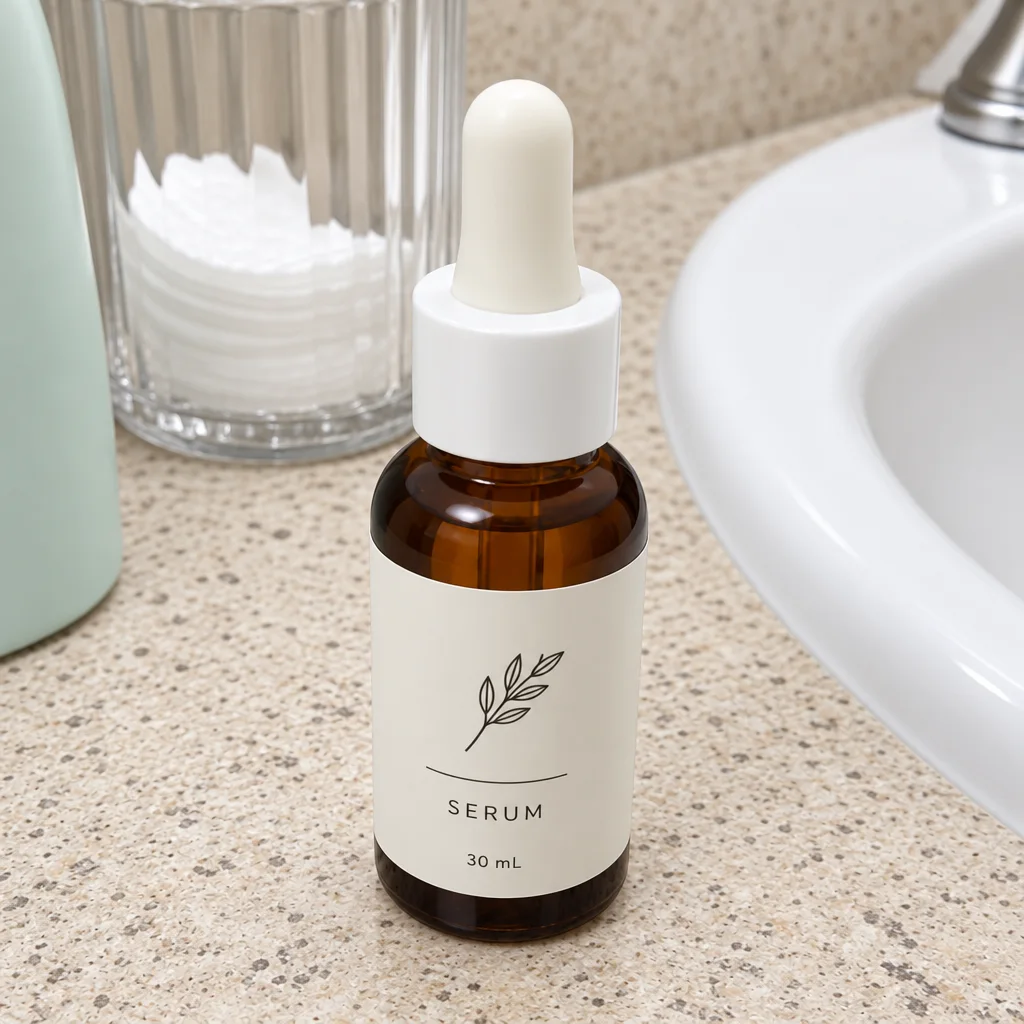
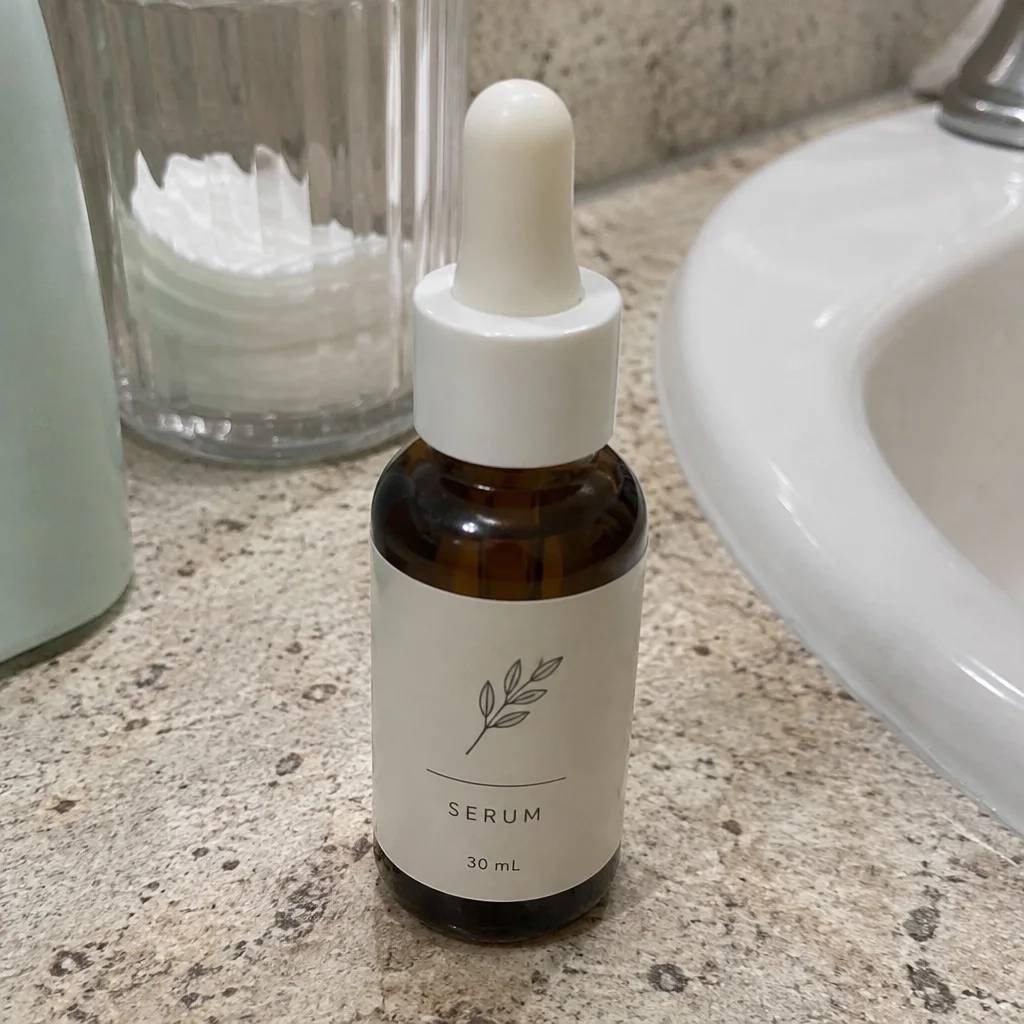
Clears dust, smudges and stray reflections before the photo goes on camera.
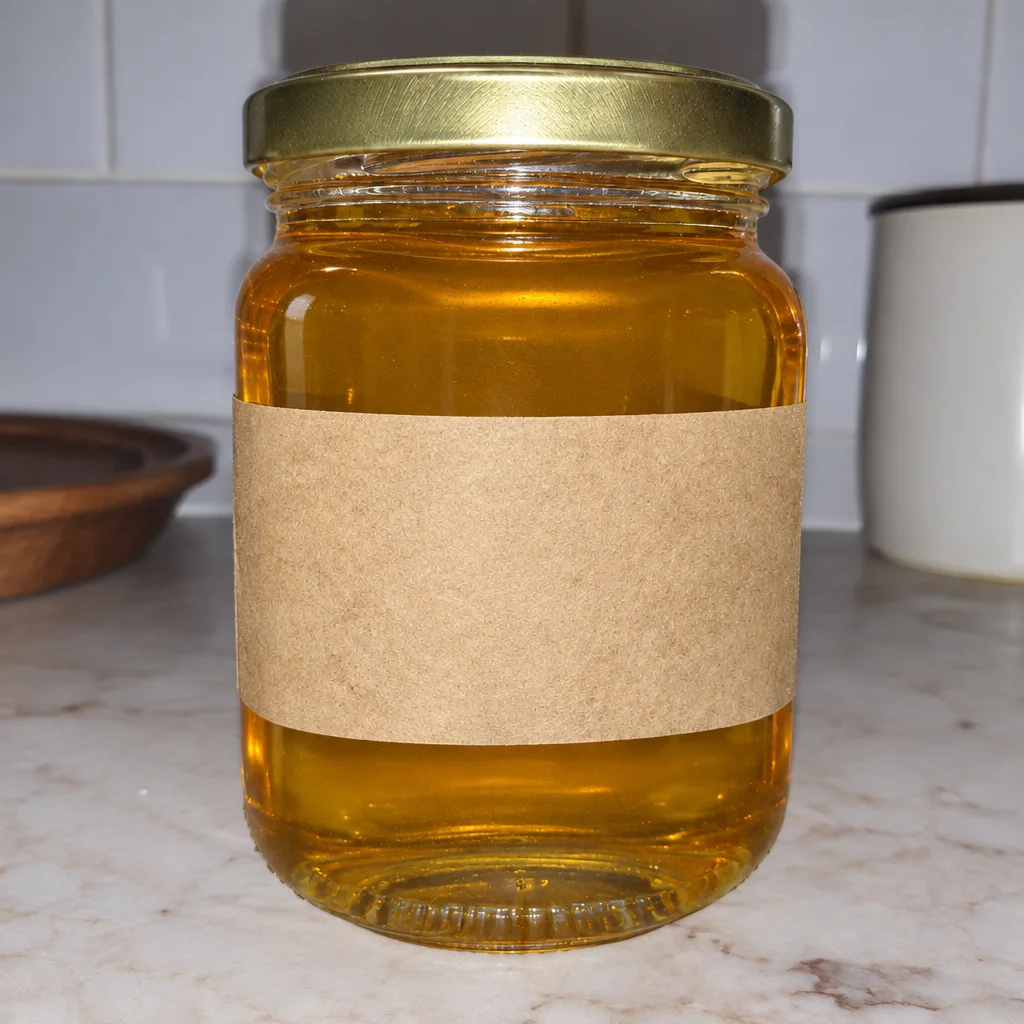
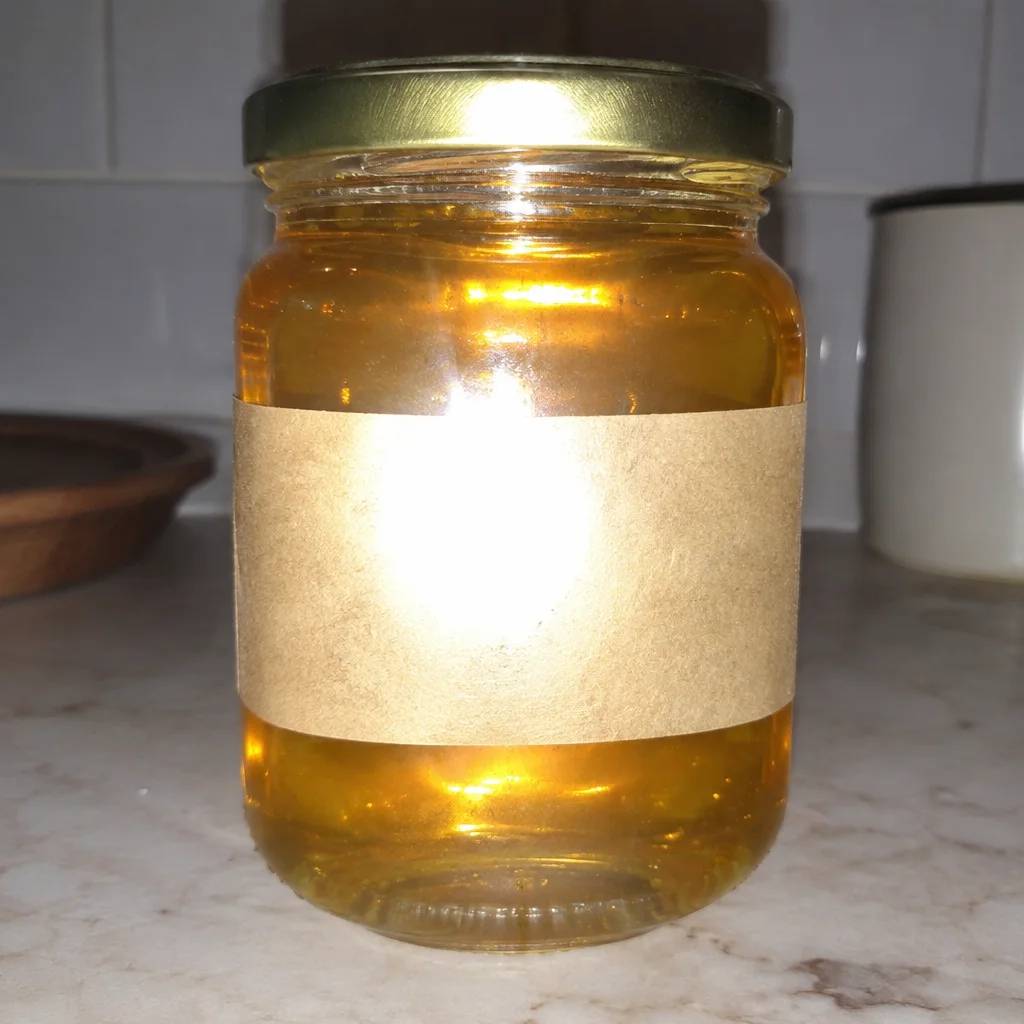
Glare Removal
Takes the shine spots off glass, metal and gloss so the label reads again.
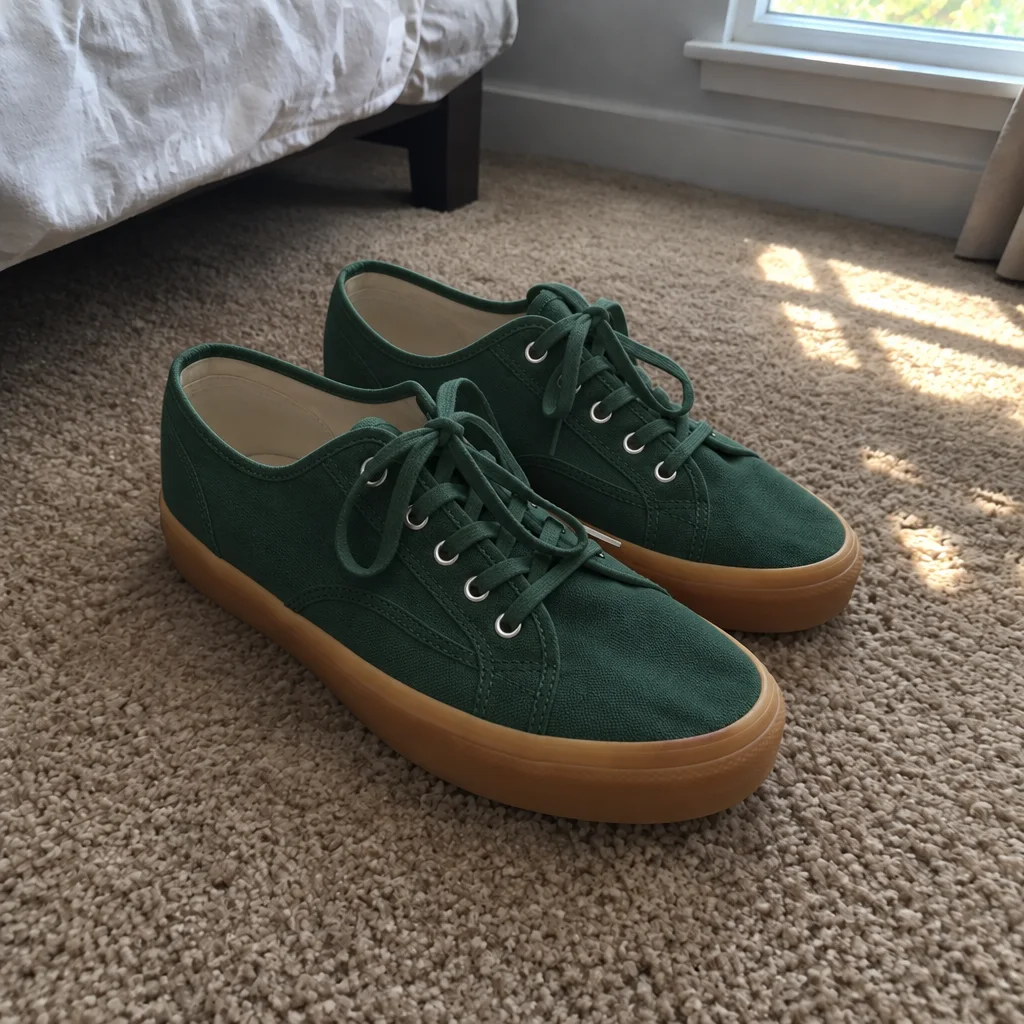
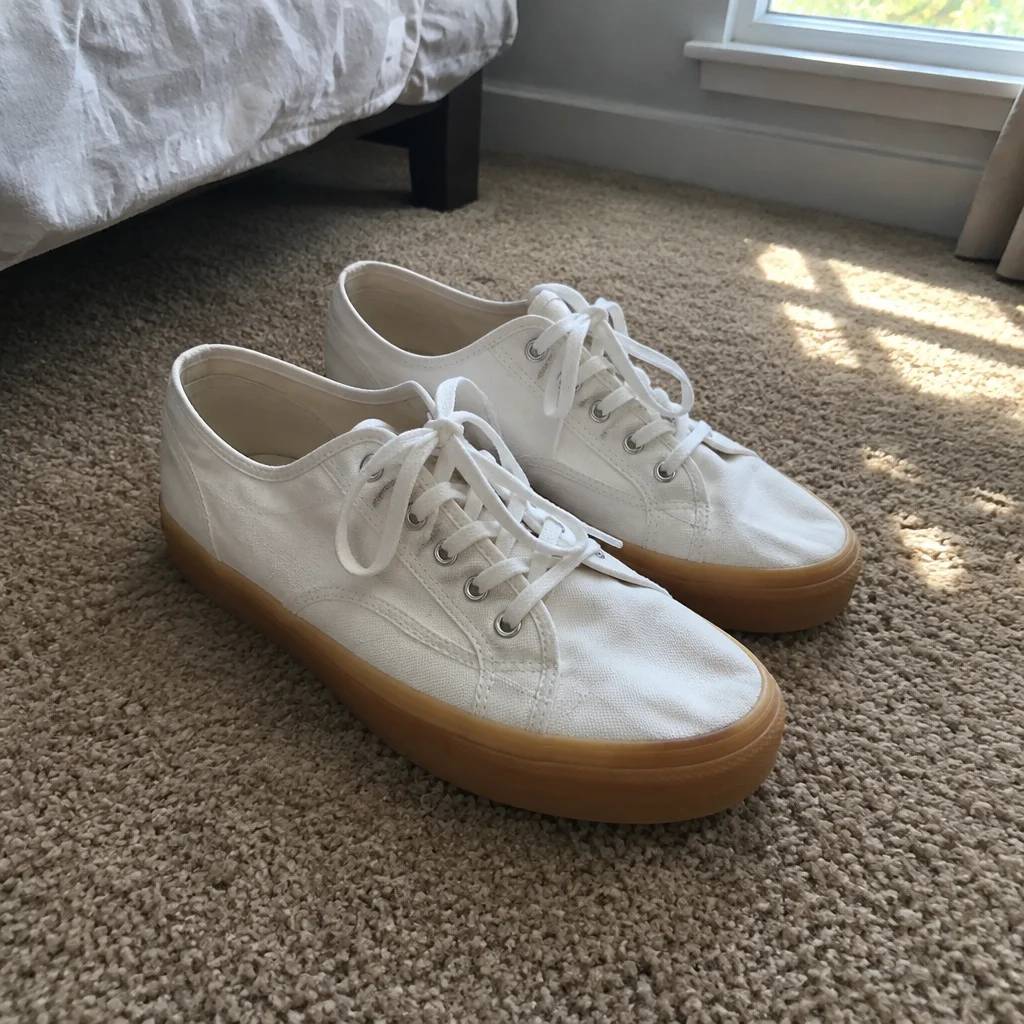
Color Variant
One photo, every colorway: recolor the product, then animate each version.
Lifestyle Scene Video
B-roll of your product in a kitchen, cafe, beach, gym or eleven other scenes.