
Photo editor
Color Variant
One photo, every colorway: recolor the product, then animate each version.
4 free credits on sign-up, enough for one photo to animate later. Clips start at 21 credits.
- 1Upload a photo of one colorway
- 2Type the new color and finish
- 3Animate each variant with the same video settings
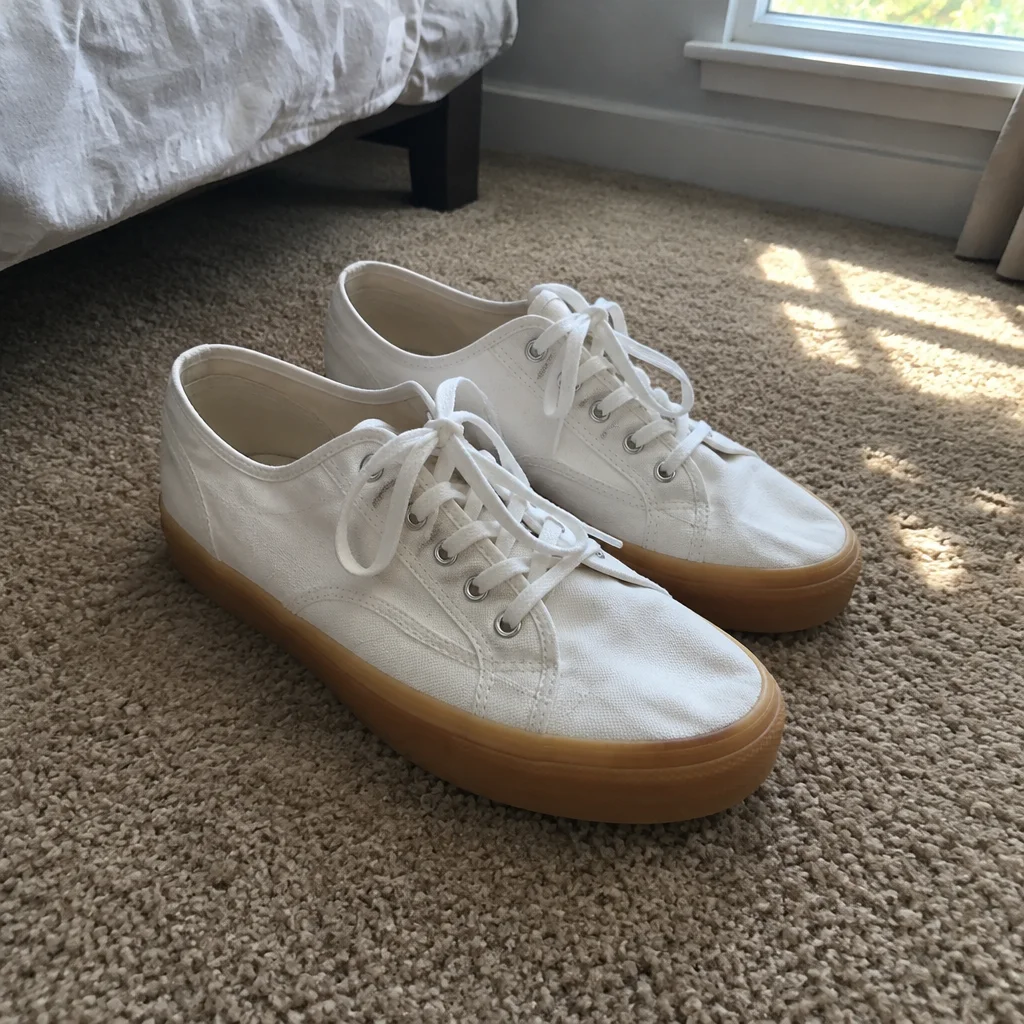
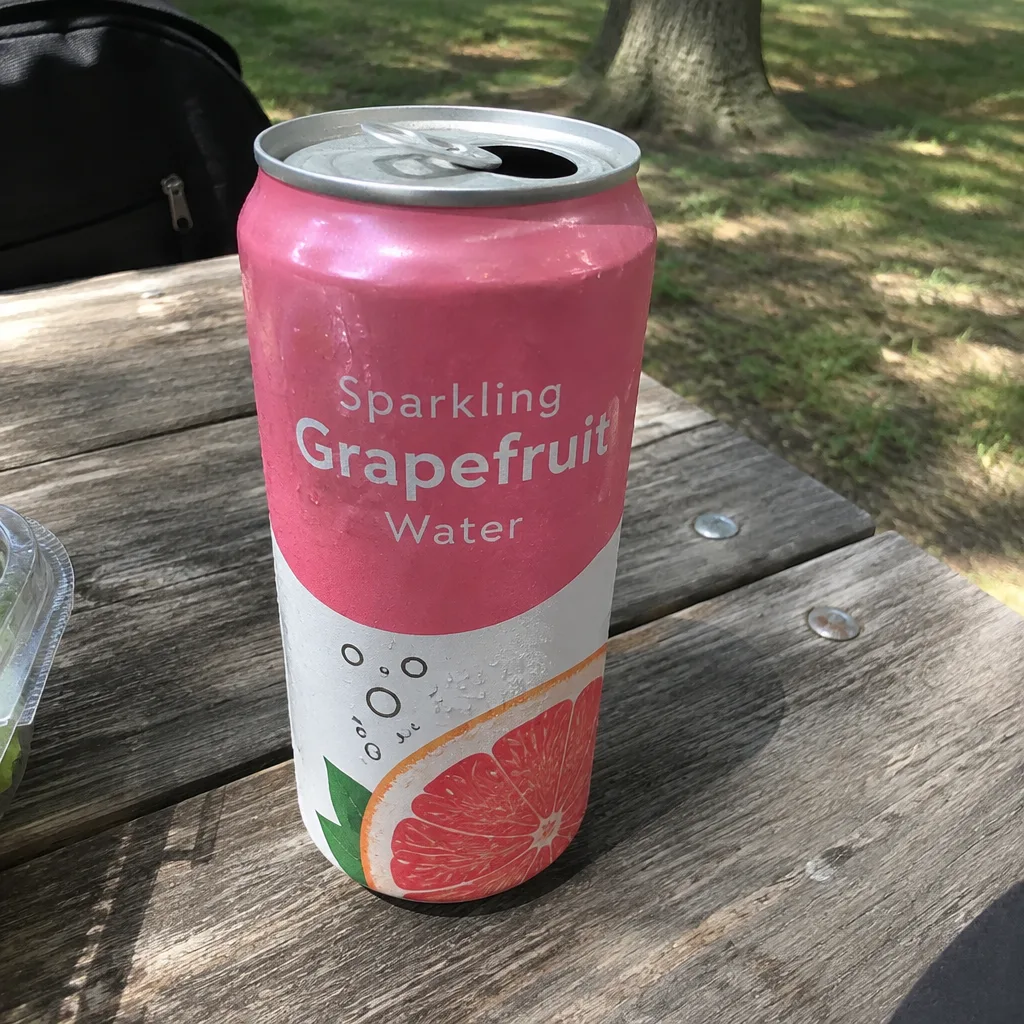
Went in
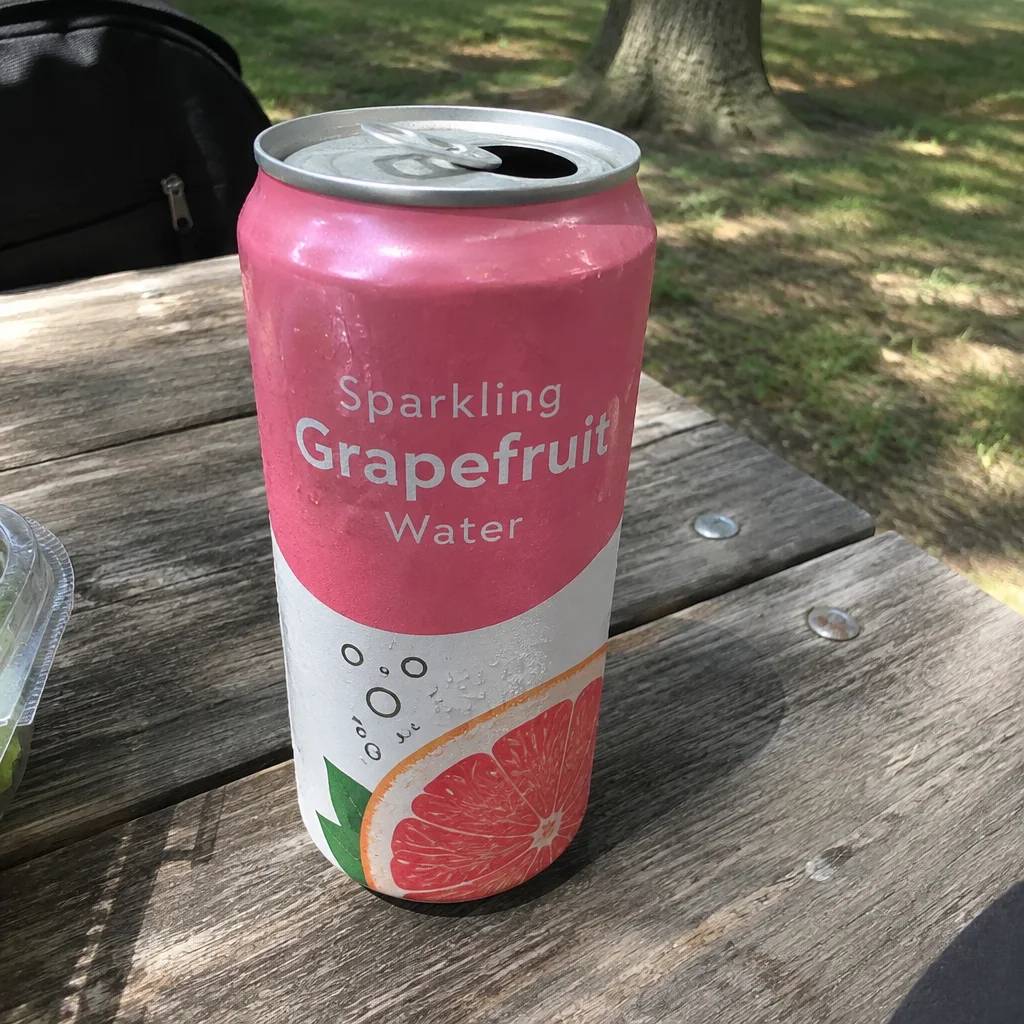
Came out
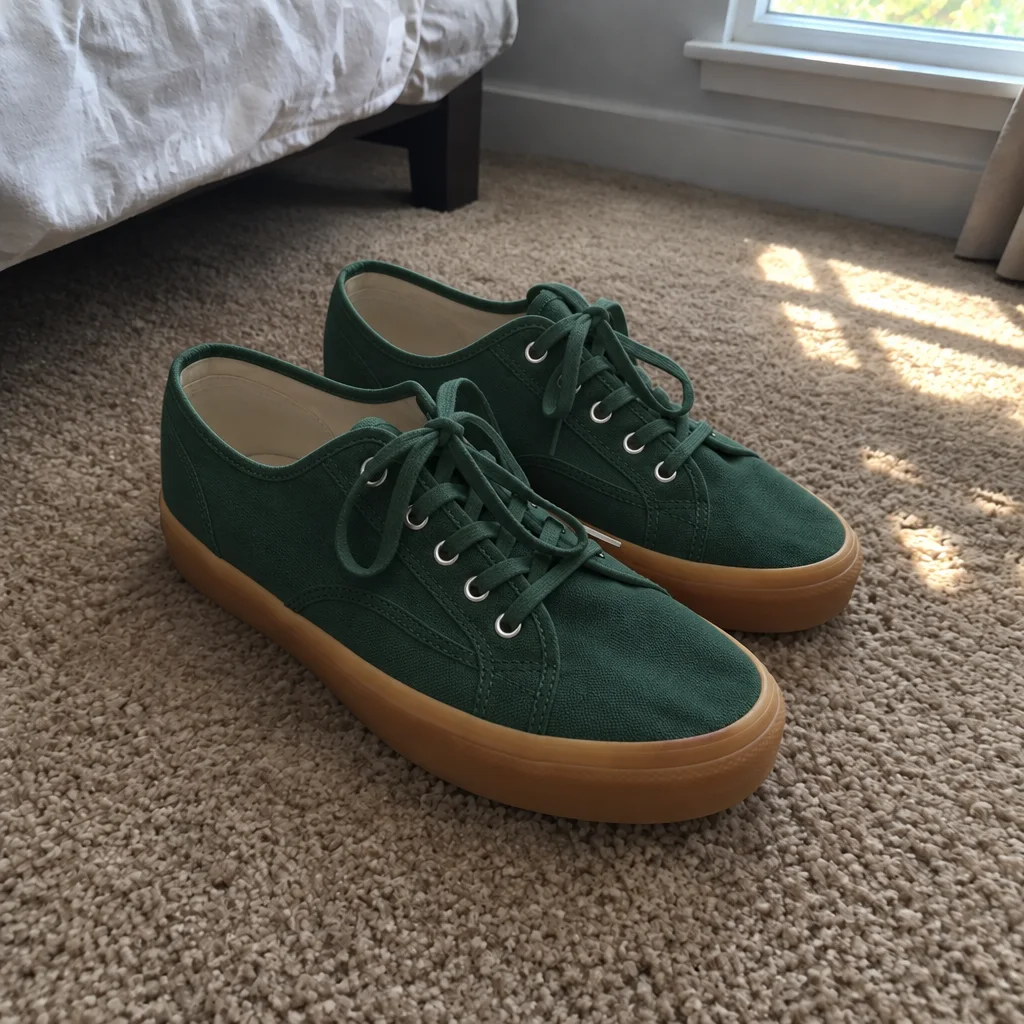
Rendered by this tool from the product photo shown on the left.
If a product comes in six colors, shooting six photos and six videos is where budgets go. Photograph one colorway, describe the next, say sage green, matte black or coral, and the product is recolored with the material, shadows and reflections reworked to match.
Everything except the color stays put: shape, proportions, label text, logos, the background and the light. That makes the set consistent. Render each variant, then send them through the same video type with the same settings and you get a matching clip per colorway.
Describe the color precisely, including finish: 'gloss cherry red' behaves differently from 'matte brick red'. Each recolor is 4 credits on Standard. Before listing, check each variant against a real sample or swatch, because a rendered color is only as accurate as its description.
Credits
| Option | Credits | Good for |
|---|---|---|
| Standard | 4 | Quick photos and opening frames |
| Pro | 12 | Gallery and PDP photos |
| Max | 44 | Print and zoom |
Settings
- Product photo
- New color
- Output ratioSame as upload1:12:33:29:1616:93:44:34:5+6
- Output · Any shape, chosen under Output ratio
In the Studio
- Send any photo into any video type without uploading again
- Length, shape, resolution and cost shown before you render
- Opening frame and clip both kept in your library
- Draft 360p previews; 720p, 1080p and 4K renders
About this video type
Also try
Color Correction
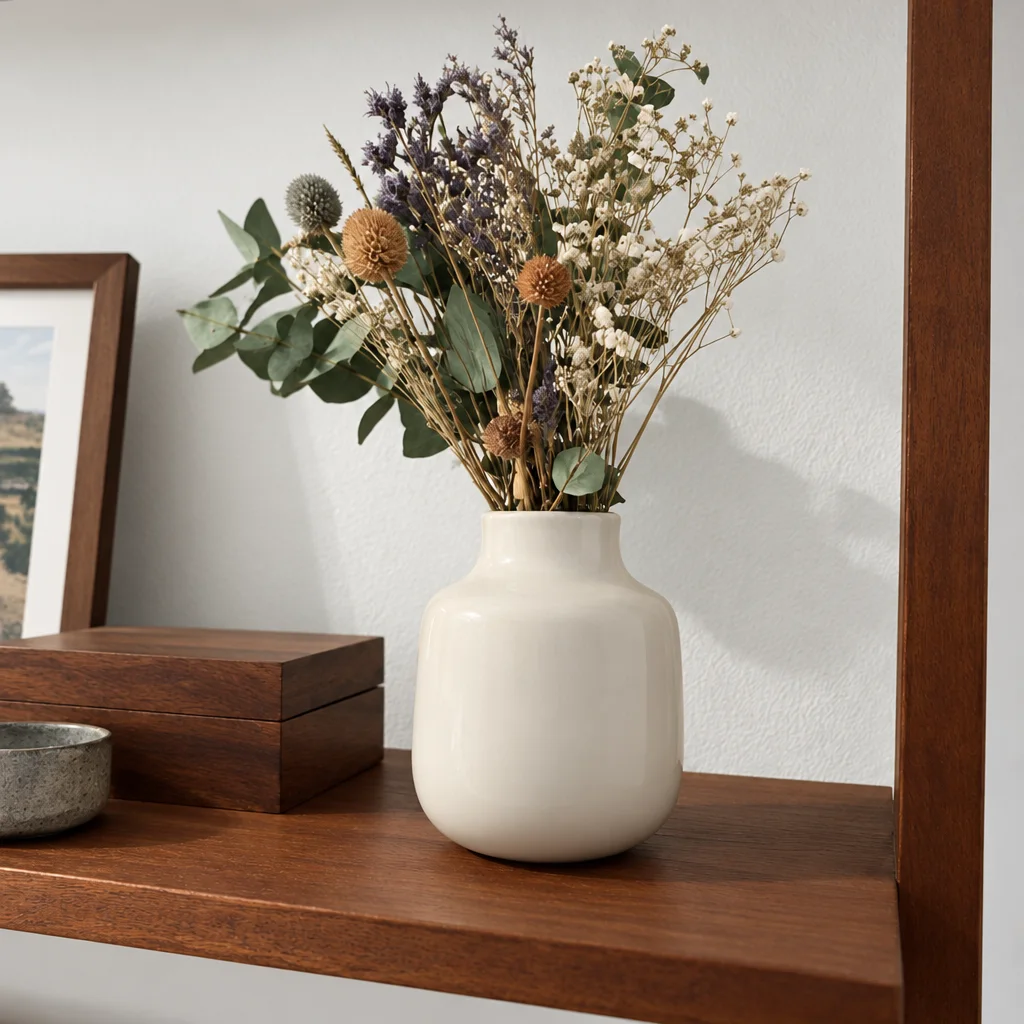
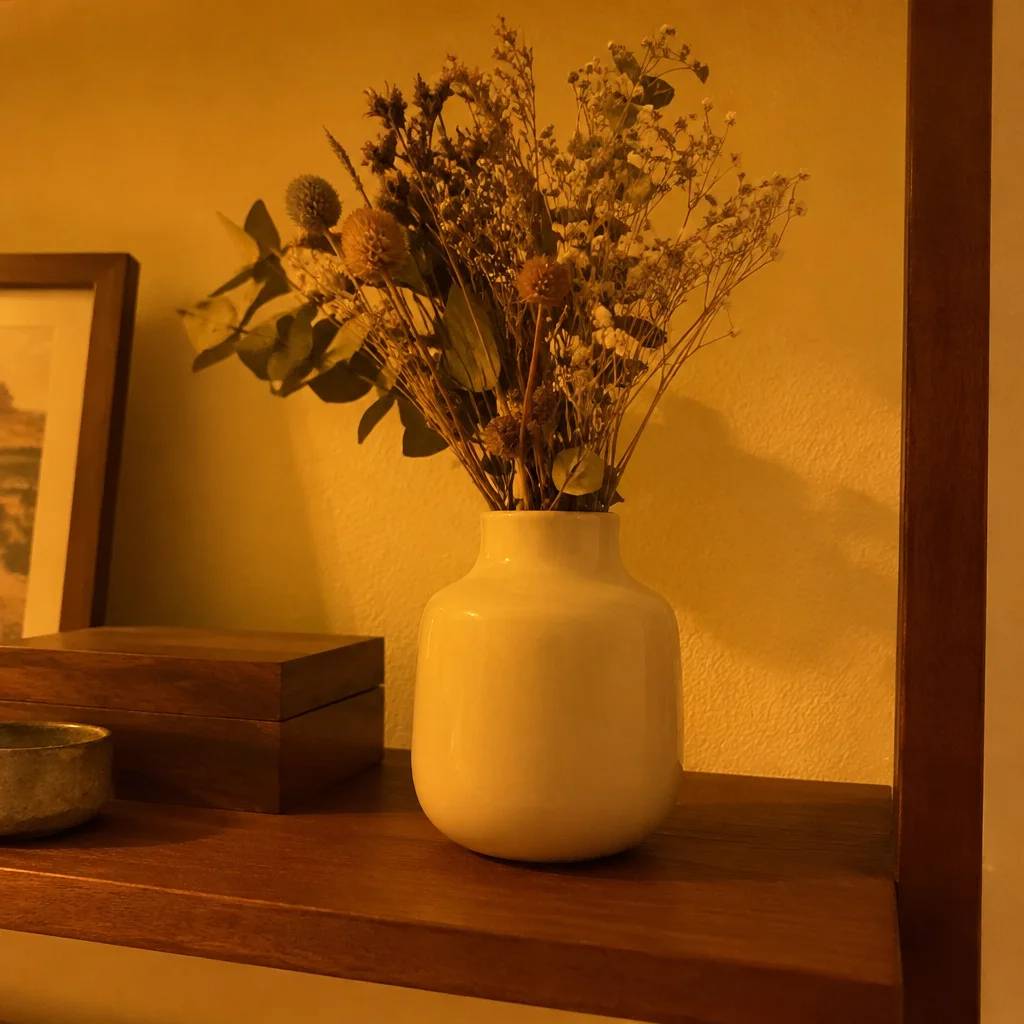
Neutralizes casts so the product's colors on screen match the real thing.
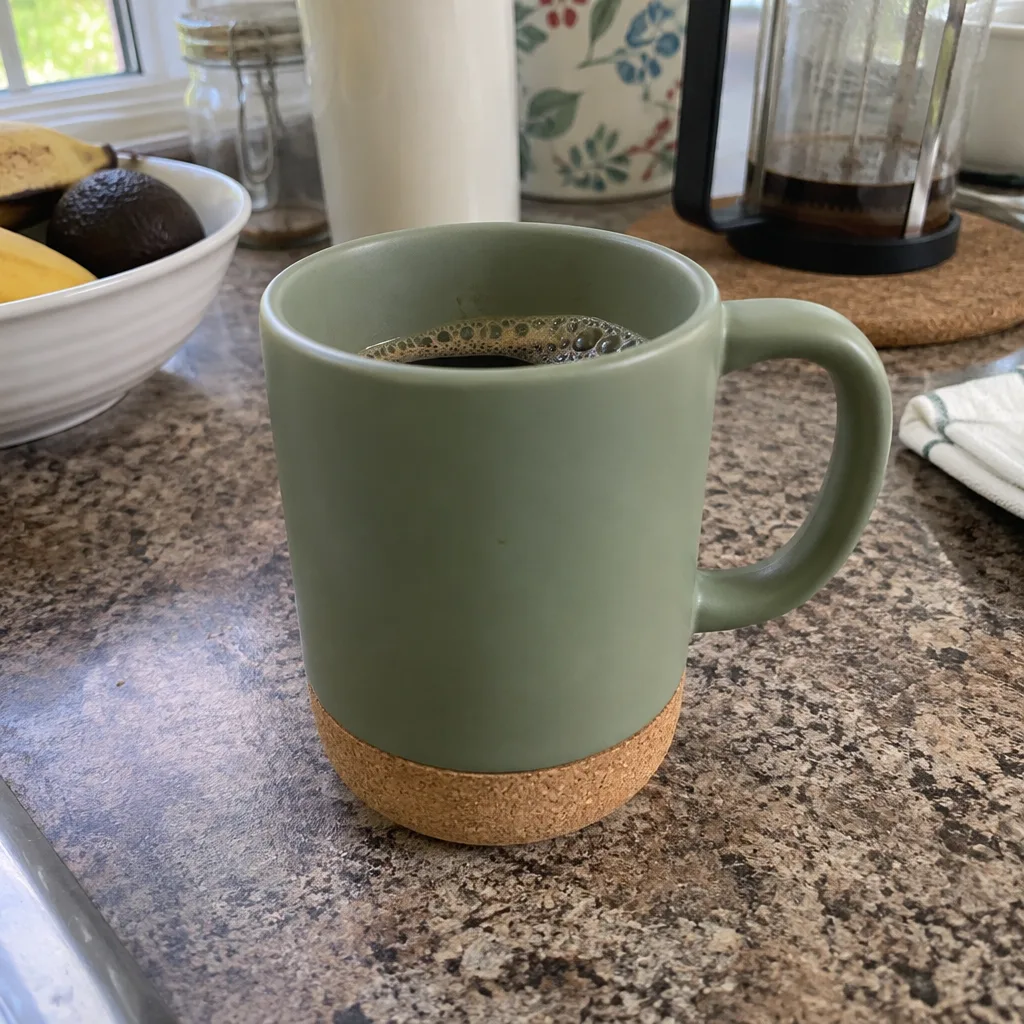
360° Product Spin
A full turntable rotation of your product from one photo.
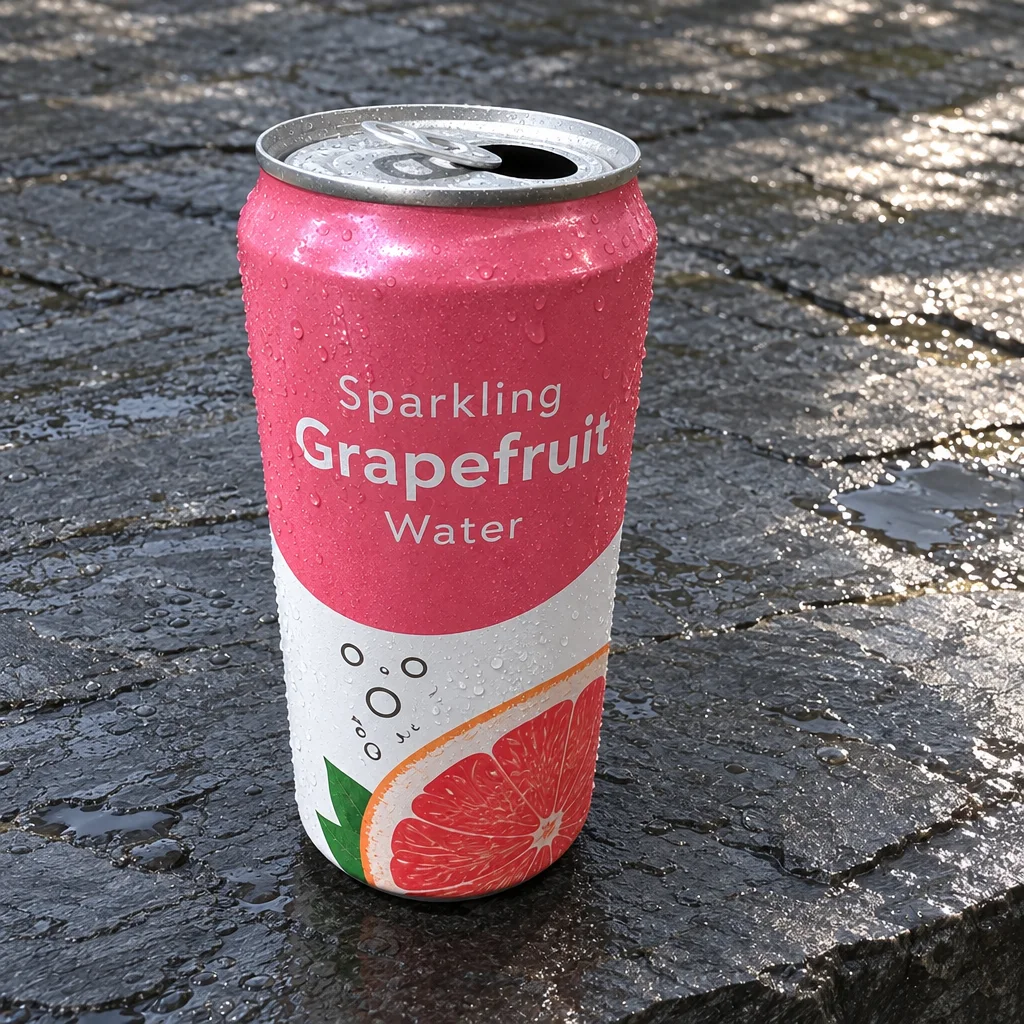
Social Ad Clip
A scroll-stopping ad clip sized for TikTok, Reels, Shorts, feed or page.
Edit with Words
Type the change you want and the photo is edited to match.