
Photo editor
Product Retouch
Clears dust, smudges and stray reflections before the photo goes on camera.
4 free credits on sign-up, enough for one photo to animate later. Clips start at 21 credits.
- 1Add the photo that needs cleaning up
- 2Choose what the item is made of, or keep Auto
- 3Send the clean photo into a video type
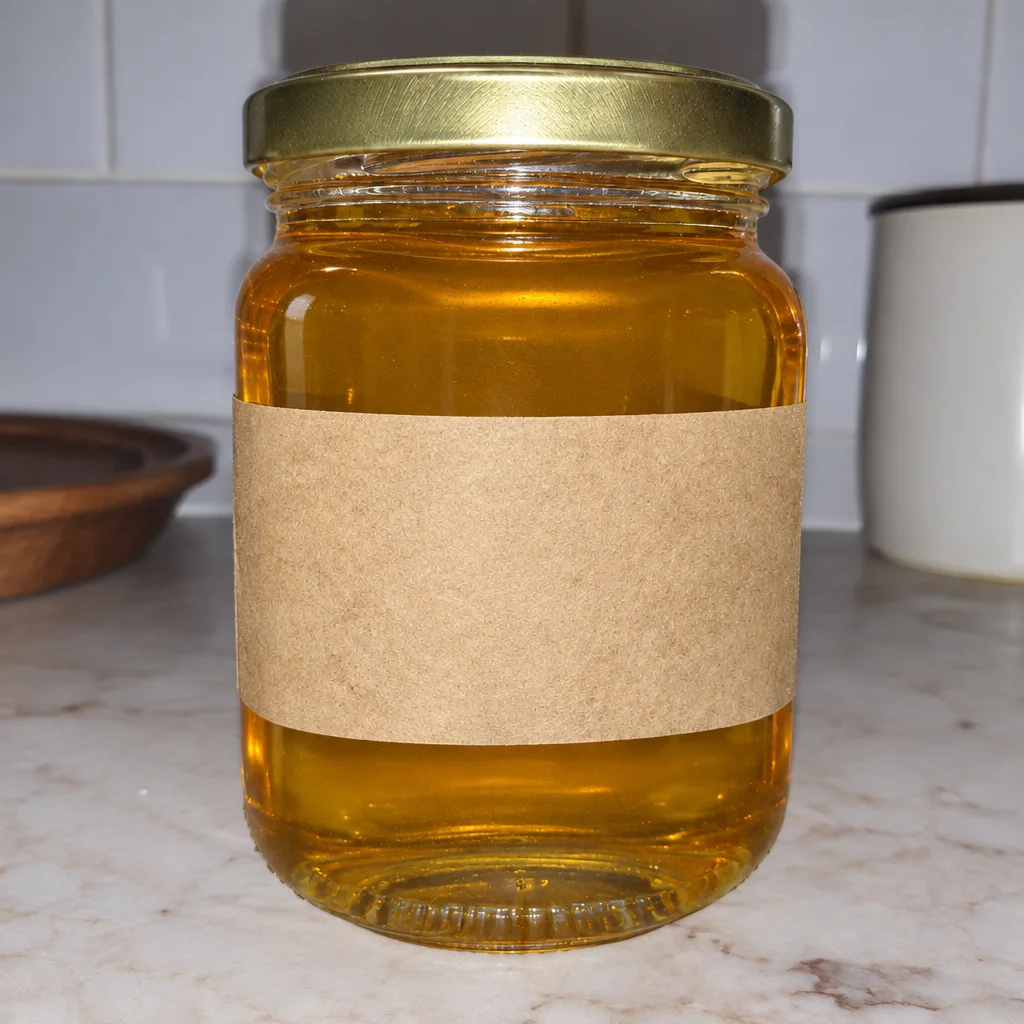
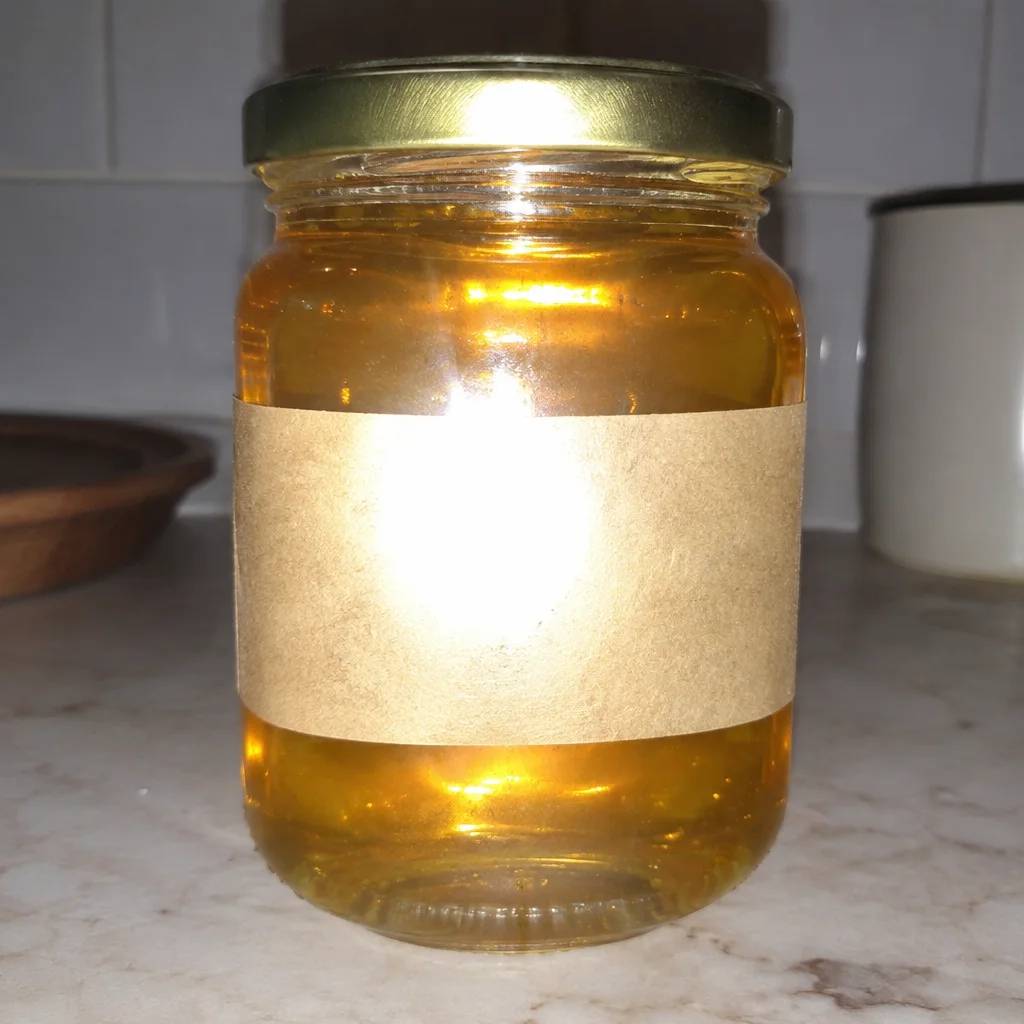
Went in

Came out

Rendered by this tool from the product photo shown on the left.
Video is less forgiving than a thumbnail. A fingerprint on a jar lid or a speck of lint on a sweater gets bigger when the camera pushes in, and it stays on screen for every frame of the clip. Retouch fixes those flaws in the photo first, so the opening frame starts clean.
One pass handles dust, fine scratches, smudges, uneven backgrounds and reflections that flare, then balances exposure and white balance. The Product type select steers the attention: Glossy settles reflections on glass and metal, Fabric lifts lint and smooths creases, Jewelry sharpens facets, Food brings back fresh color.
Shape, label text, colors and artwork are kept as photographed, so the cleaned photo still matches what the buyer receives. Run it before Hero Reveal or a feature close-up, where detail is magnified. Standard costs 4 credits; Pro at 12 suits macro shots of small items.
Credits
| Option | Credits | Good for |
|---|---|---|
| Standard | 4 | Quick photos and opening frames |
| Pro | 12 | Gallery and PDP photos |
| Max | 44 | Print and zoom |
Settings
- Product photo
- Product typeAutoGlossyFabricJewelryFood
- Output ratioSame as upload1:12:33:29:1616:93:44:34:5+6
- Output · Any shape, chosen under Output ratio
In the Studio
- Send any photo into any video type without uploading again
- Length, shape, resolution and cost shown before you render
- Opening frame and clip both kept in your library
- Draft 360p previews; 720p, 1080p and 4K renders
About this video type
Also try
Glare Removal
Takes the shine spots off glass, metal and gloss so the label reads again.


Color Correction
Neutralizes casts so the product's colors on screen match the real thing.
Hero Reveal
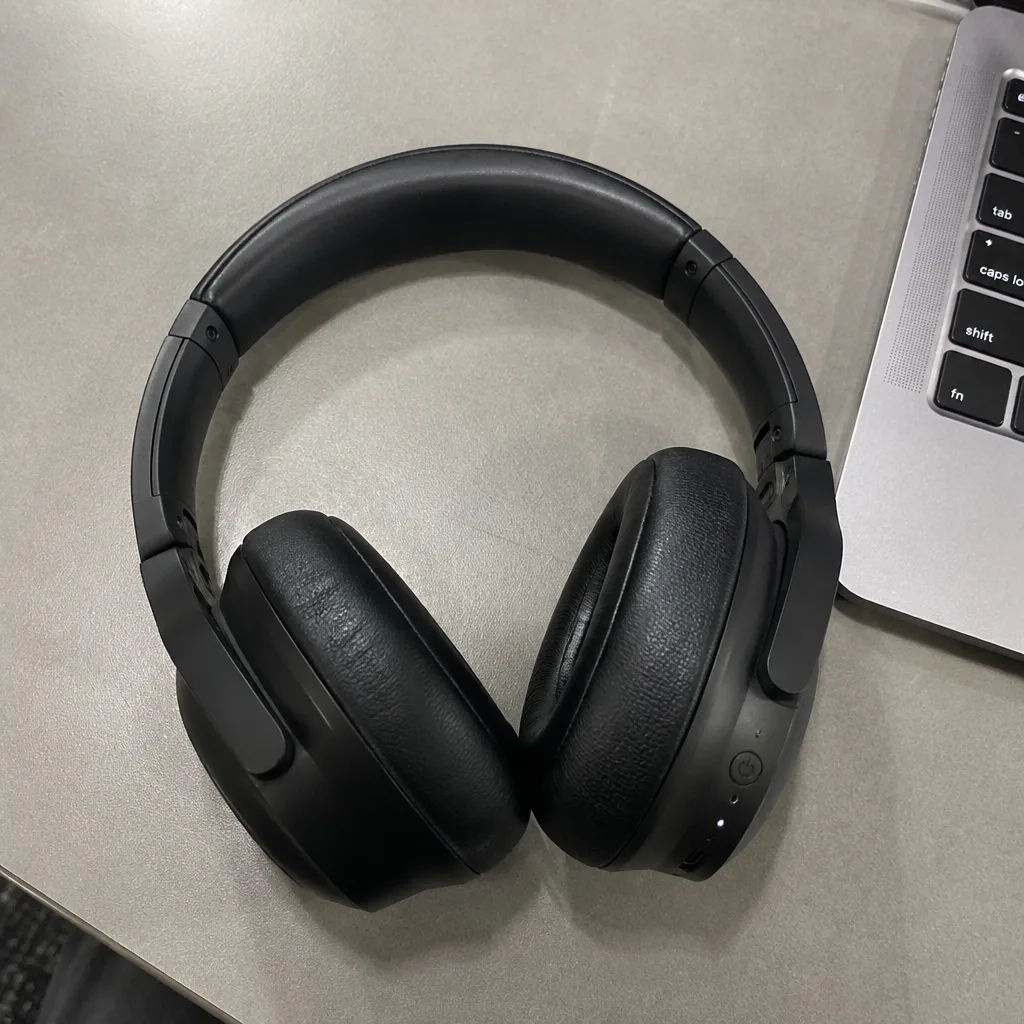
A launch-style reveal: light sweeps across the product as the camera pushes in.
Feature Close-up
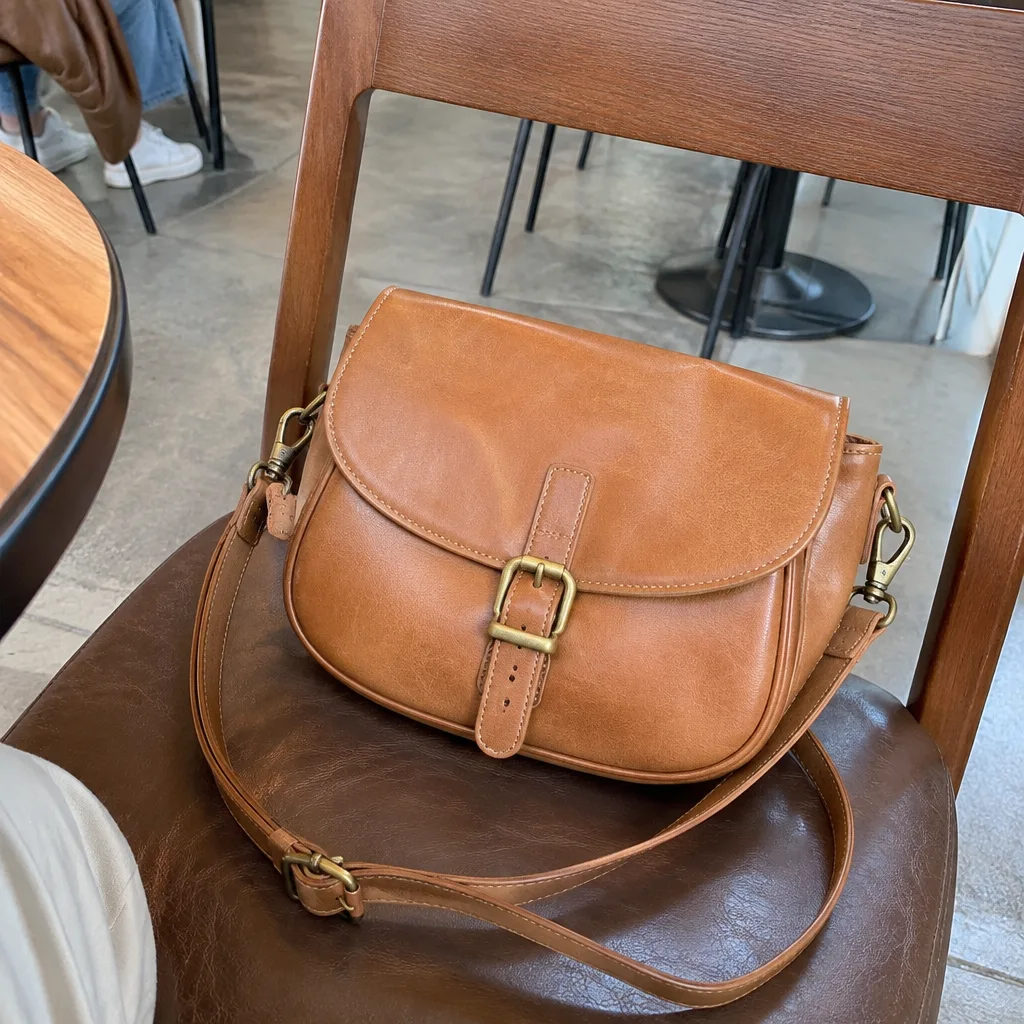
A macro move onto one detail: the stitching, the cap, the texture.