
Photo editor
Edit with Words
Type the change you want and the photo is edited to match.
4 free credits on sign-up, enough for one photo to animate later. Clips start at 21 credits.
- 1Upload the photo or pick one from your library
- 2Write the one change you want
- 3Check the result, then send it into a video type
Went in
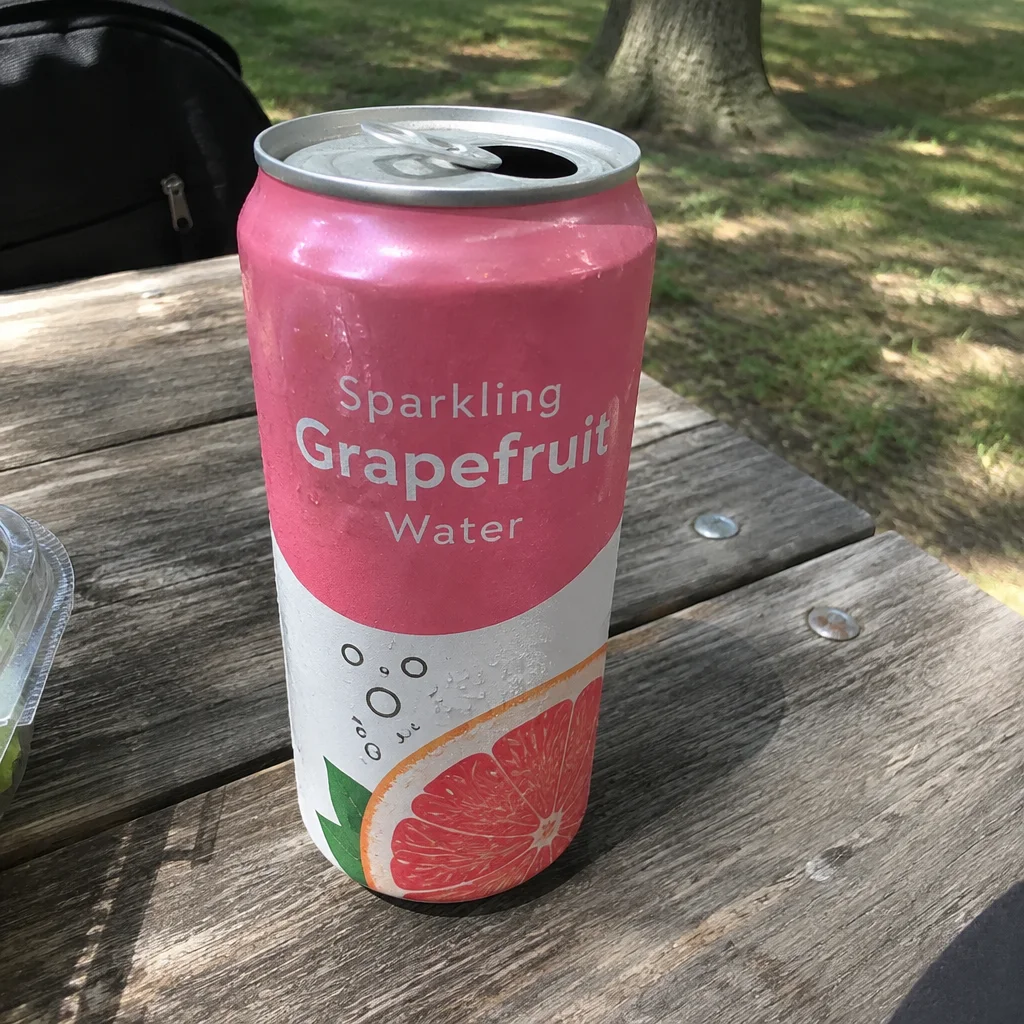
Came out
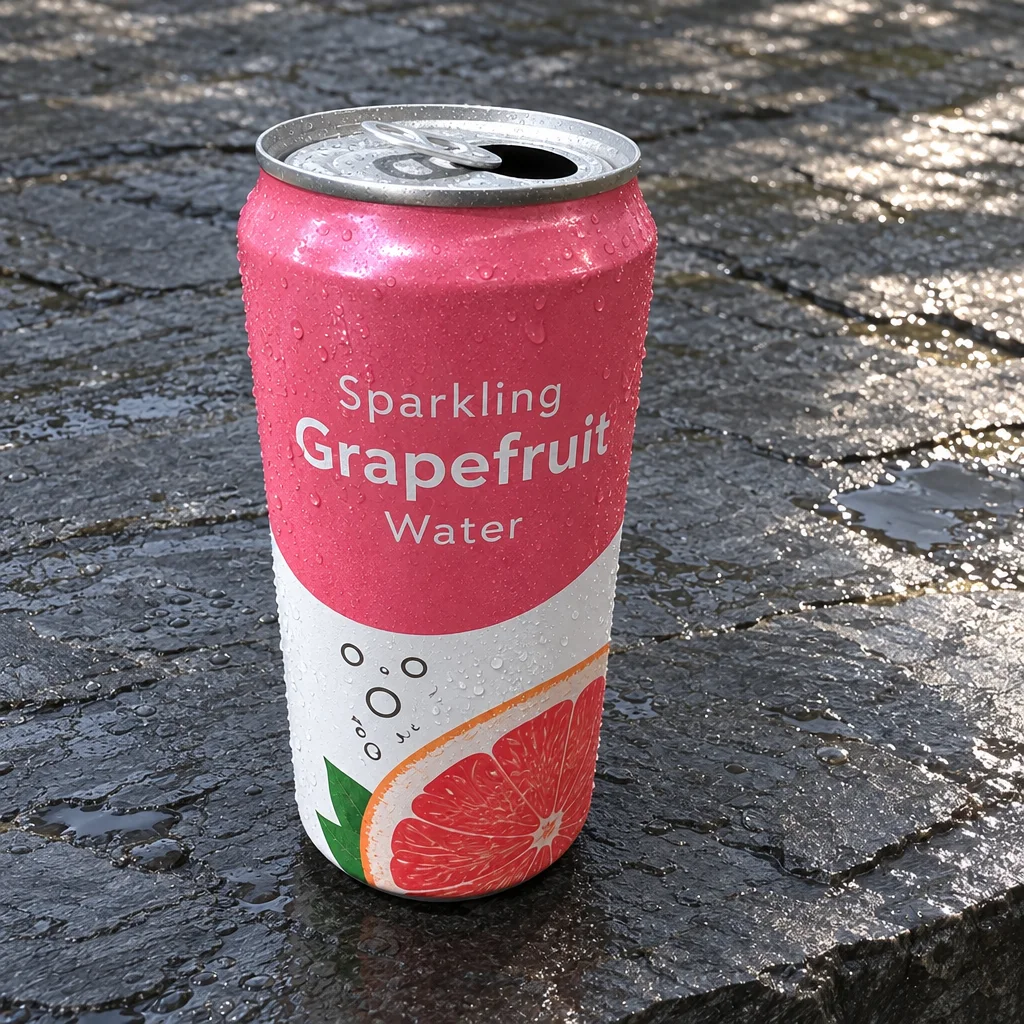
Rendered by this tool from the product photo shown on the left.
Some fixes have no preset. A price sticker on the lid, a stray cable behind the box, a surface that clashes with your brand colors. Type the change the way you would brief a retoucher, and the photo comes back with that change made and the rest left as it was.
Your words go to the image model exactly as written, with no extra styling instructions layered on top, because short, literal requests keep everything you did not mention in place. Name one change per run, then run it again for the next one; each result lands in your library as its own photo.
This is the quickest way to get a photo ready for video. Clear the clutter, then send the result into Custom Video or any preset and it becomes the opening frame. A Standard edit is 4 credits, Pro 12 and Max 44; Pro holds small text and fine edges better.
Credits
| Option | Credits | Good for |
|---|---|---|
| Standard | 4 | Quick photos and opening frames |
| Pro | 12 | Gallery and PDP photos |
| Max | 44 | Print and zoom |
Settings
- Product photo
- What should change?
- Output ratioSame as upload1:12:33:29:1616:93:44:34:5+6
- Output · Any shape, chosen under Output ratio
In the Studio
- Send any photo into any video type without uploading again
- Length, shape, resolution and cost shown before you render
- Opening frame and clip both kept in your library
- Draft 360p previews; 720p, 1080p and 4K renders
About this video type
Also try


Product Retouch
Clears dust, smudges and stray reflections before the photo goes on camera.
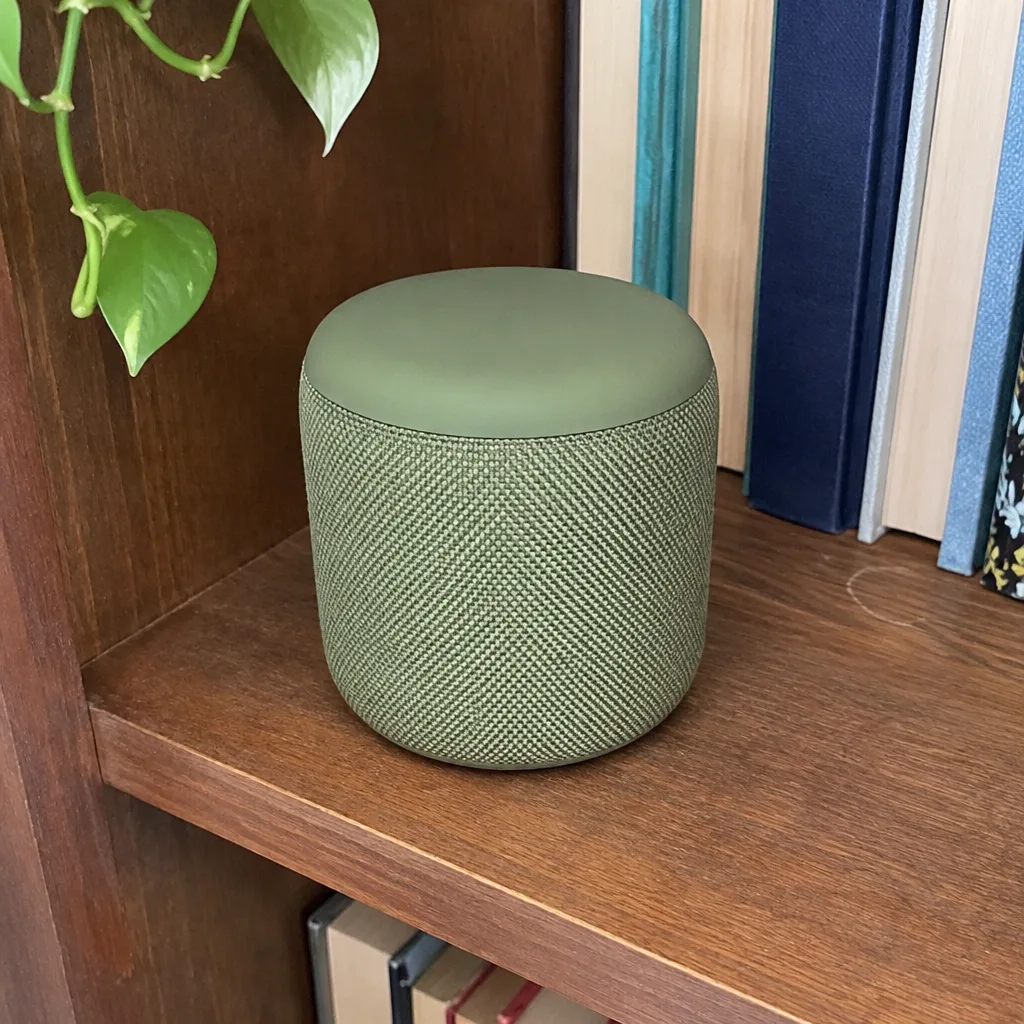
Custom Video
Describe what happens and get that video from one product photo.
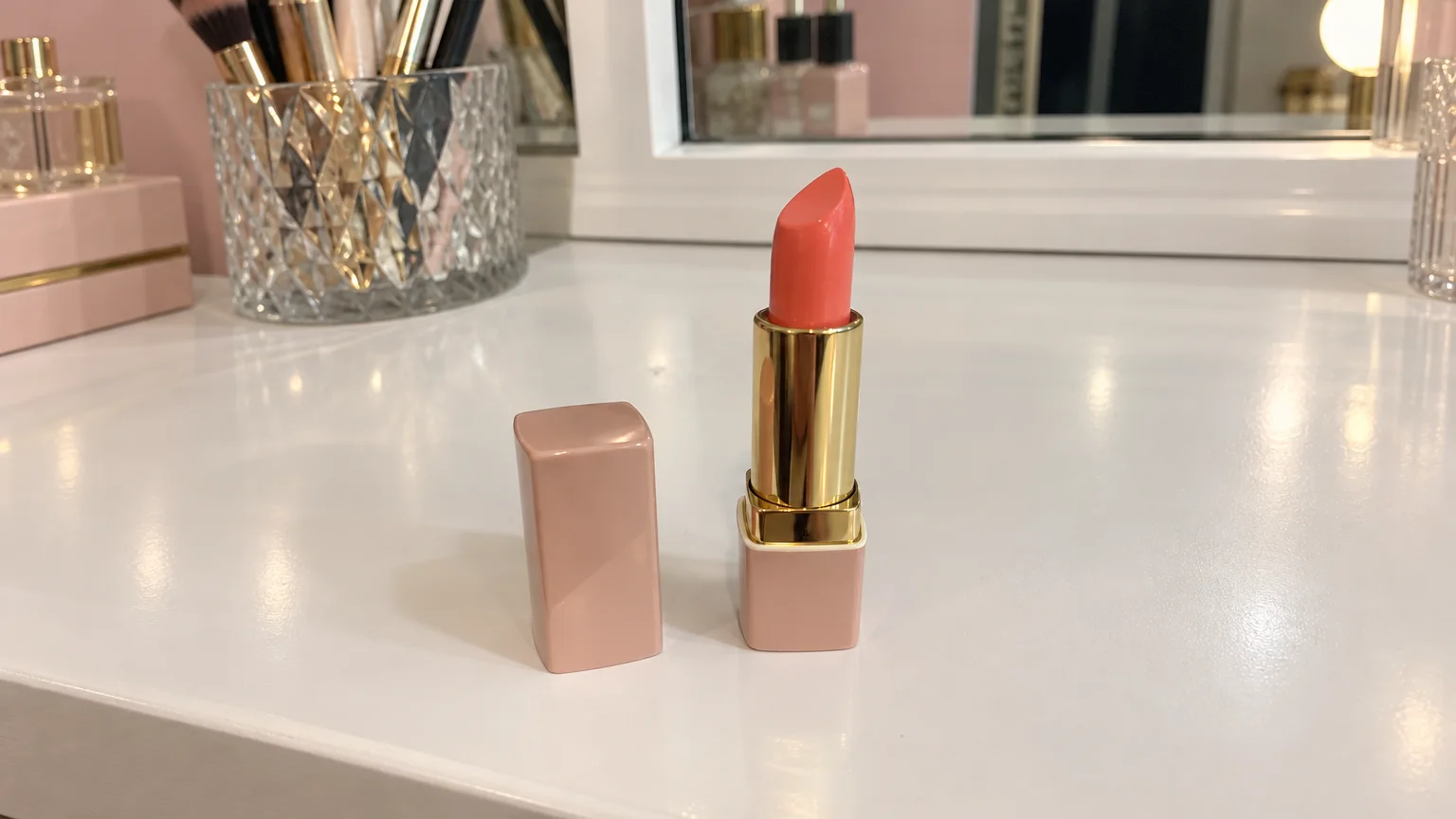
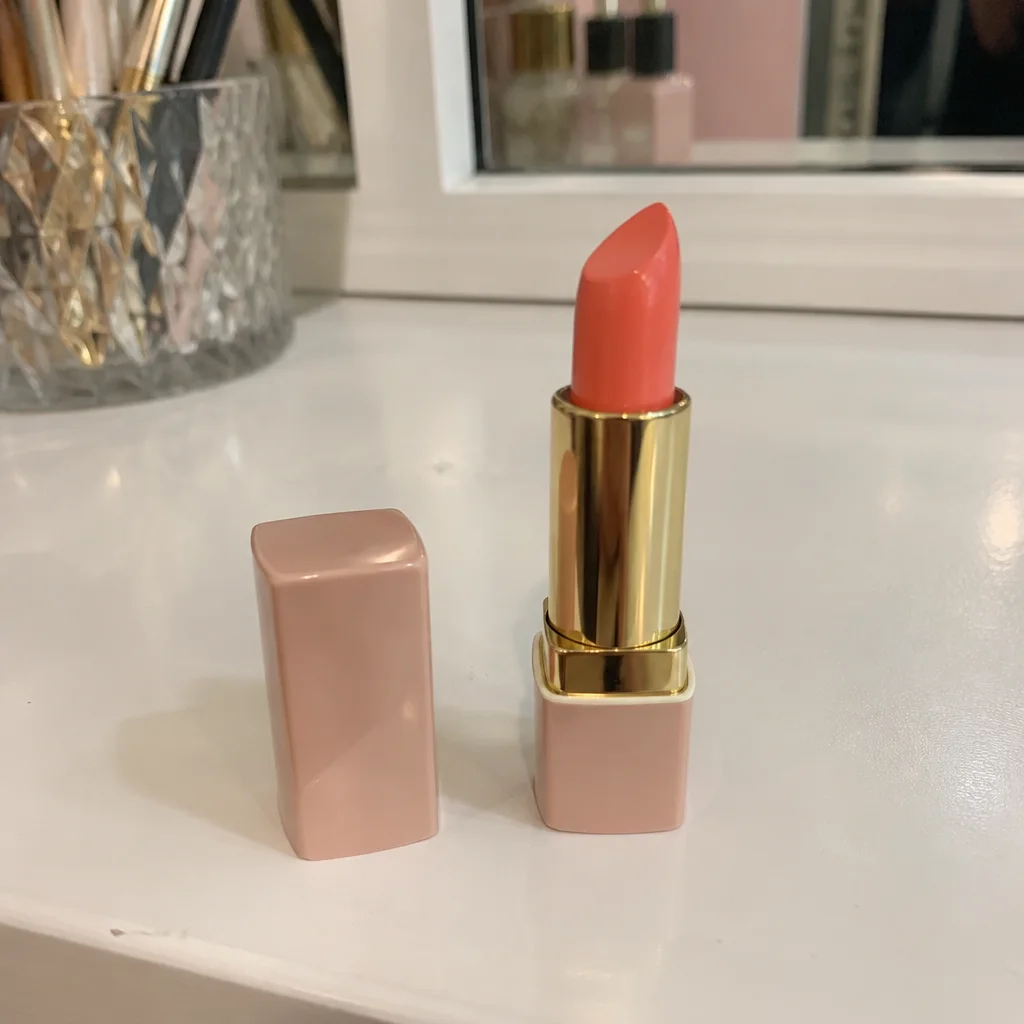
Reframe for Video
Extends a photo to 16:9 or 9:16 so it fills the video frame.
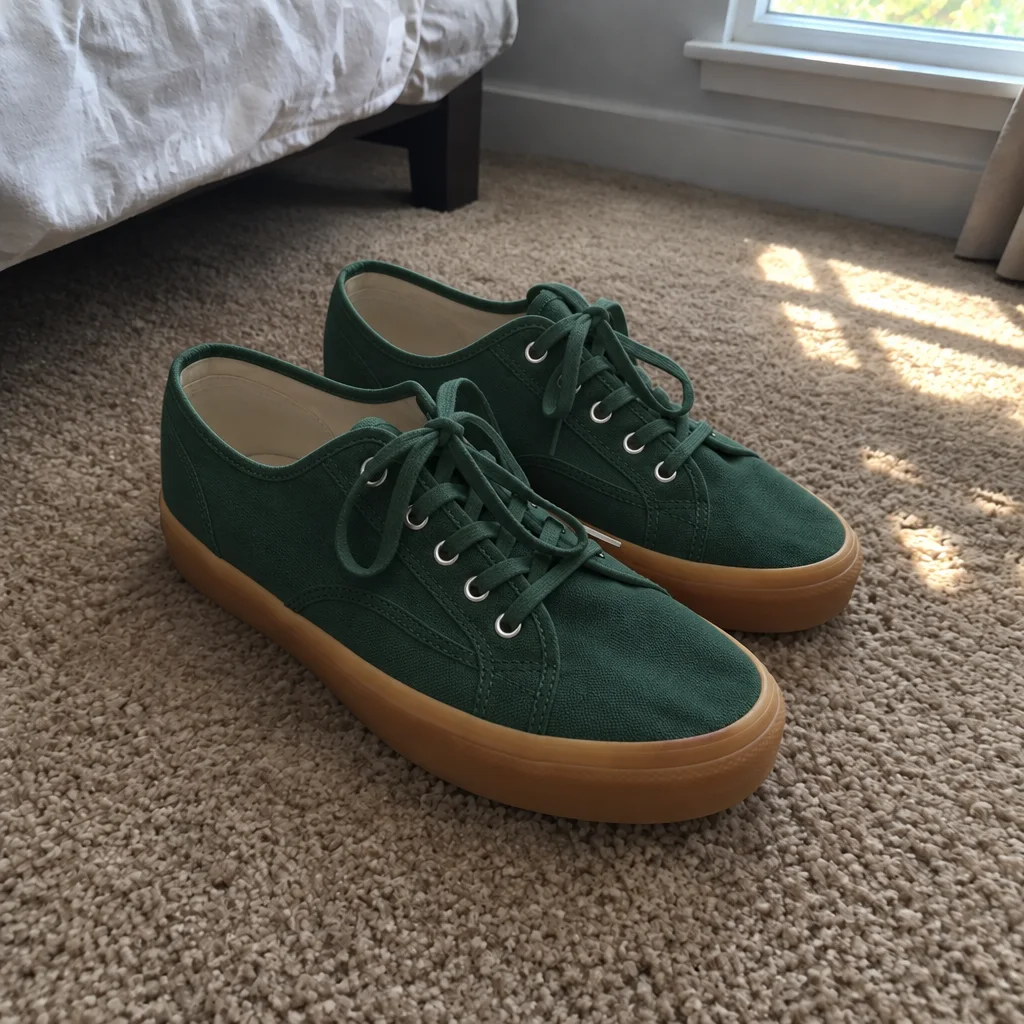
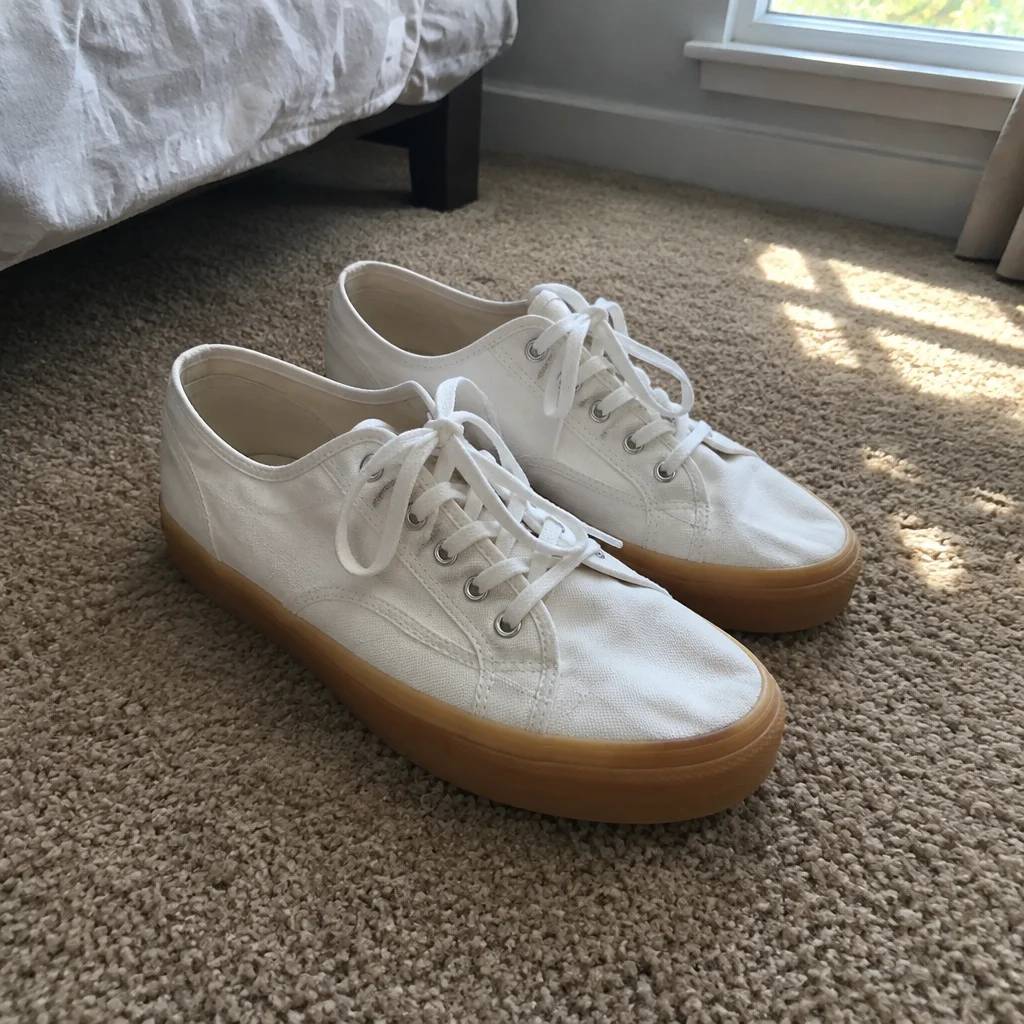
Color Variant
One photo, every colorway: recolor the product, then animate each version.