
Photo editor
Reframe for Video
Extends a photo to 16:9 or 9:16 so it fills the video frame.
4 free credits on sign-up, enough for one photo to animate later. Clips start at 21 credits.
- 1Upload the photo
- 2Choose 16:9, 9:16 or another shape
- 3Send the reframed photo into a video
Went in
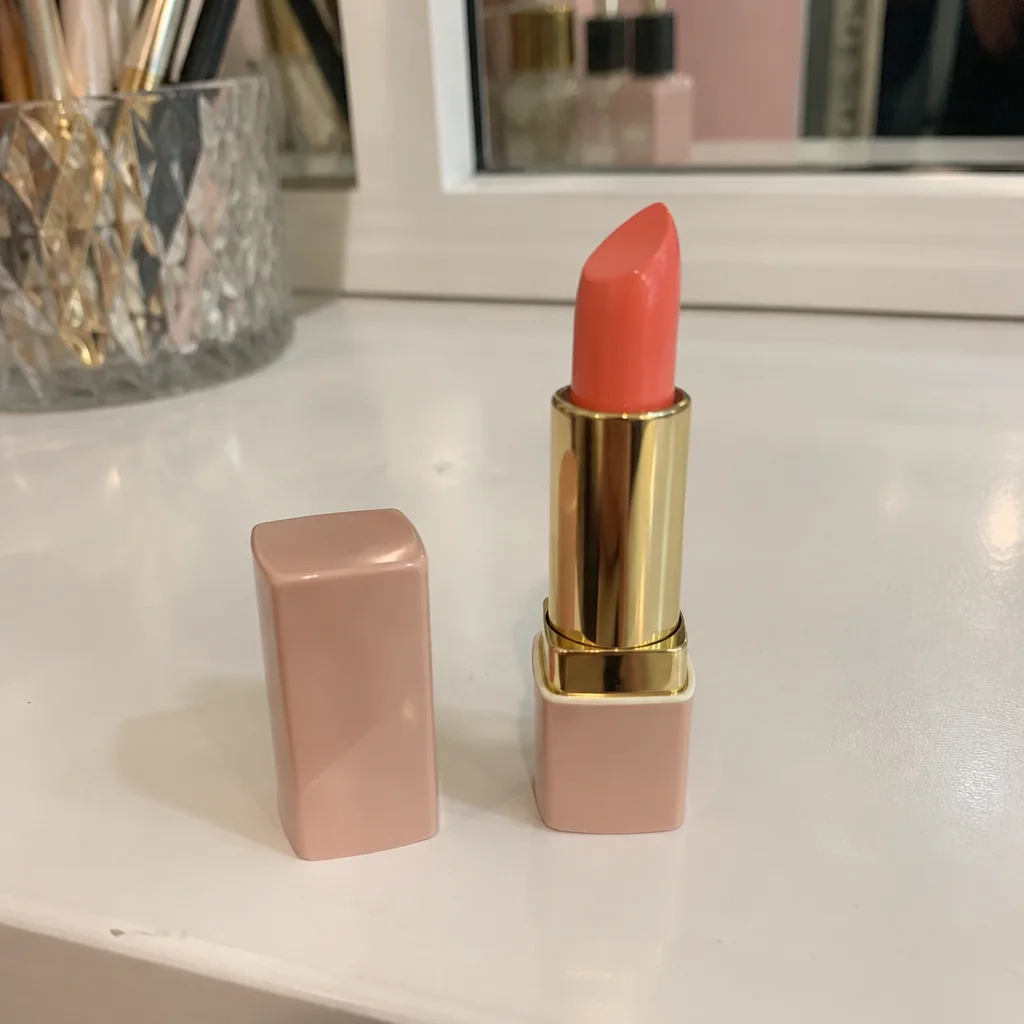
Came out
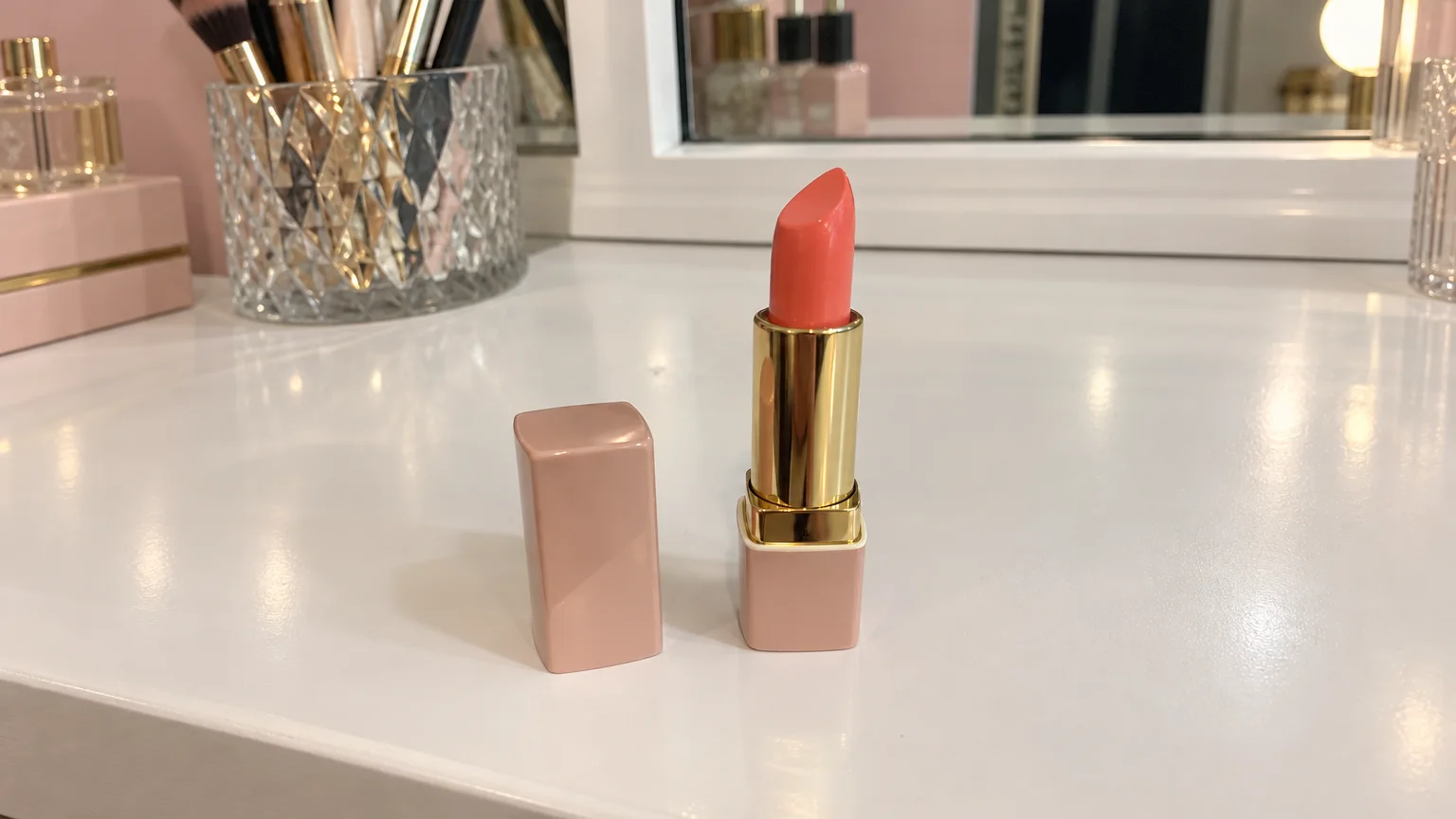
Rendered by this tool from the product photo shown on the left.
Product photos are usually square or 4:5, and video is 16:9 or 9:16. Cropping a square photo to a wide frame cuts off the top and bottom of the product; squeezing it in leaves black bars. Reframe extends the scene instead, painting more of the same background, surface and light around the edges.
Pick the shape first: 16:9 for landscape players and product pages, 9:16 for vertical feeds and stories. Other shapes are there for listing images. The product stays exactly where and how it was, and the new areas continue the original lighting so the seam is invisible.
Then send the reframed photo into Make clip or any video type, and the clip opens on a full frame with room for camera moves. A run costs 4 credits on Standard. For very wide or very tall shapes, start from a photo with some space around the product.
Credits
| Option | Credits | Good for |
|---|---|---|
| Standard | 4 | Quick photos and opening frames |
| Pro | 12 | Gallery and PDP photos |
| Max | 44 | Print and zoom |
Settings
- Product photo
- New shape16:99:161:12:33:23:44:34:55:4+5
- Output · Any shape, chosen under New shape
In the Studio
- Send any photo into any video type without uploading again
- Length, shape, resolution and cost shown before you render
- Opening frame and clip both kept in your library
- Draft 360p previews; 720p, 1080p and 4K renders
About this video type
Also try

Custom Video
Describe what happens and get that video from one product photo.
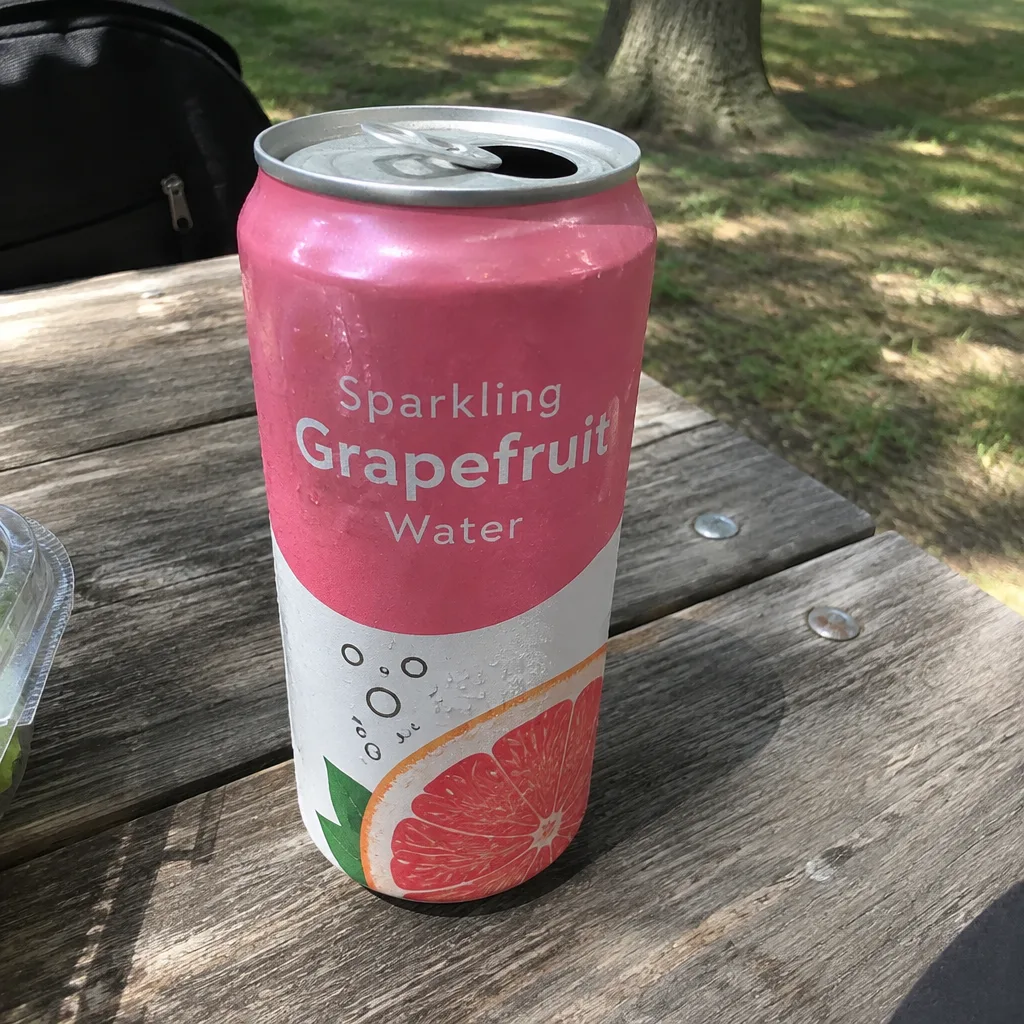
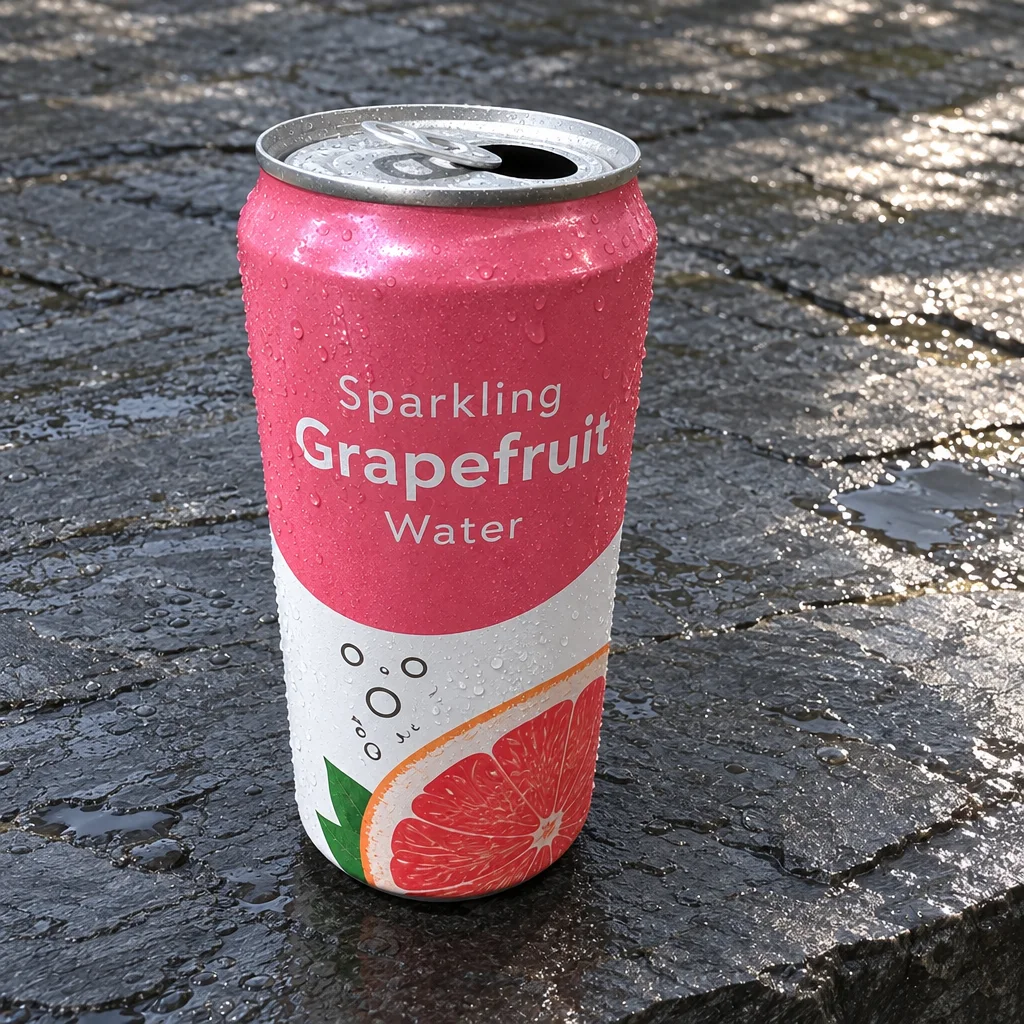
Social Ad Clip
A scroll-stopping ad clip sized for TikTok, Reels, Shorts, feed or page.
Edit with Words
Type the change you want and the photo is edited to match.
White Background Photo
A clean white-background photo of the product, ready to animate or list.