
Photo editor
Shadows & Reflections
Gives a floating product a believable shadow or a glossy floor reflection.
4 free credits on sign-up, enough for one photo to animate later. Clips start at 21 credits.
- 1Upload a product photo on a clean background
- 2Choose the shadow or reflection
- 3Send it into a spin or studio video
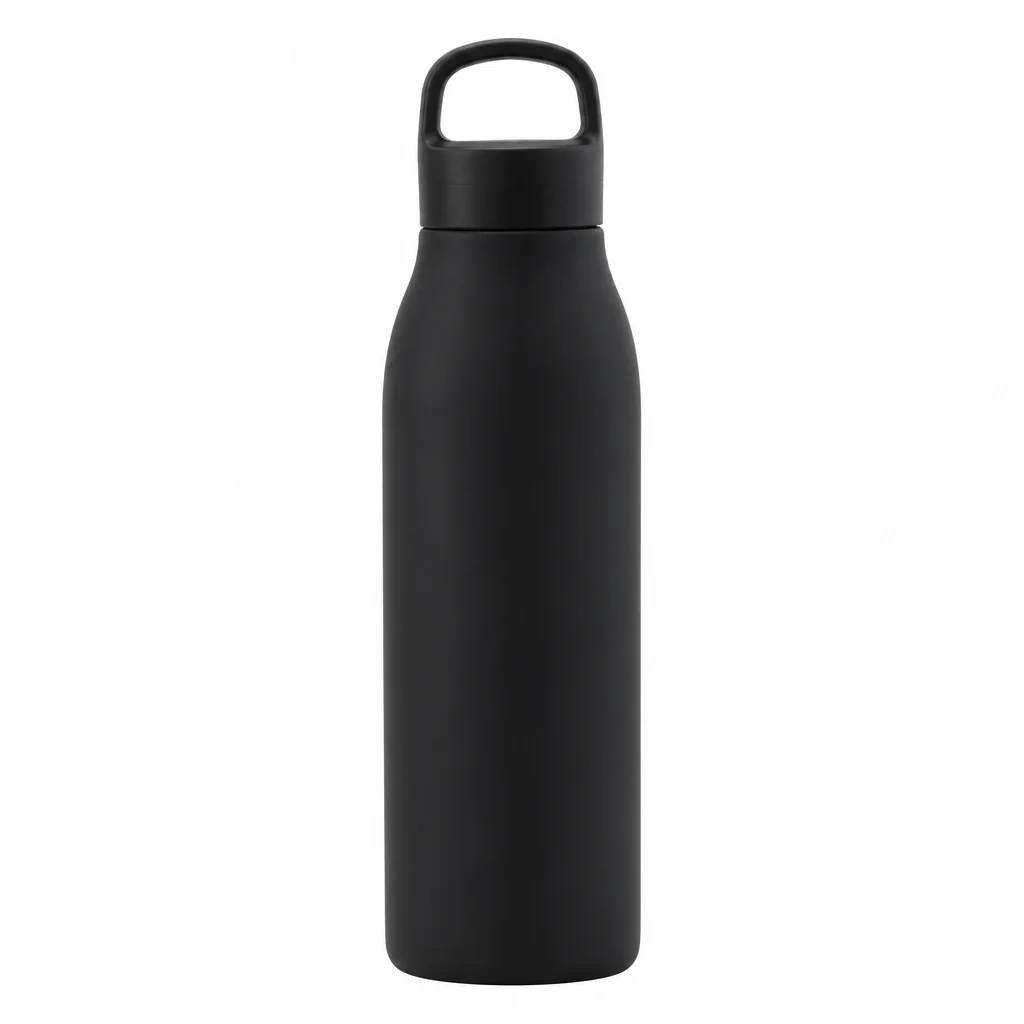
Went in
Came out
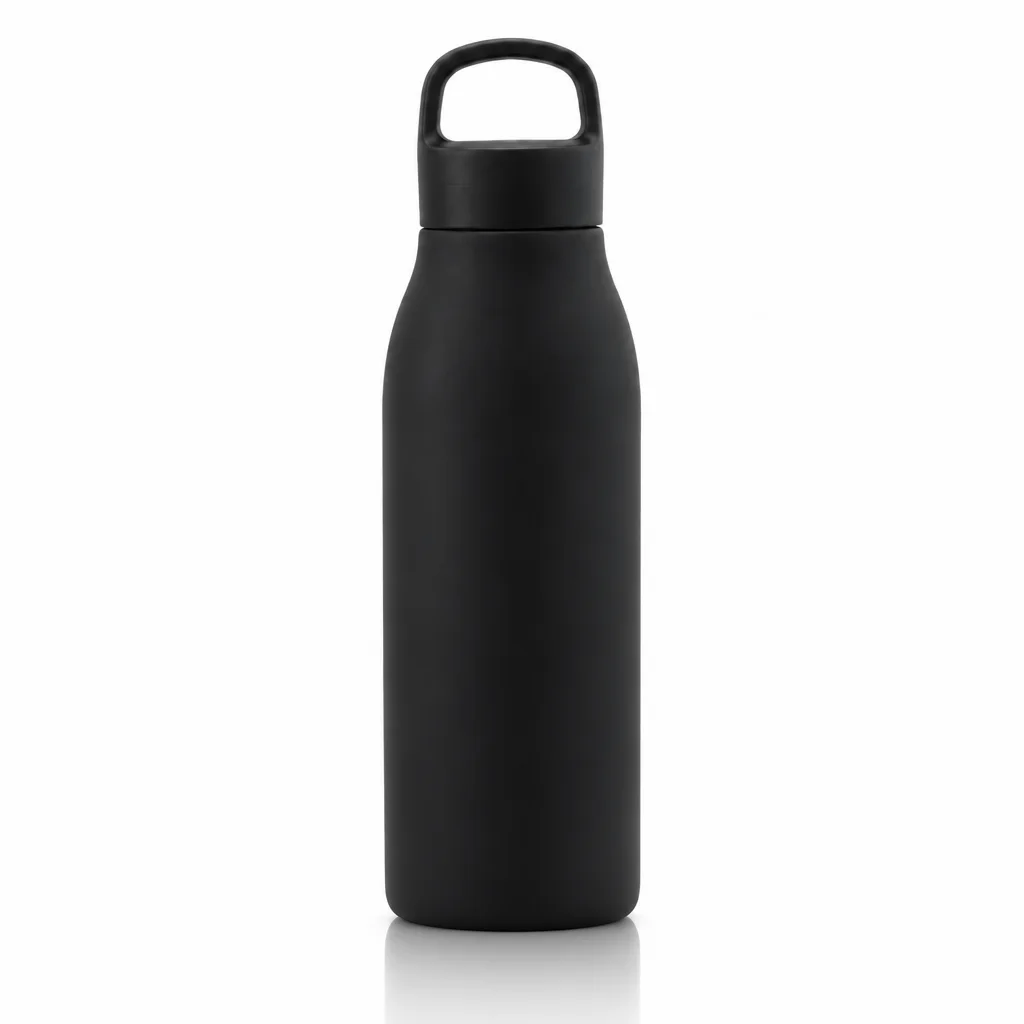
Rendered by this tool from the product photo shown on the left.
A product cut out of its background and dropped onto a plain color looks pasted on, and in motion that flatness is even more obvious. A grounded shadow or a reflection tells the eye where the floor is, which makes a spin or a push-in feel like it was filmed rather than assembled.
Four effects are offered: a soft diffuse shadow, a crisp hard-light shadow, a glossy floor reflection that fades with distance, and a floating lift with a shadow underneath. Each is drawn from the product's own outline and the light already in the photo, and the rest of the image is left alone.
Pair it with Background Remover or a white-background photo, then send the result into 360° Product Spin or Studio Backdrop Video. A run costs 4 credits on Standard. Reflections suit glossy and premium items; soft shadows suit almost everything else.
Credits
| Option | Credits | Good for |
|---|---|---|
| Standard | 4 | Quick photos and opening frames |
| Pro | 12 | Gallery and PDP photos |
| Max | 44 | Print and zoom |
Settings
- Product photo
- EffectSoft ShadowHard ShadowFloor ReflectionFloating
- Output ratioSame as upload1:12:33:29:1616:93:44:34:5+6
- Output · Any shape, chosen under Output ratio
In the Studio
- Send any photo into any video type without uploading again
- Length, shape, resolution and cost shown before you render
- Opening frame and clip both kept in your library
- Draft 360p previews; 720p, 1080p and 4K renders
About this video type
Also try
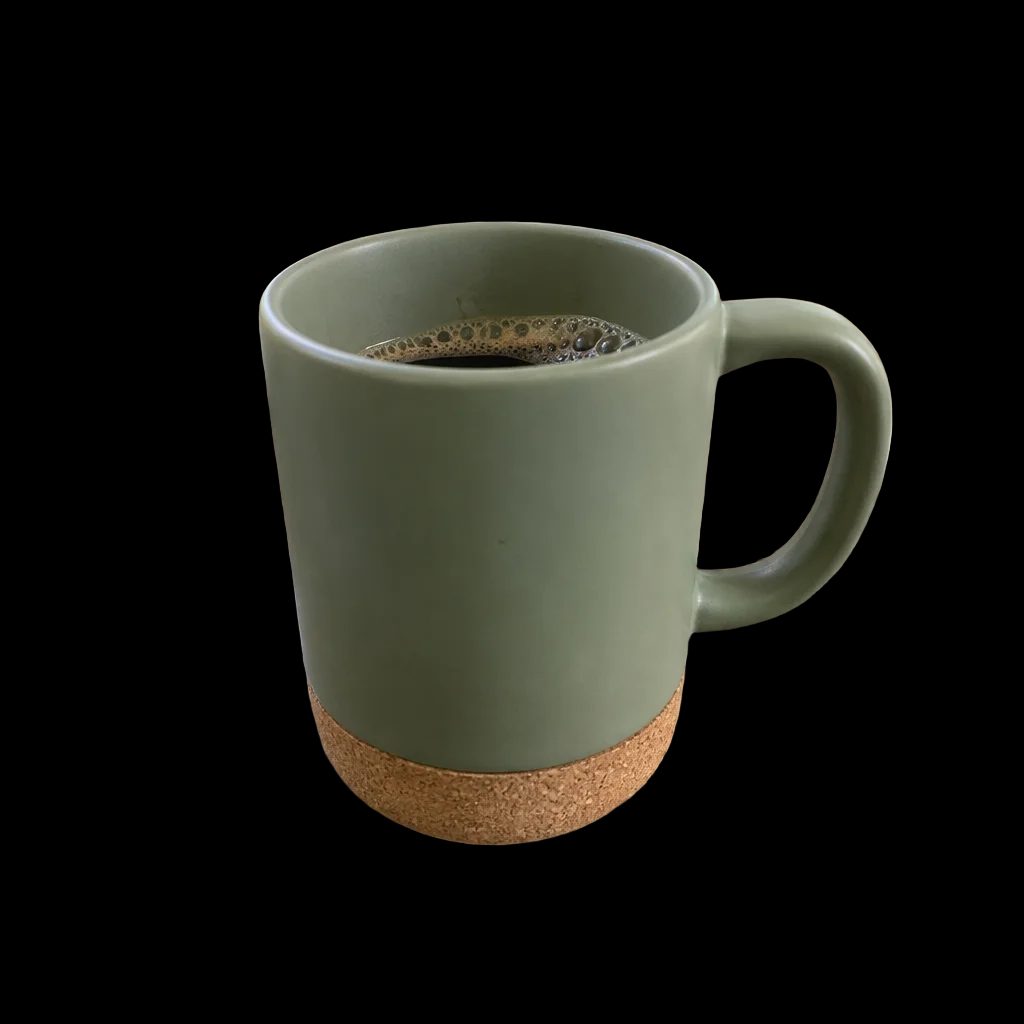

Background Remover
Cut the product out as a transparent PNG.
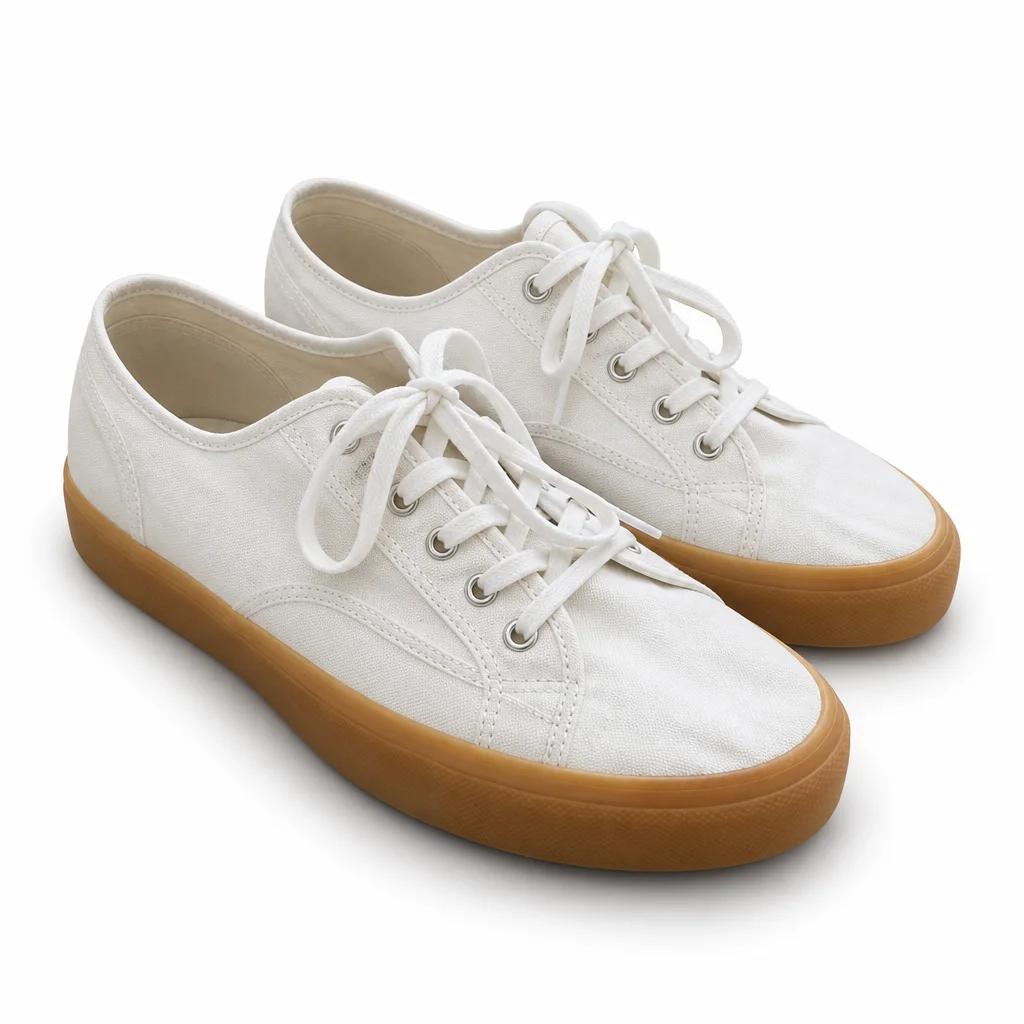
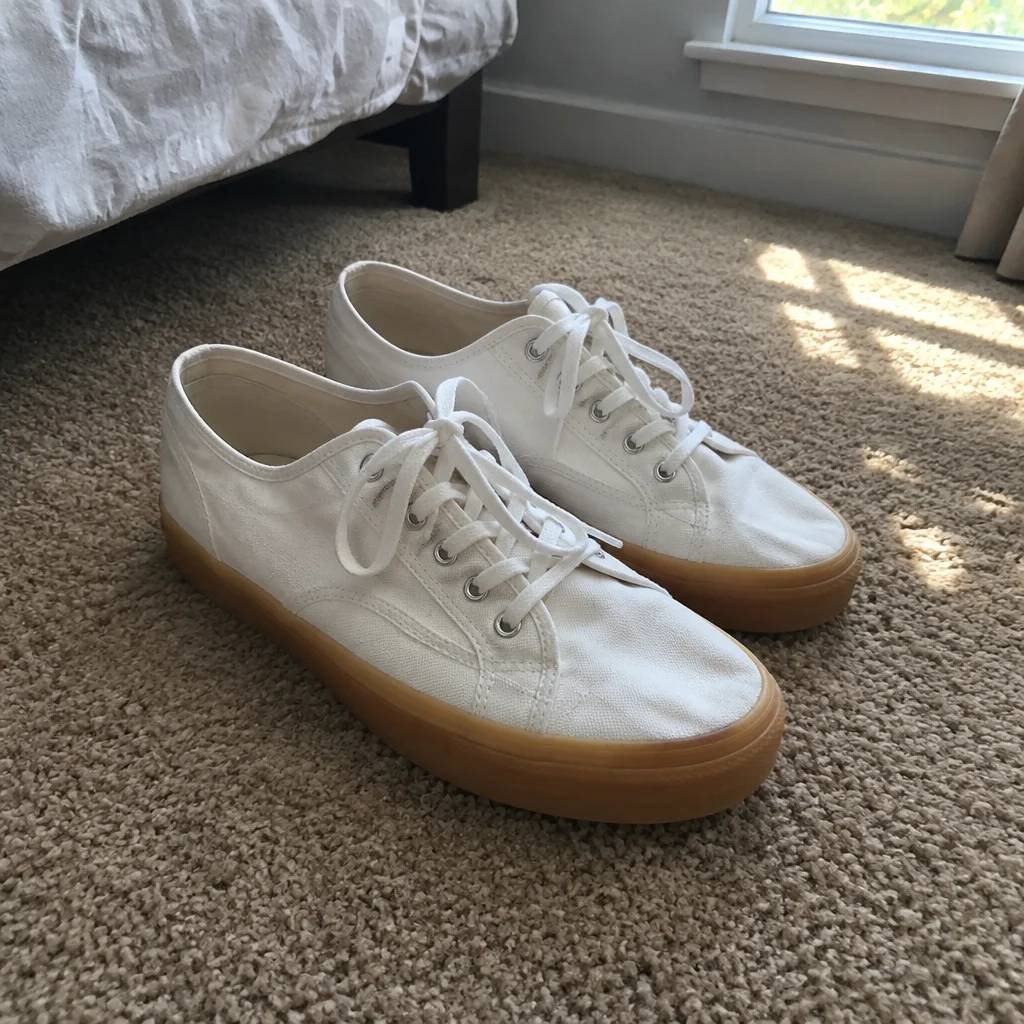
White Background Photo
A clean white-background photo of the product, ready to animate or list.

360° Product Spin
A full turntable rotation of your product from one photo.
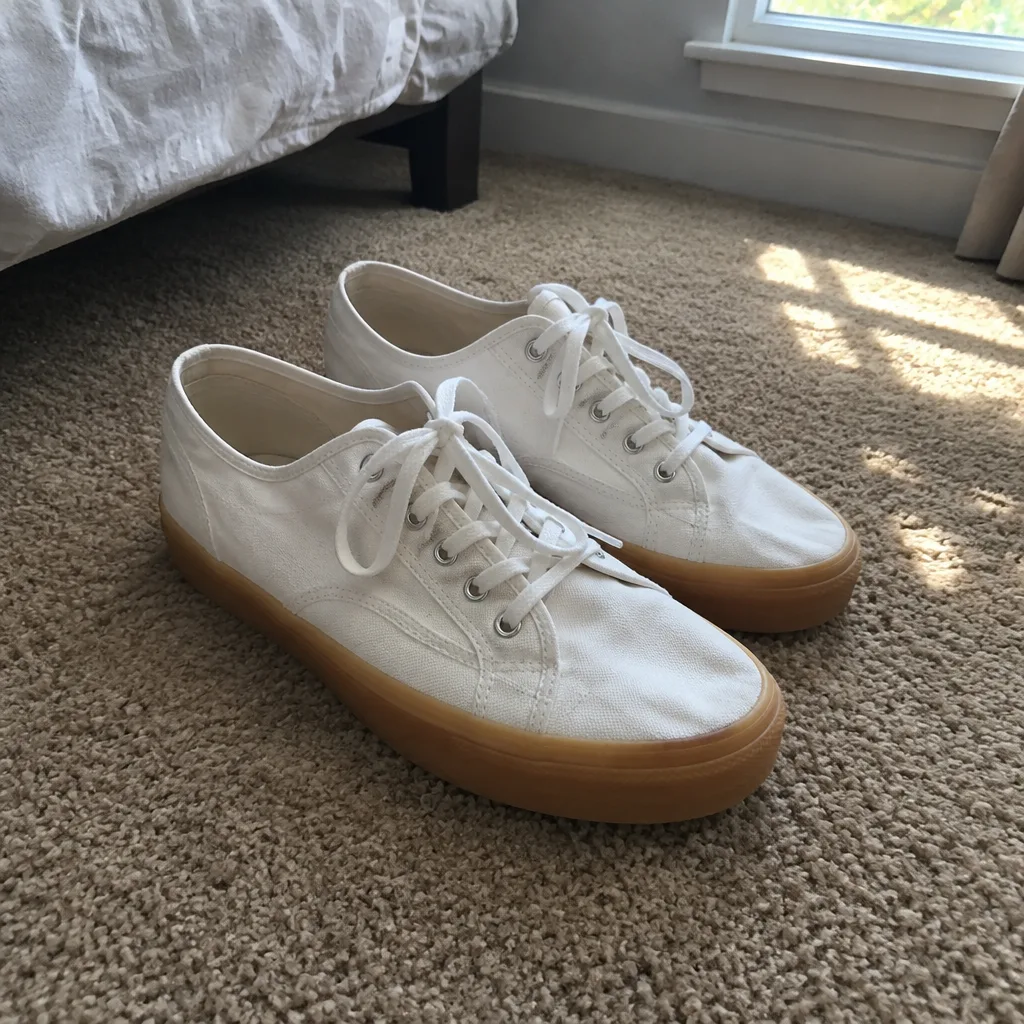
Studio Backdrop Video
A catalog-grade camera move on a seamless studio backdrop.