
More tools
Bundle Shot
Two to four products composed into one group photo at true scale.
4 free credits on sign-up, enough for one photo to animate later. Clips start at 21 credits.
- 1Upload two to four product photos
- 2Pick an arrangement
- 3Animate the bundle for a launch clip
Went in
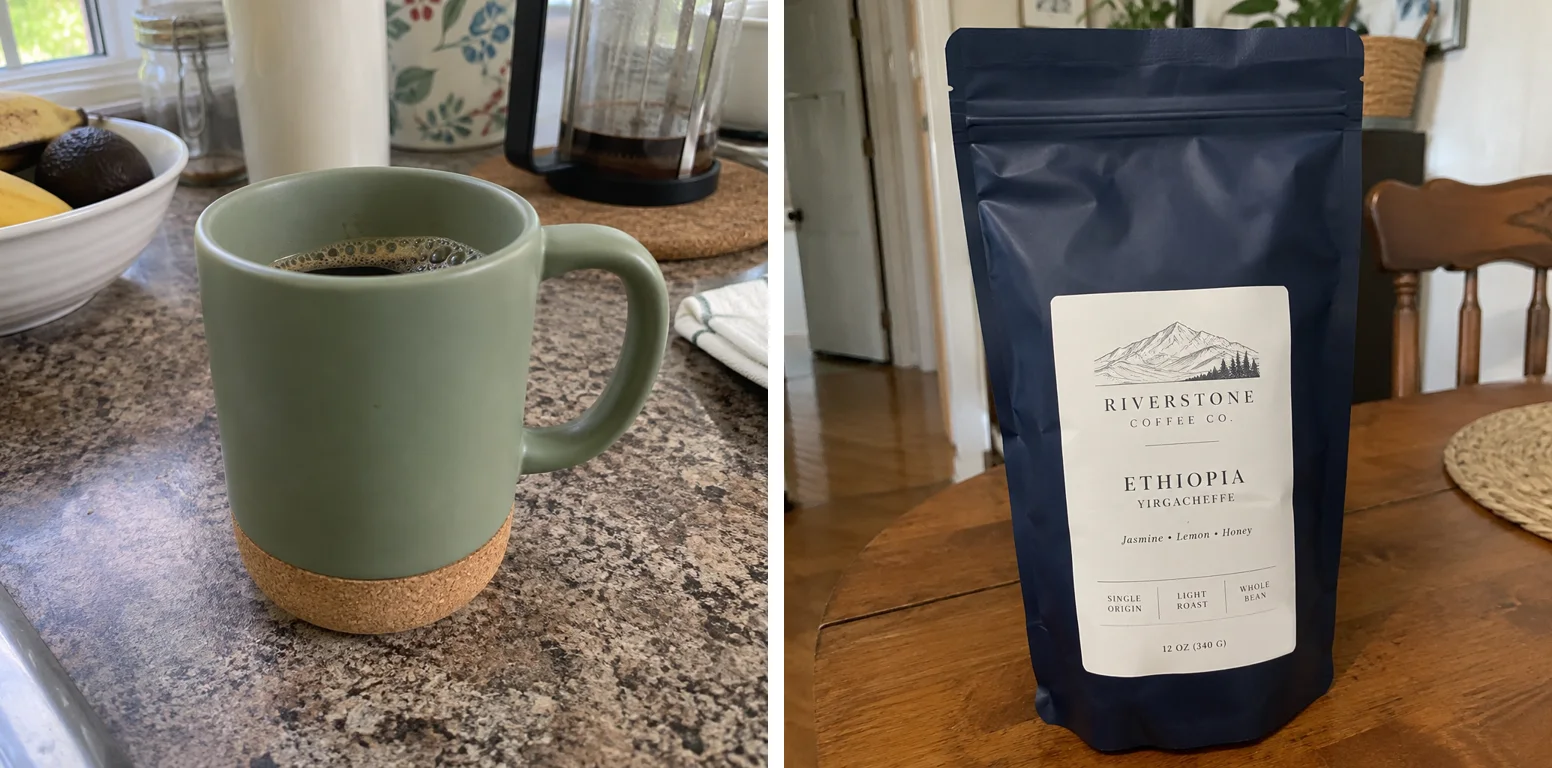
Came out
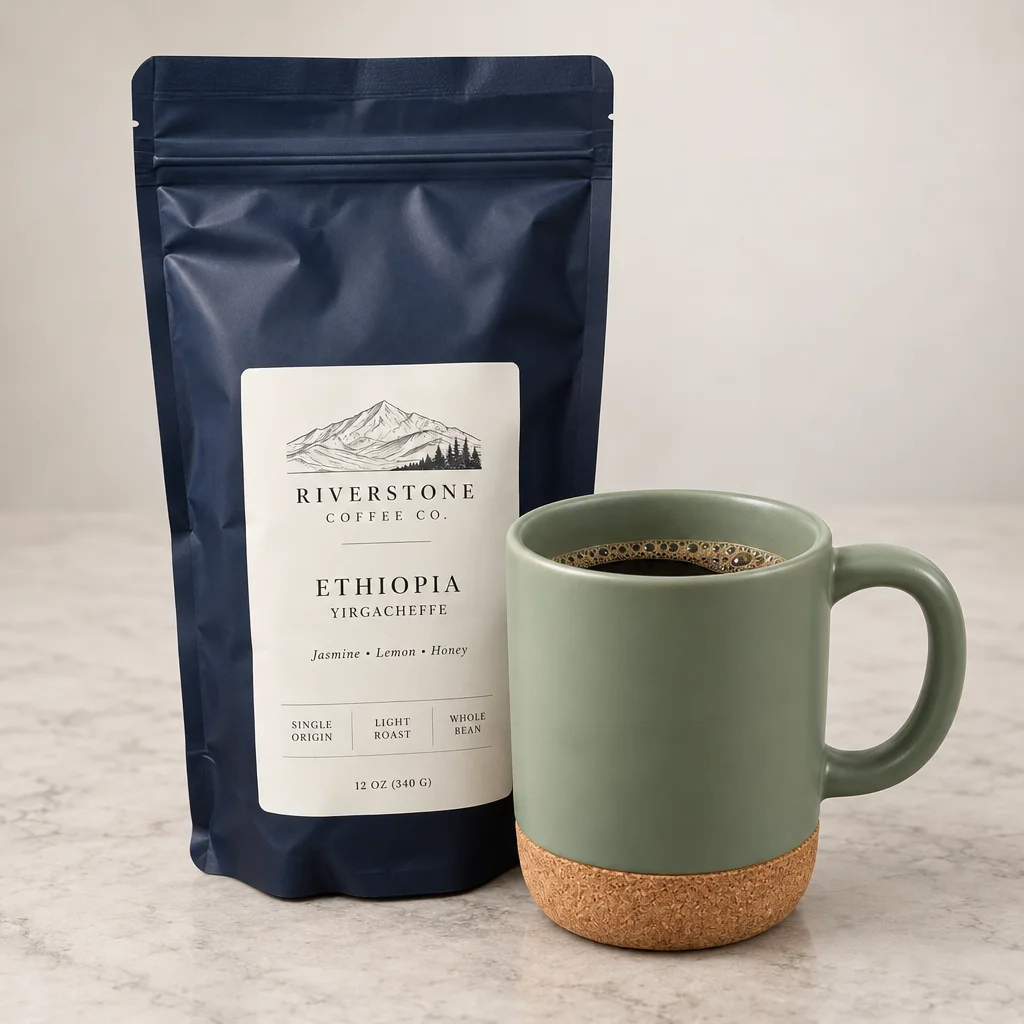
Rendered by this tool from the product photo shown on the left.
Kits, gift sets and bundles need one picture of everything together, but the items are usually photographed separately and at different sizes. Upload two to four product photos and they are composed into one group shot with shared lighting and shadows, each item at its correct relative scale.
Five arrangements are available: an even row, a natural cluster, staggered depths, a pyramid with the hero item raised, and a hero in sharp focus with the rest behind. Labels, colors and shapes are held for every item, and no extra products are invented.
Send the group photo into Hero Reveal or a social ad for a bundle launch clip. Credits depend on how many photos go in: 4 for two products on Standard, plus 2 for each additional product. Check relative sizes against the real items before publishing.
Credits
| Option | Credits | Good for |
|---|---|---|
| Standard | 4 | Quick photos and opening frames |
| Pro | 14 | Gallery and PDP photos |
| Max | 46 | Print and zoom |
Settings
- Product photos (2–4)
- ArrangementRowClusterStaggeredPyramidHero Front
- Output ratioSame as upload1:12:33:29:1616:93:44:34:5+6
- Output · Any shape, chosen under Output ratio
In the Studio
- Send any photo into any video type without uploading again
- Length, shape, resolution and cost shown before you render
- Opening frame and clip both kept in your library
- Draft 360p previews; 720p, 1080p and 4K renders
About this video type
Also try
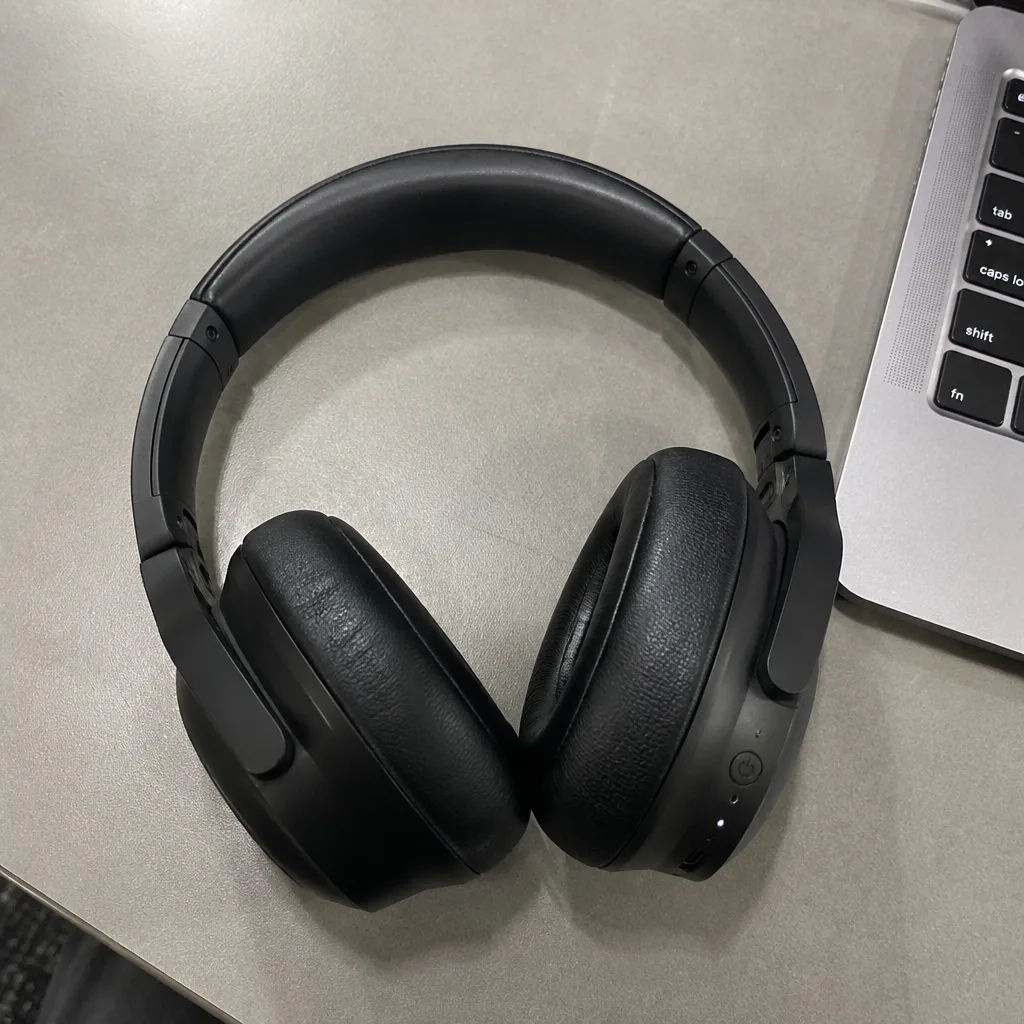
Hero Reveal
A launch-style reveal: light sweeps across the product as the camera pushes in.
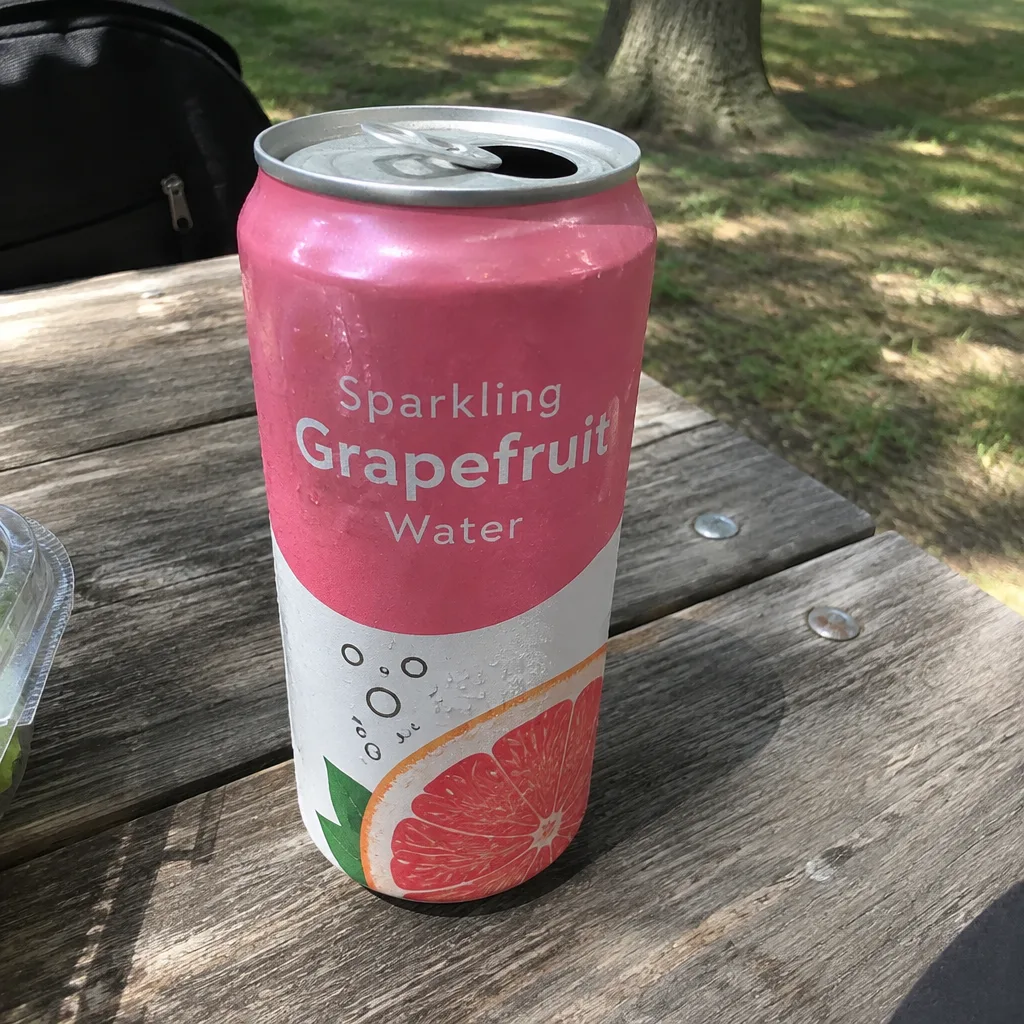
Social Ad Clip
A scroll-stopping ad clip sized for TikTok, Reels, Shorts, feed or page.
White Background Photo
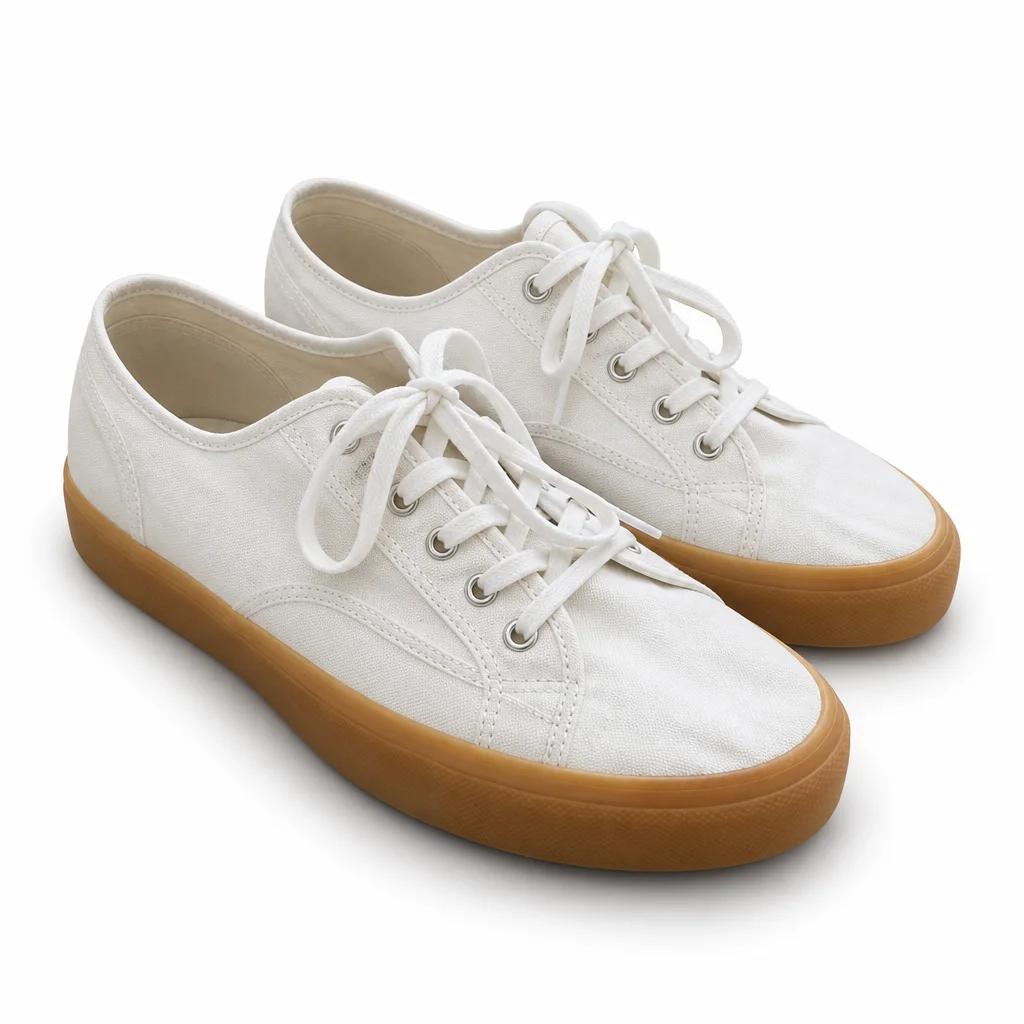
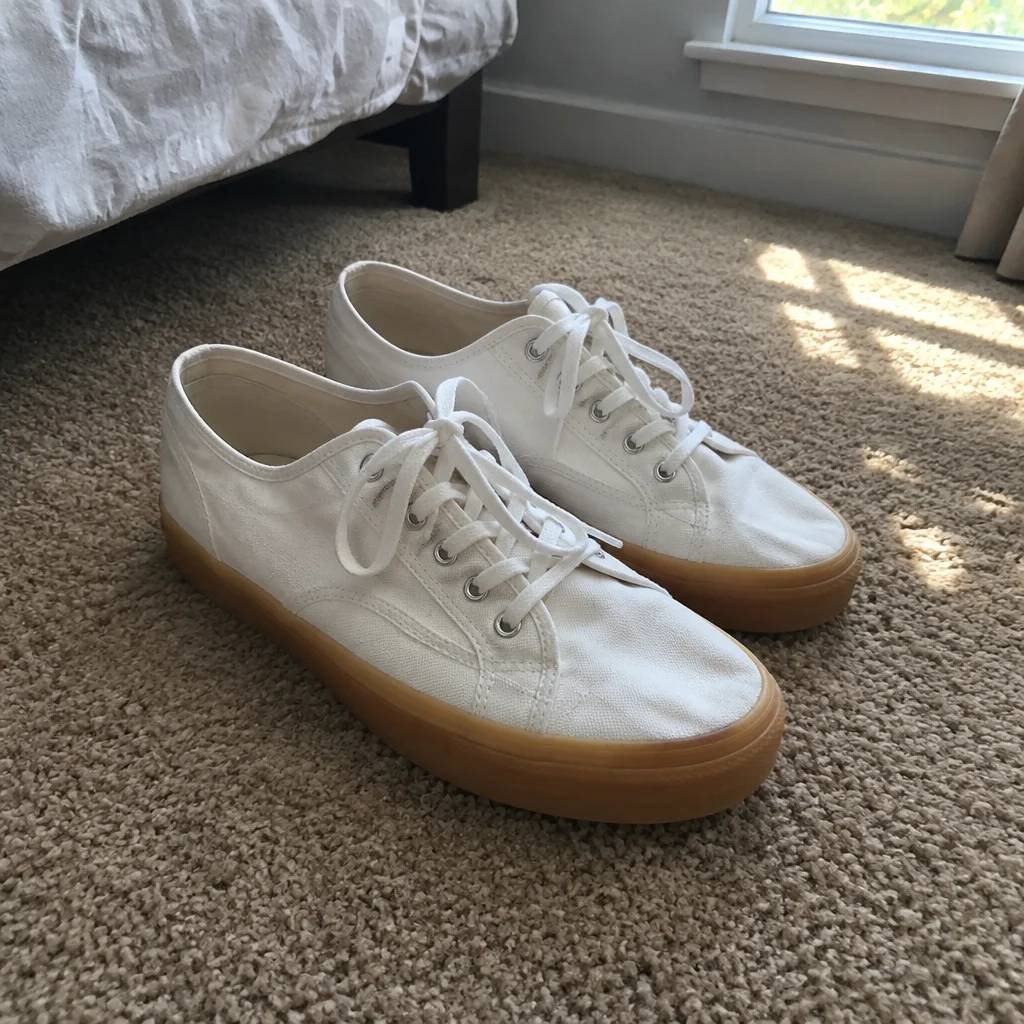
A clean white-background photo of the product, ready to animate or list.
Edit with Words
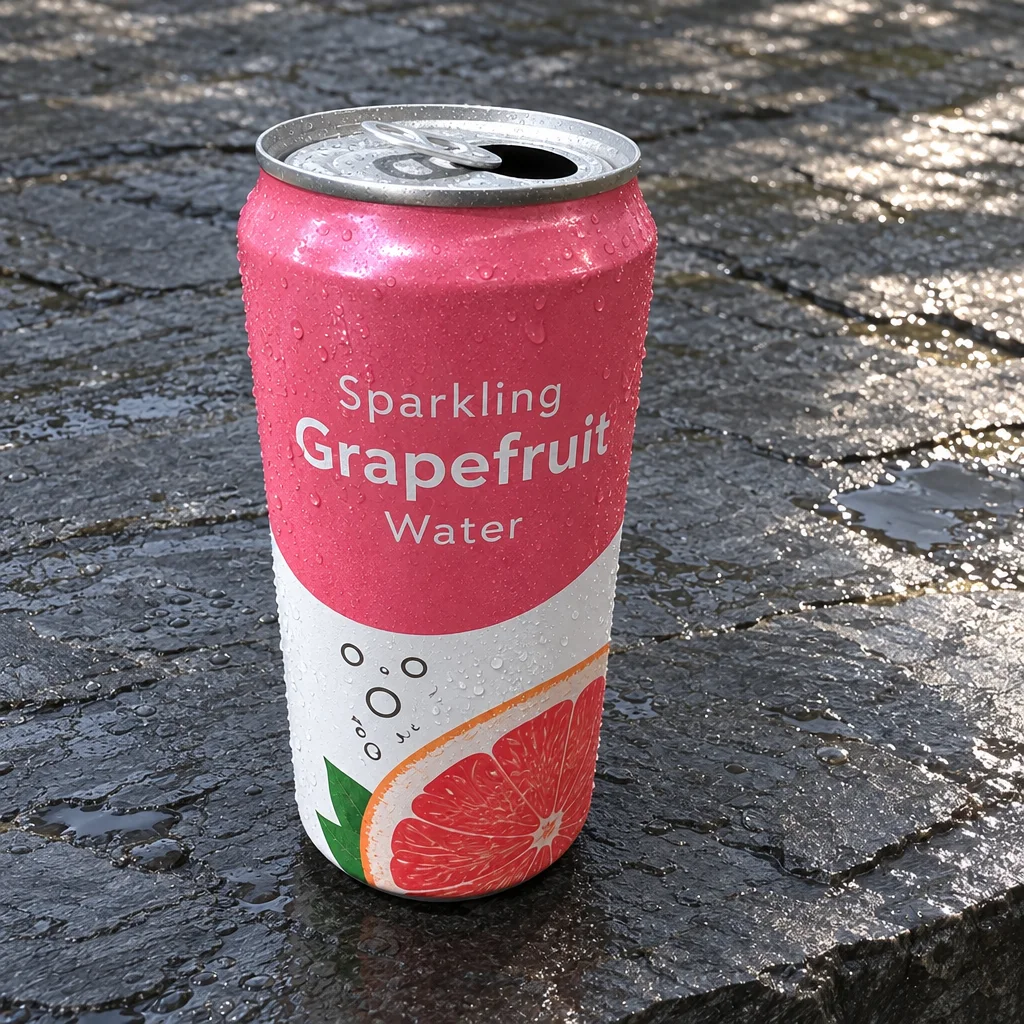
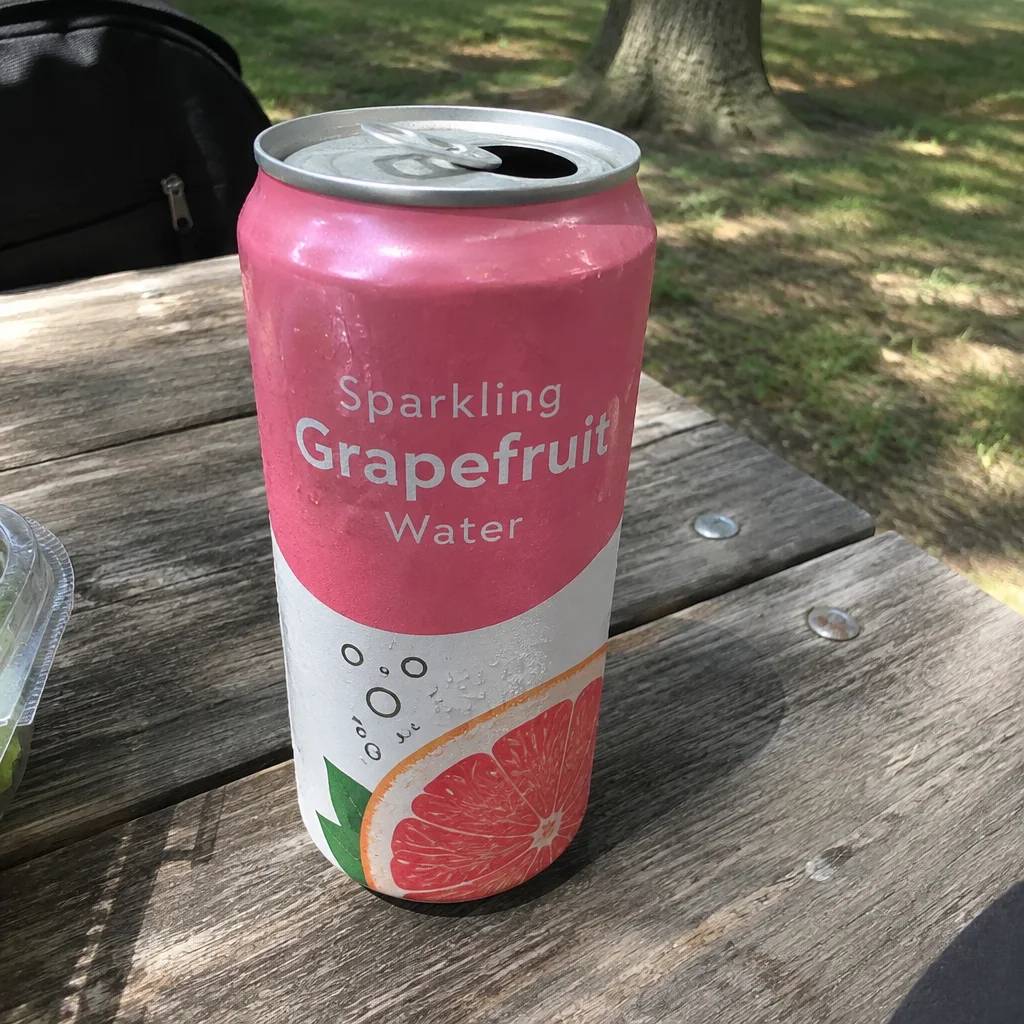
Type the change you want and the photo is edited to match.