
Product photos
Clothing on Model
A garment photo turned into a full-length shot of a model wearing it.
4 free credits on sign-up, enough for one photo to animate later. Clips start at 21 credits.
- 1Upload a photo of the garment
- 2Pick a setting and describe the model if you like
- 3Animate the result with an on-model video
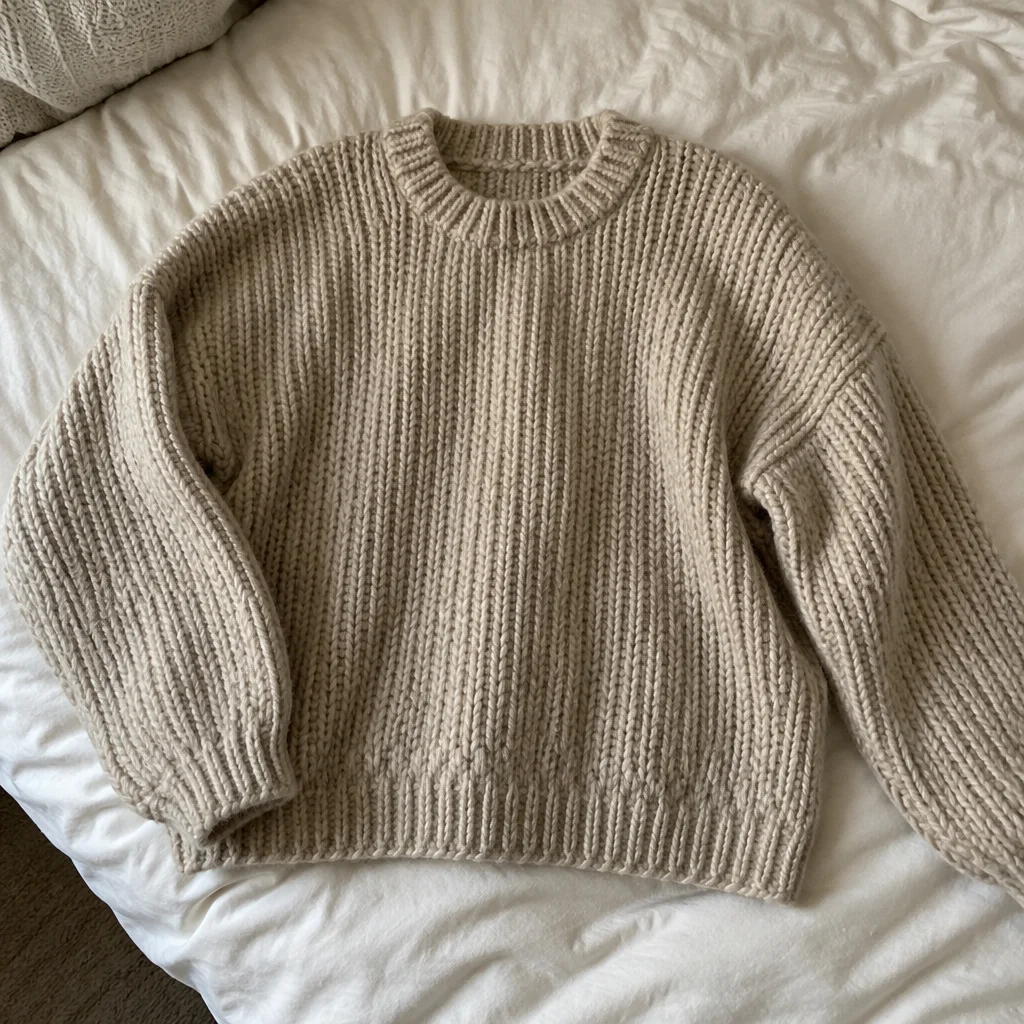
Went in
Came out
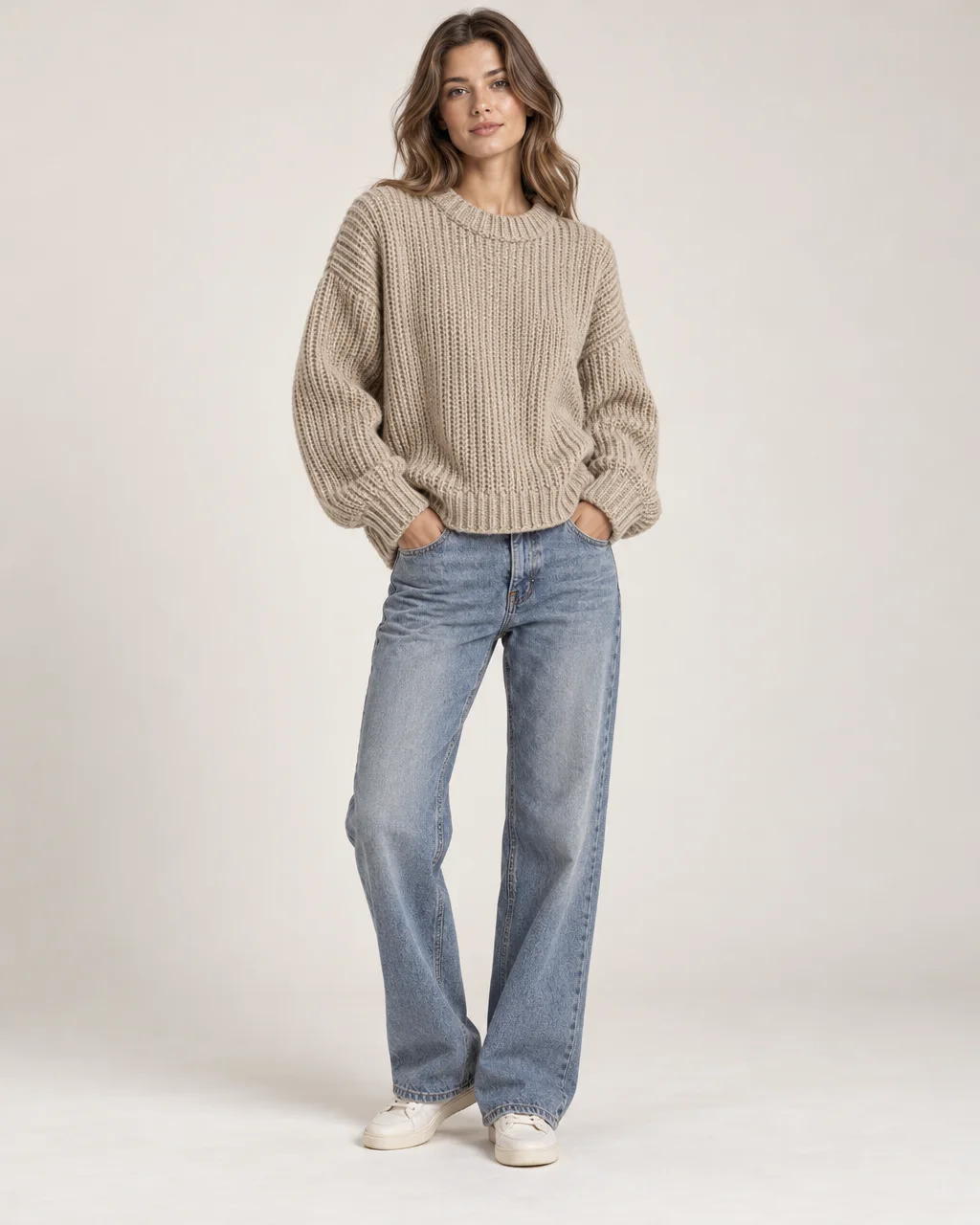
Rendered by this tool from the product photo shown on the left.
Apparel sells on the body, but booking a model for every new piece is slow. Upload a flat lay or hanger photo of the garment, choose a setting, and describe the person if you want someone specific. The result is a full-length photo of the garment being worn.
Color, fabric, print, seams and drape are held to the original, and logos or graphics are not invented. The five settings cover a clean studio catalog look, street style, a runway walk, a golden-hour beach and a bright office for workwear.
From there, send the photo into Product on Model Video or Social Ad Clip and the model can turn, walk or pose while the garment stays consistent. A Standard run is 4 credits. Check fit details such as sleeve length and hem against the real piece.
Credits
| Option | Credits | Good for |
|---|---|---|
| Standard | 4 | Quick photos and opening frames |
| Pro | 12 | Gallery and PDP photos |
| Max | 44 | Print and zoom |
Settings
- Garment photo
- SceneStudioStreetRunwayBeachOffice
- Model description (optional)
- Output ratioSame as upload1:12:33:29:1616:93:44:34:5+6
- Output · Any shape, chosen under Output ratio
In the Studio
- Send any photo into any video type without uploading again
- Length, shape, resolution and cost shown before you render
- Opening frame and clip both kept in your library
- Draft 360p previews; 720p, 1080p and 4K renders
About this video type
Also try
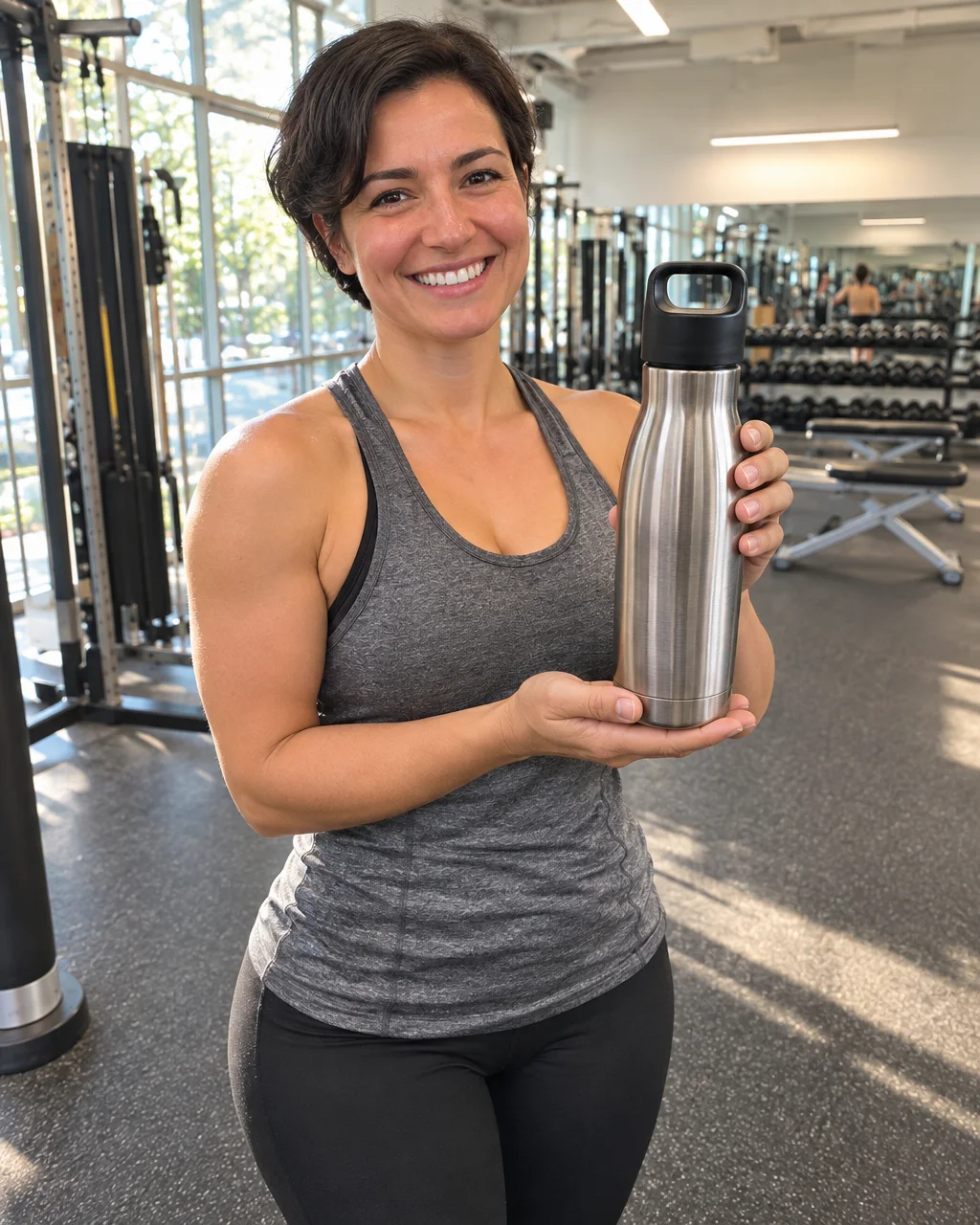
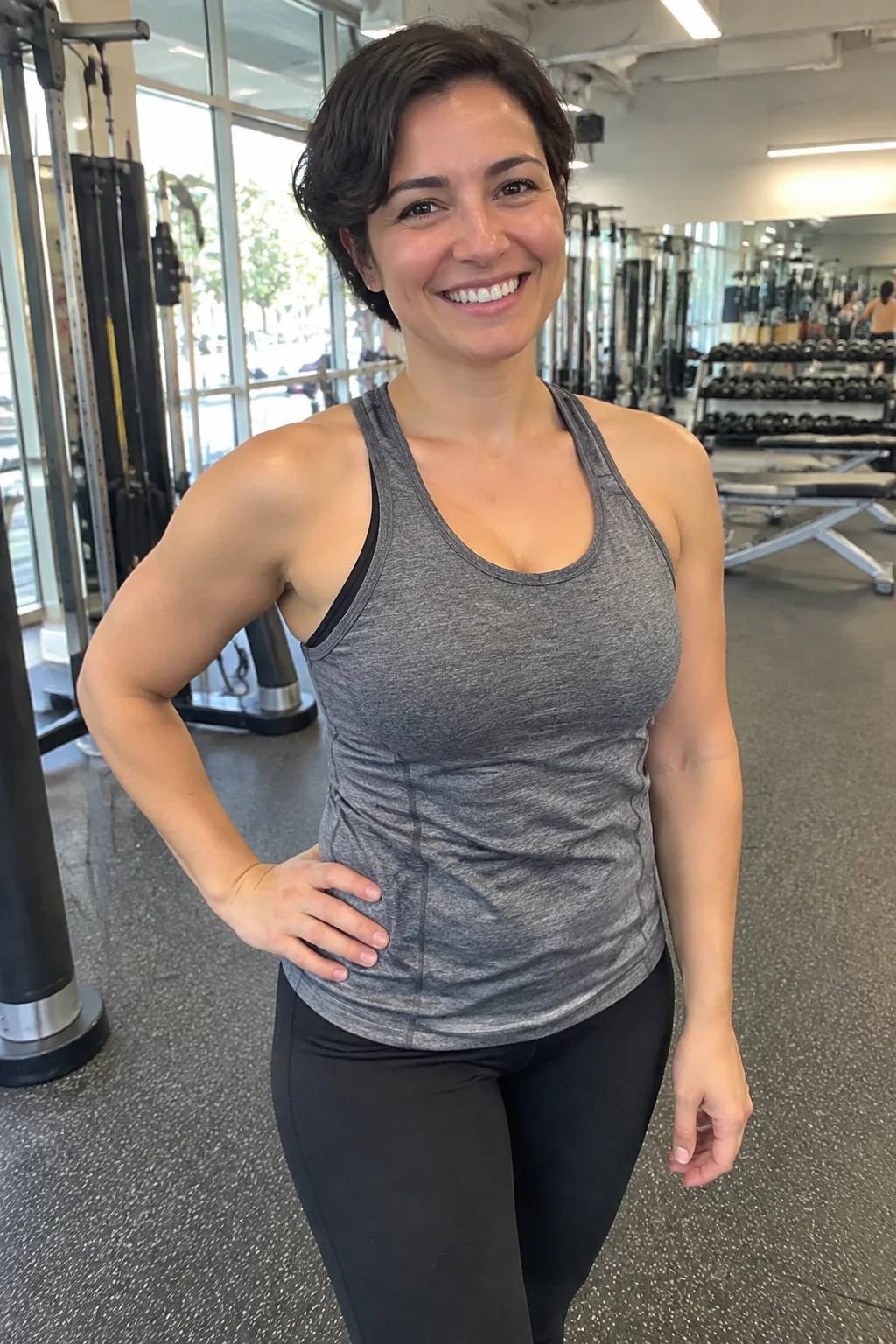
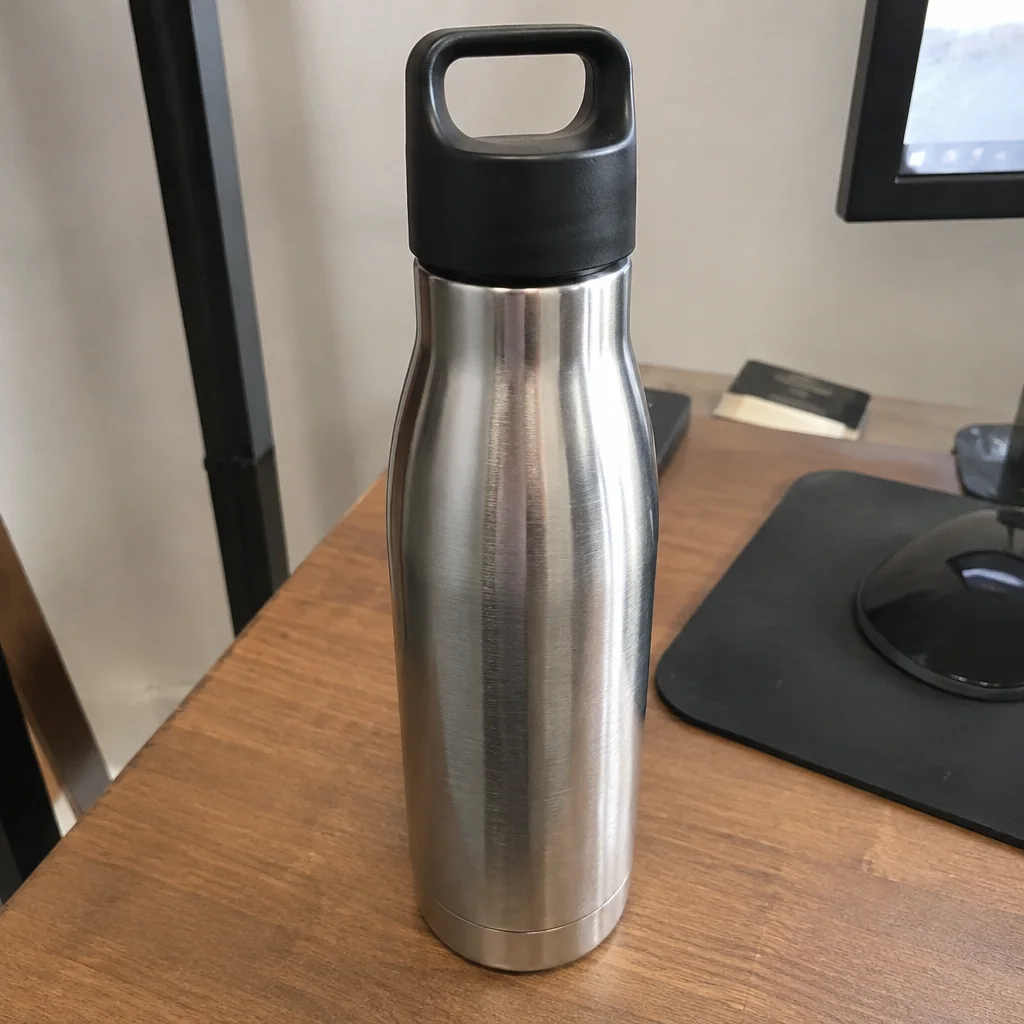
Product on Model Photo
A person holding, wearing or using the product, as a photo.
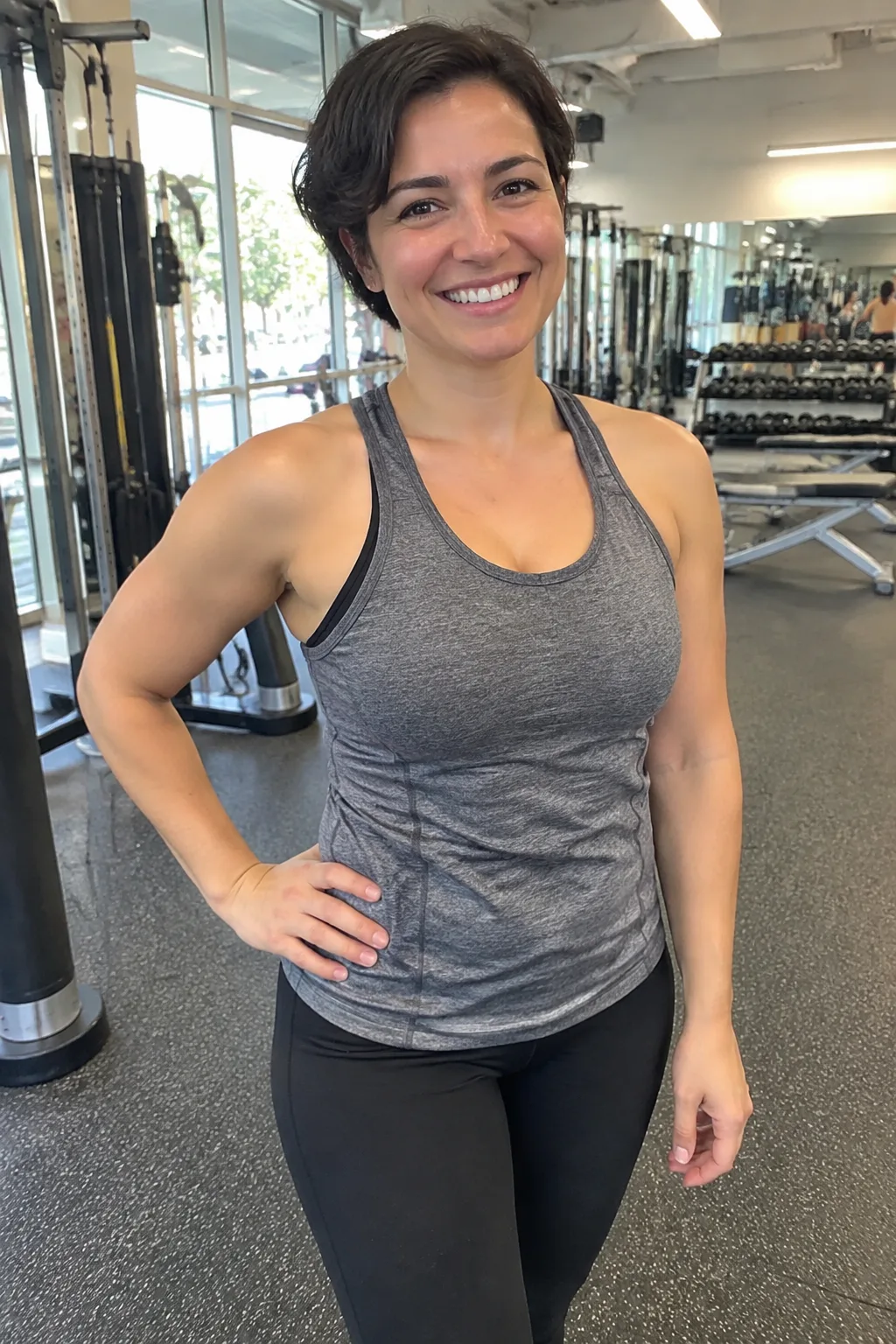
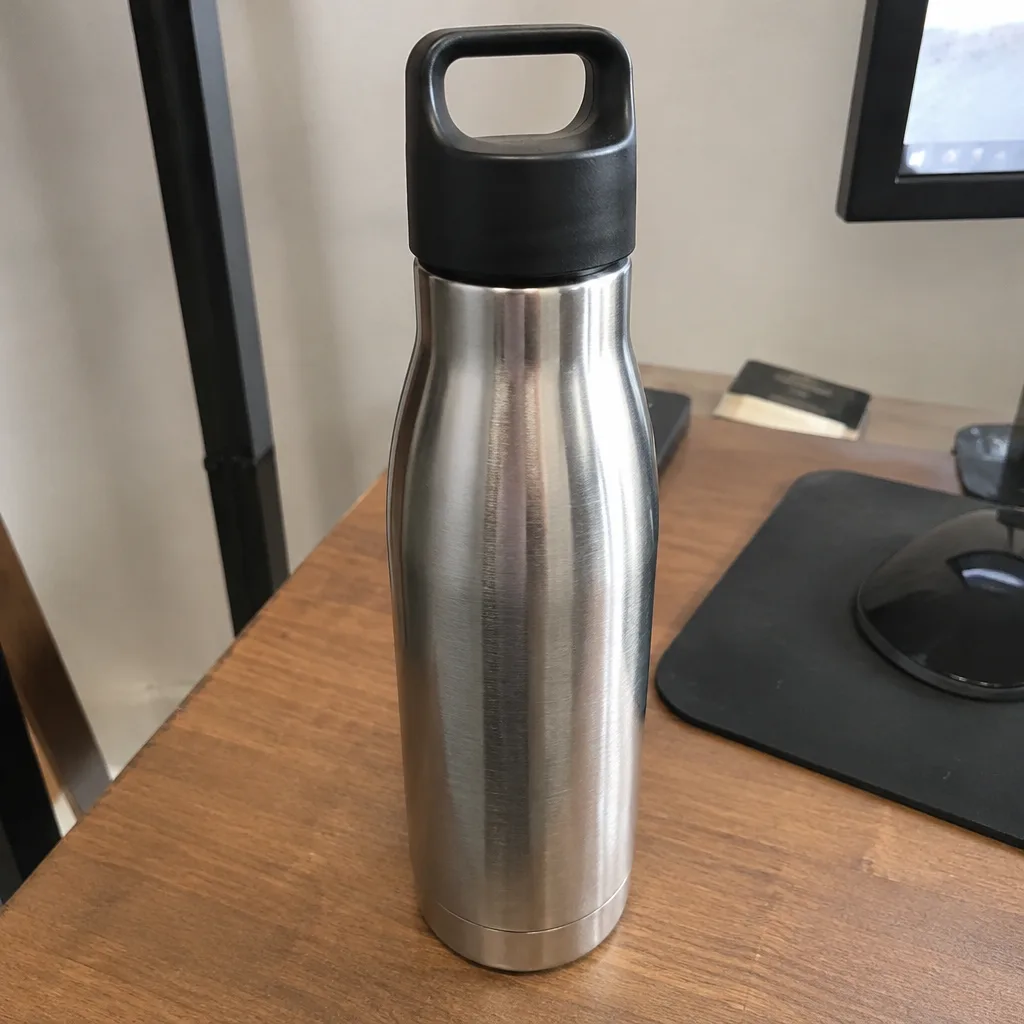
Product on Model Video
A person presents, wears or uses the product in a short clip.
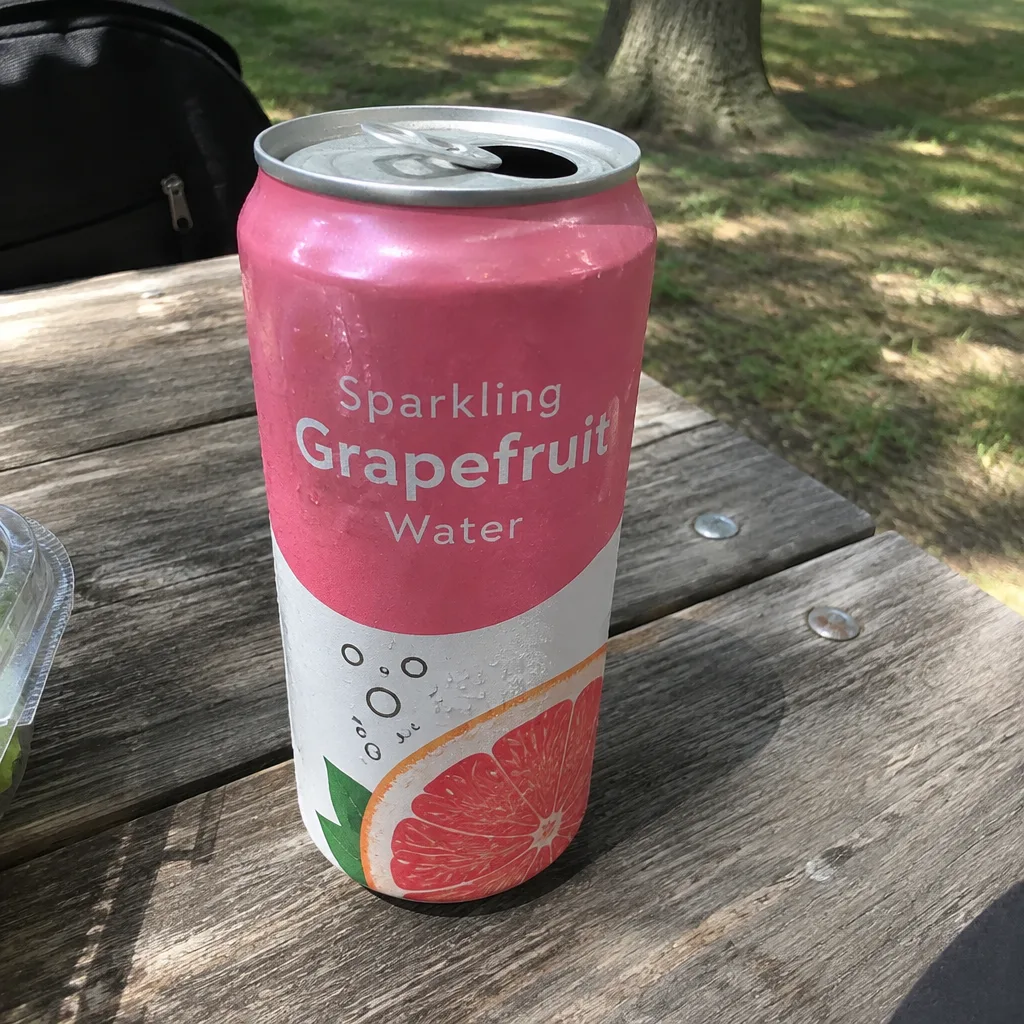
Social Ad Clip
A scroll-stopping ad clip sized for TikTok, Reels, Shorts, feed or page.
Flat Lay
A styled top-down arrangement with your product as the hero.