
Product photos
Flat Lay
A styled top-down arrangement with your product as the hero.
4 free credits on sign-up, enough for one photo to animate later. Clips start at 21 credits.
- 1Add a photo of the hero product
- 2Pick a surface and list any props
- 3Animate the flat lay with a top-down move
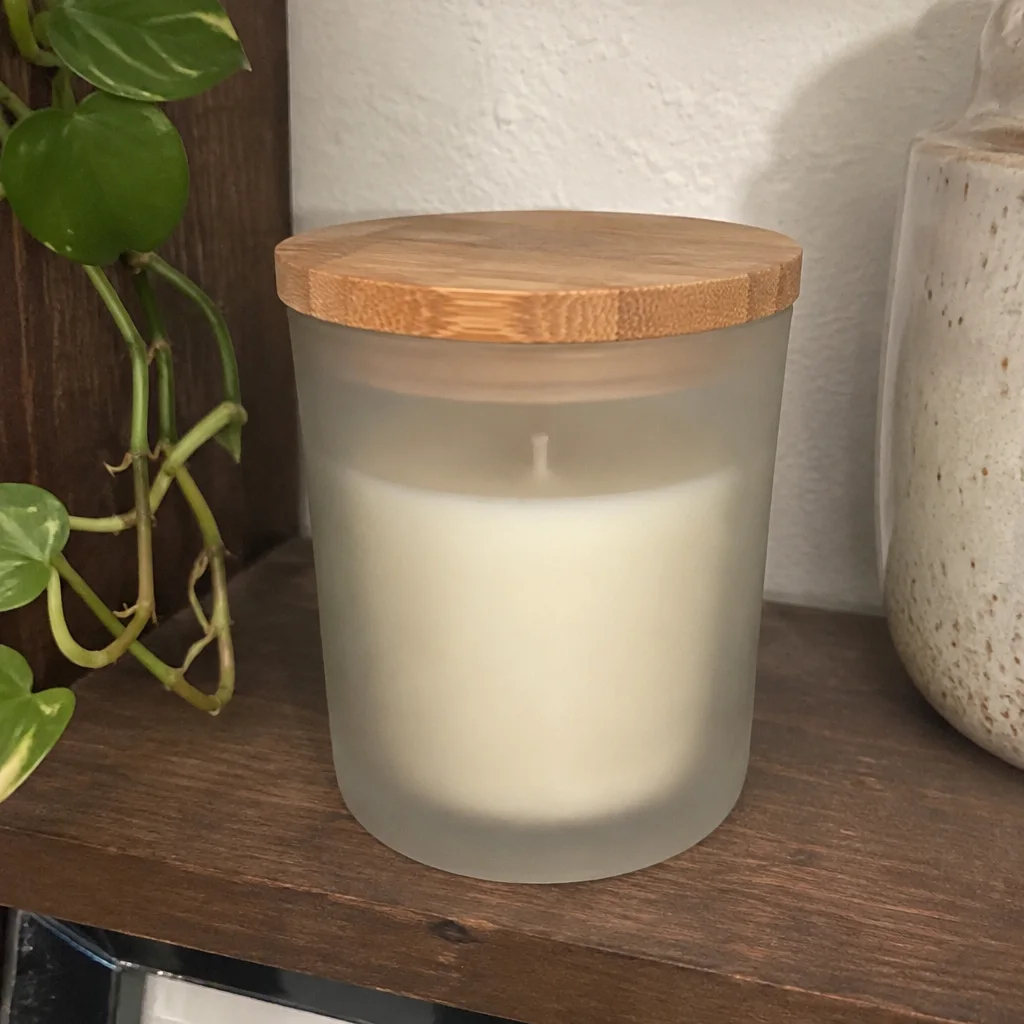
Went in
Came out
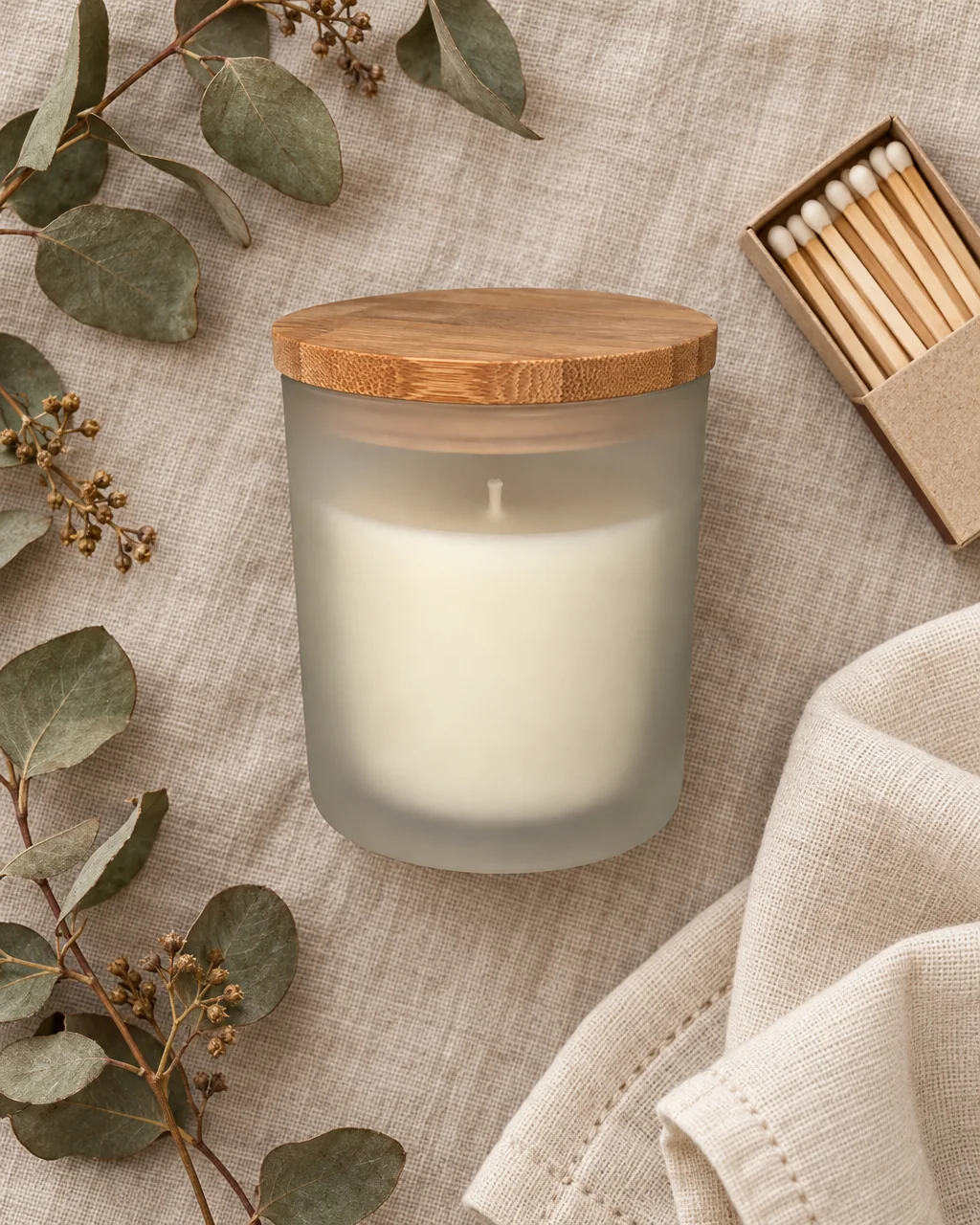
Rendered by this tool from the product photo shown on the left.
The overhead flat lay is a staple for beauty, stationery, food and accessories: the product in the middle, a few props around it, everything shot from directly above. This tool composes one from a single product photo, with the product as the clear center of the frame.
Choose a surface, white, linen, marble, light wood, kraft paper, concrete or pastel, and either list the props you want or let it pick a few that fit. Every object gets a real contact shadow and the light is soft and even, the way a styled table looks.
Flat lays animate well with gentle top-down motion. Send the result into Make clip with a slow push-in, or into Custom Video and describe a hand sliding in to pick the product up. A Standard run costs 4 credits.
Credits
| Option | Credits | Good for |
|---|---|---|
| Standard | 4 | Quick photos and opening frames |
| Pro | 12 | Gallery and PDP photos |
| Max | 44 | Print and zoom |
Settings
- Product photo
- SurfaceWhiteLinenMarbleWoodKraft PaperConcretePastel
- Props (optional)
- Output ratioSame as upload1:12:33:29:1616:93:44:34:5+6
- Output · Any shape, chosen under Output ratio
In the Studio
- Send any photo into any video type without uploading again
- Length, shape, resolution and cost shown before you render
- Opening frame and clip both kept in your library
- Draft 360p previews; 720p, 1080p and 4K renders
About this video type
Also try
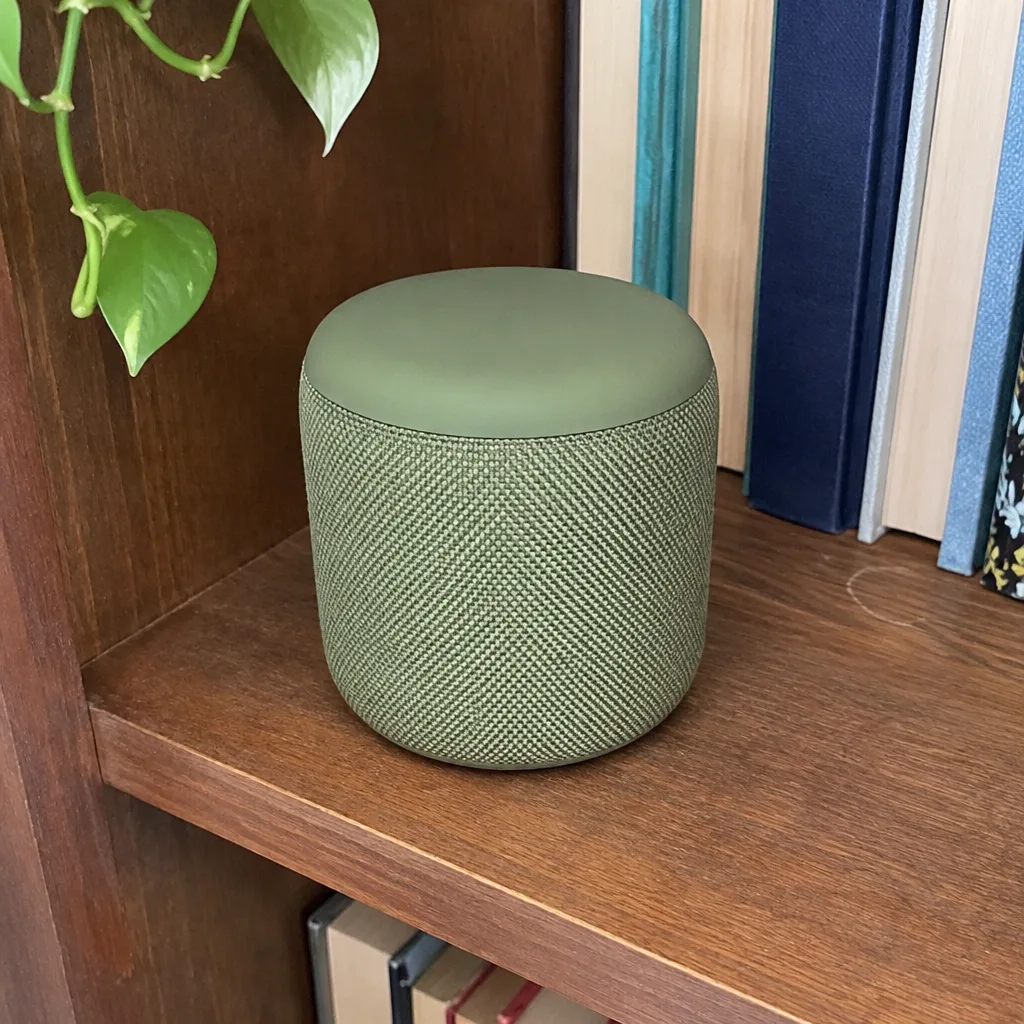
Custom Video
Describe what happens and get that video from one product photo.


Lifestyle Photo
The product placed in one of fifteen real-world scenes, as a photo.
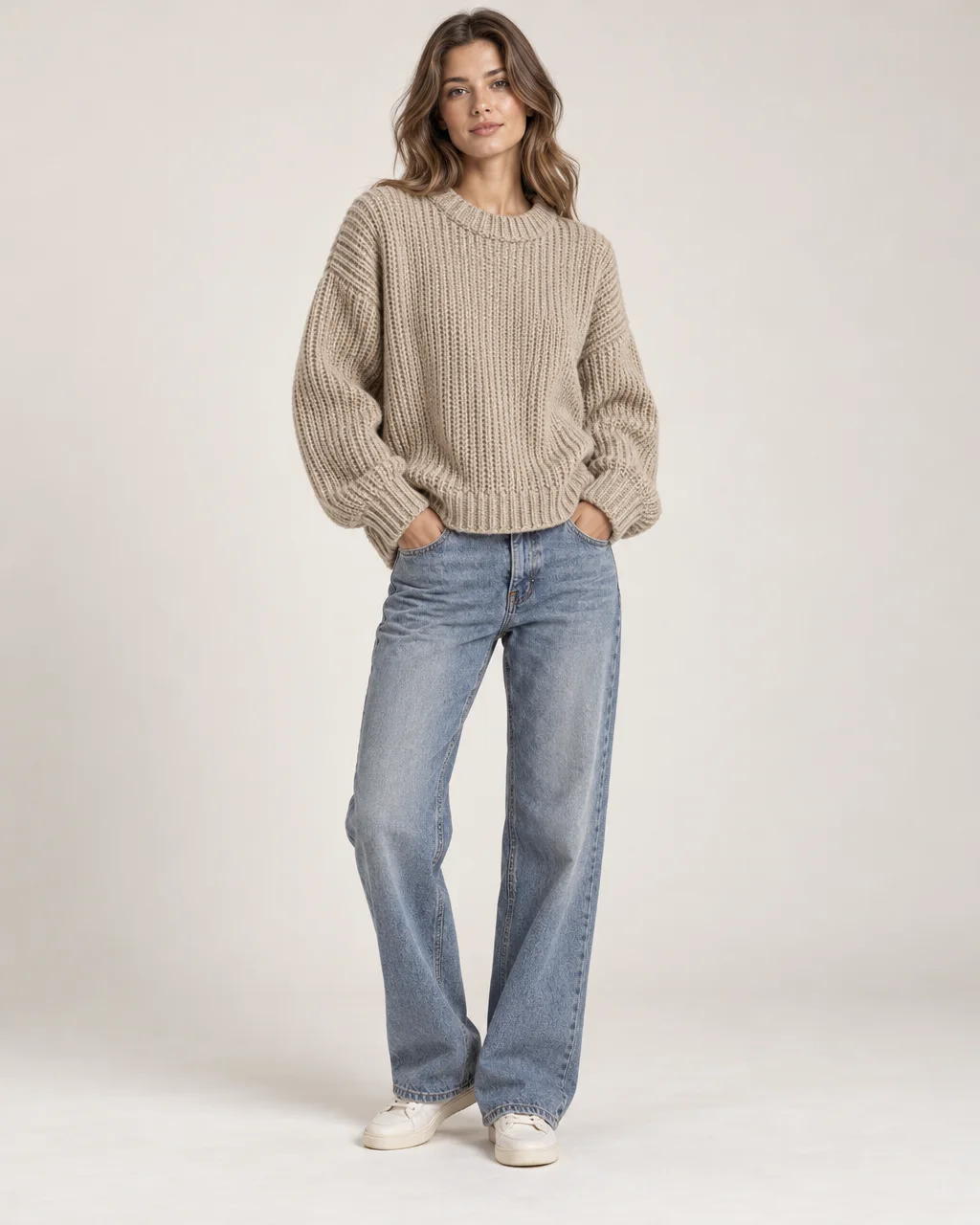
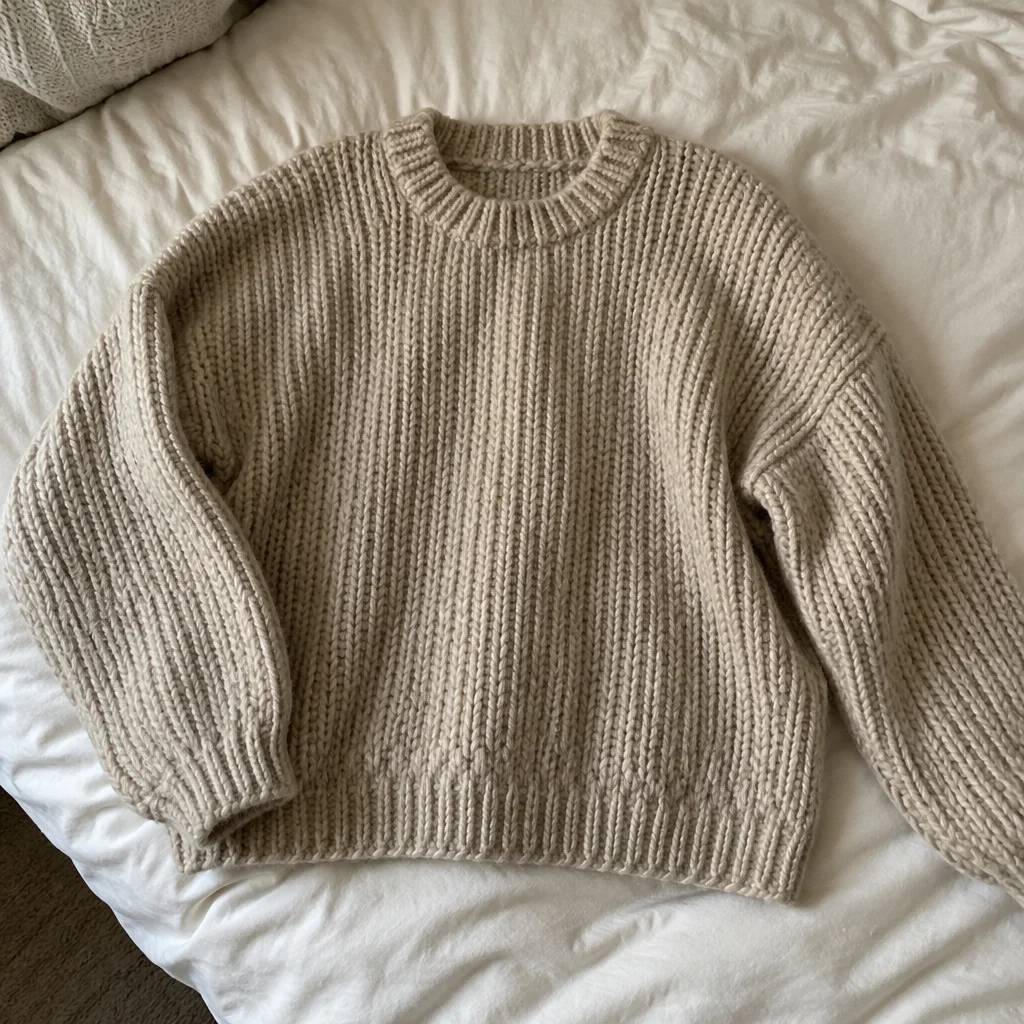
Clothing on Model
A garment photo turned into a full-length shot of a model wearing it.
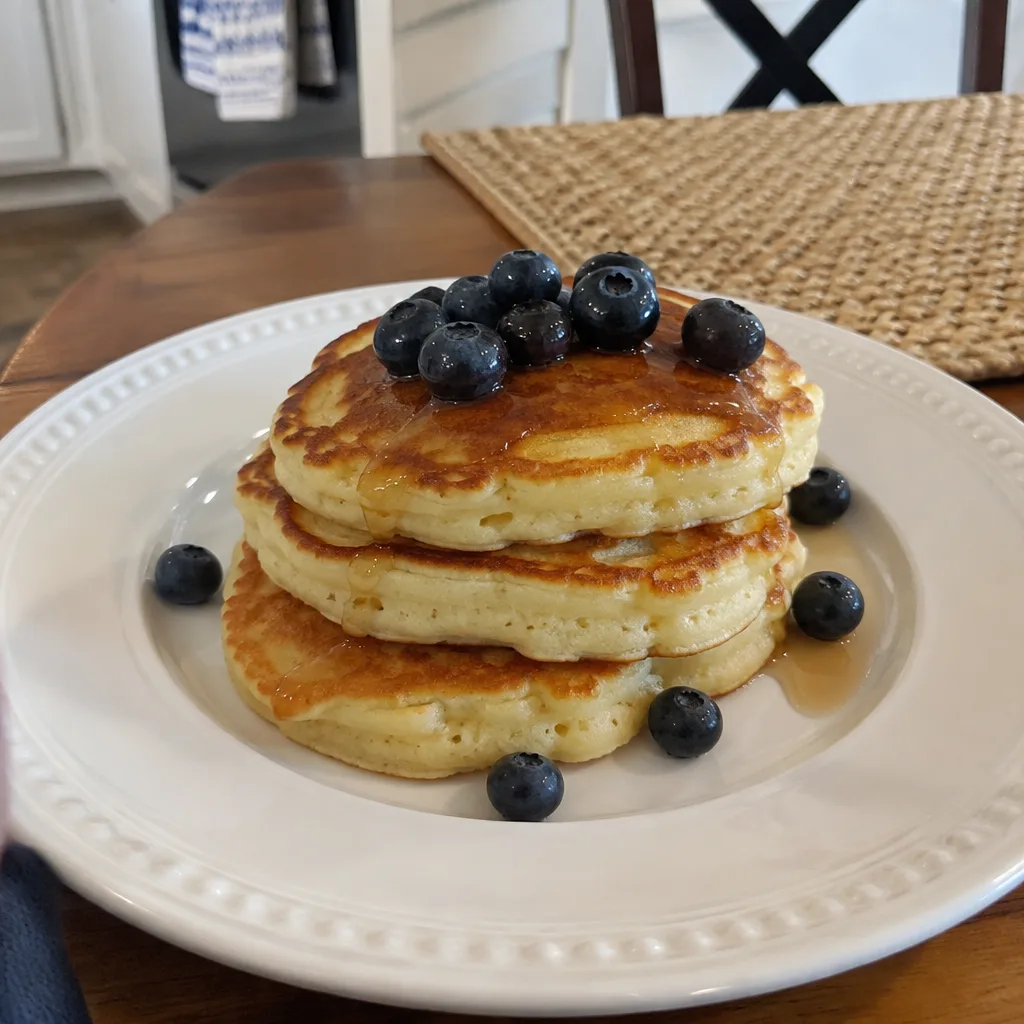
Food & Drink Video
Steam, pour, sizzle or drizzle on your dish or drink.