
Product photos
Multi-Angle Shots
Front, side, back, top-down or macro views of a product from one photo.
4 free credits on sign-up, enough for one photo to animate later. Clips start at 21 credits.
- 1Upload a clear photo of the product
- 2Choose the angle
- 3Use the new view as a photo or an opening frame
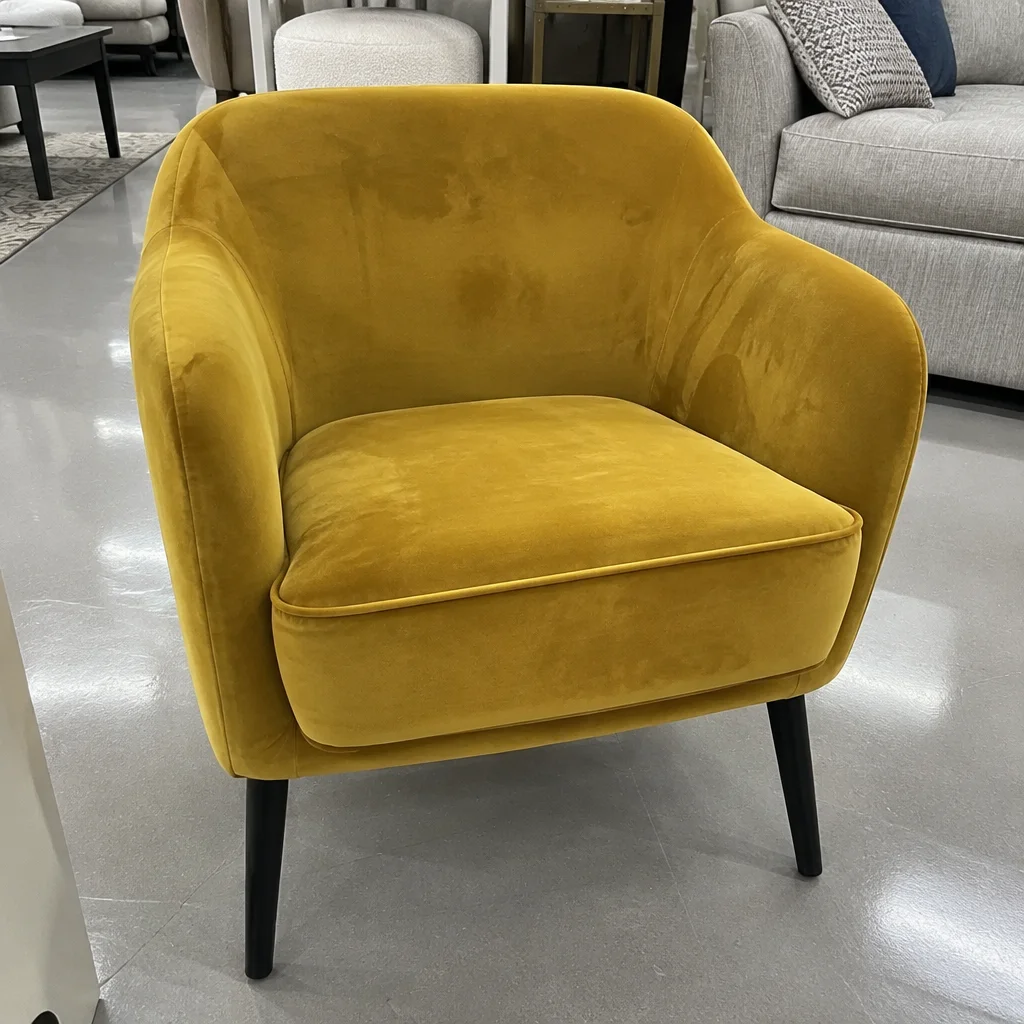
Went in
Came out
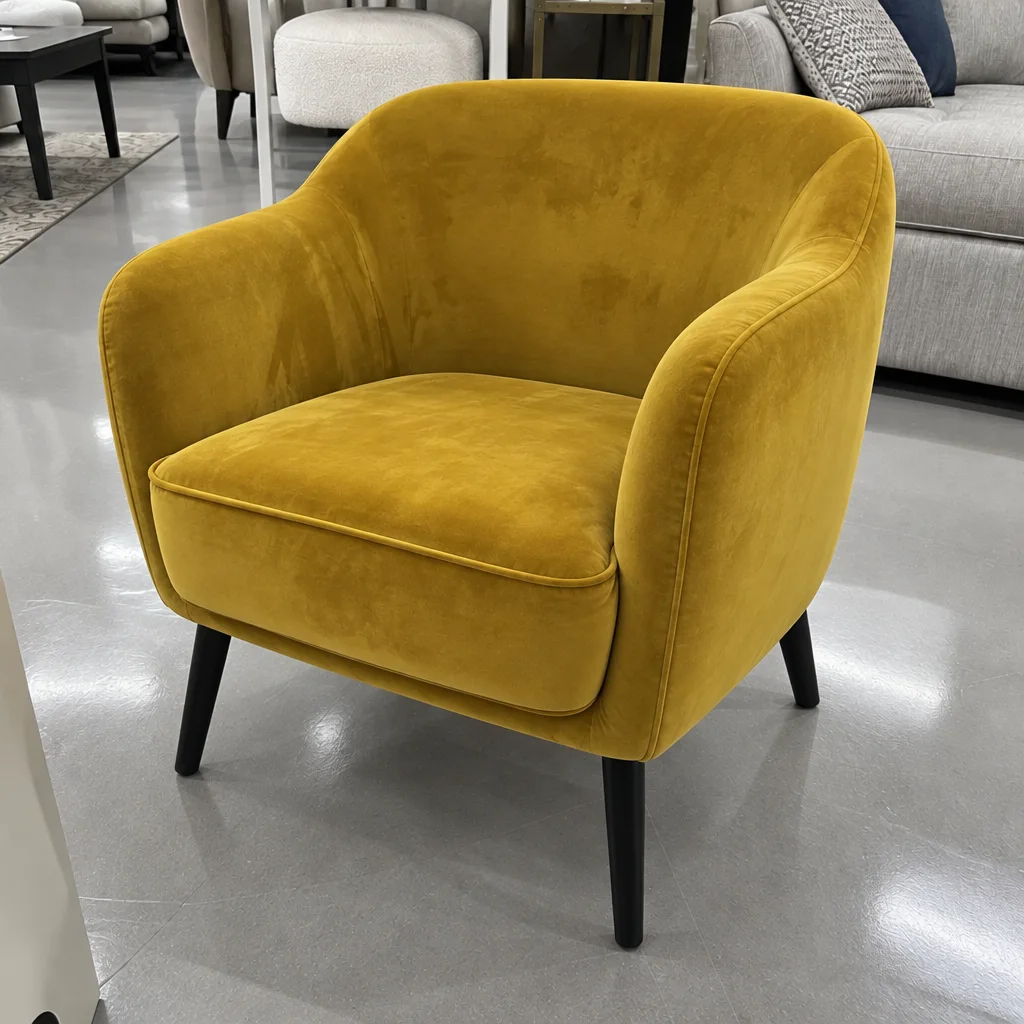
Rendered by this tool from the product photo shown on the left.
A gallery needs more than one angle, and a video sequence cut from several angles feels produced rather than static. When you only have the front, this tool renders the product from another viewpoint while keeping the background, surface and lighting of the original.
Six angles are available: straight front, three-quarter, side profile, back, top-down and a macro detail of the material. Sides the camera never saw are inferred from the visible design, so check them against the real product, especially seams, ports and printed panels.
Each angle can open its own clip: a macro view makes a strong Feature Close-up, and a three-quarter view gives a spin more depth. A run is 4 credits on Standard; Pro at 12 holds fine texture in macro views.
Credits
| Option | Credits | Good for |
|---|---|---|
| Standard | 4 | Quick photos and opening frames |
| Pro | 12 | Gallery and PDP photos |
| Max | 44 | Print and zoom |
Settings
- Product photo
- AngleFrontThree QuarterSideBackTop DownMacro Detail
- Output ratioSame as upload1:12:33:29:1616:93:44:34:5+6
- Output · Any shape, chosen under Output ratio
In the Studio
- Send any photo into any video type without uploading again
- Length, shape, resolution and cost shown before you render
- Opening frame and clip both kept in your library
- Draft 360p previews; 720p, 1080p and 4K renders
About this video type
Also try
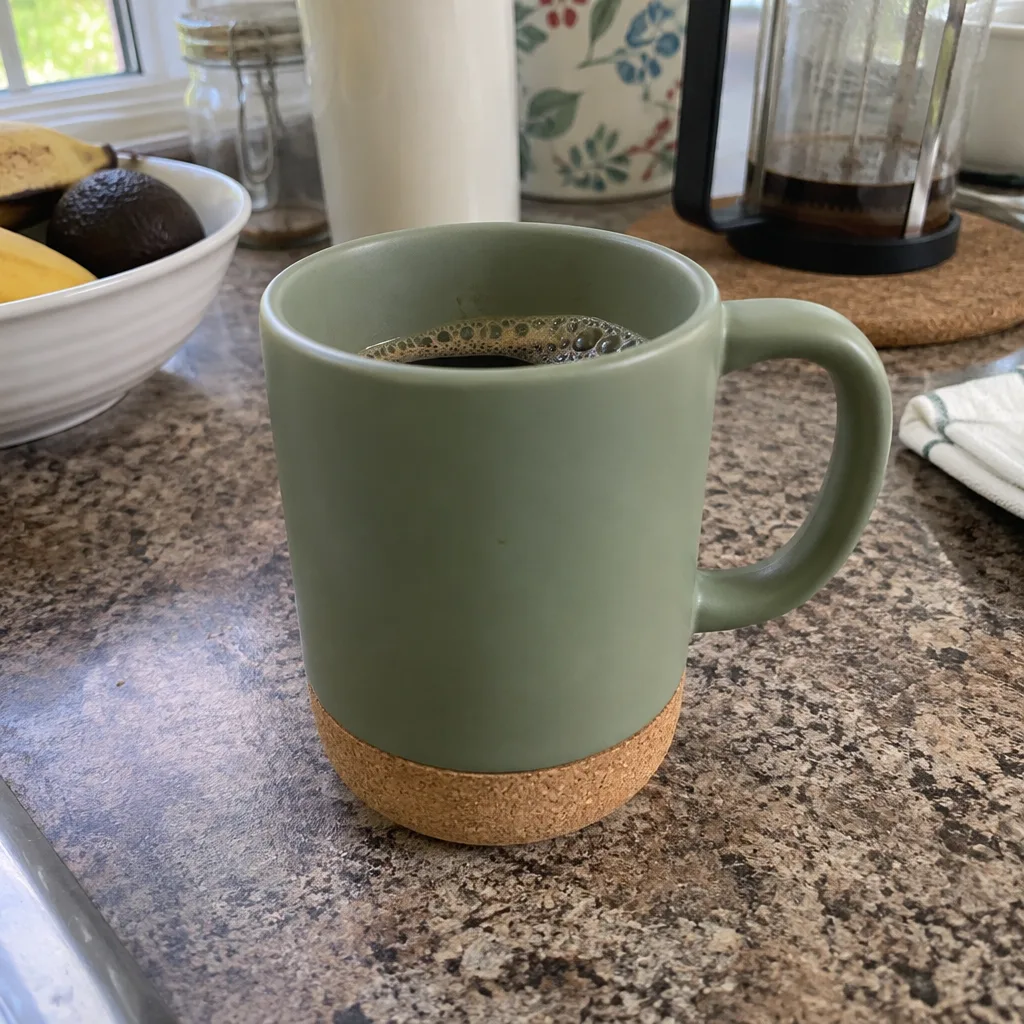
360° Product Spin
A full turntable rotation of your product from one photo.
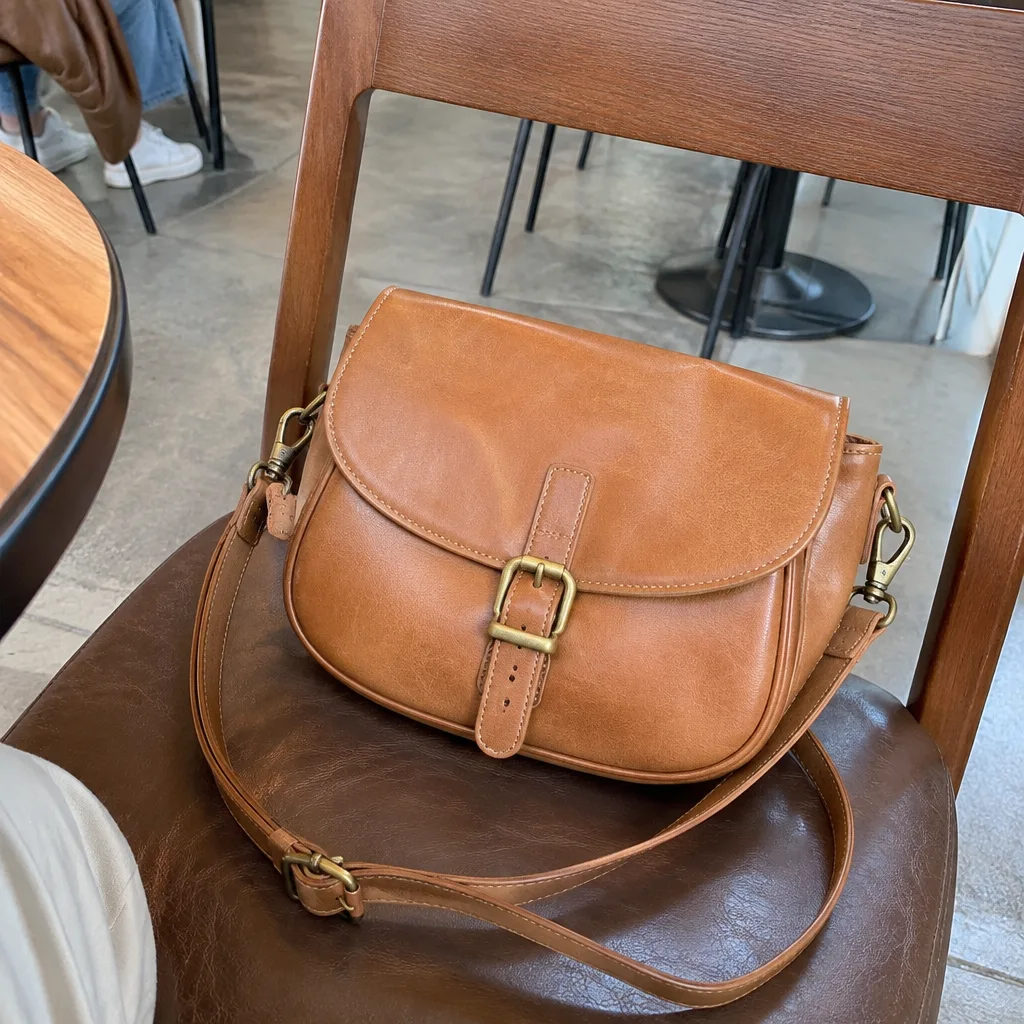
Feature Close-up
A macro move onto one detail: the stitching, the cap, the texture.
White Background Photo
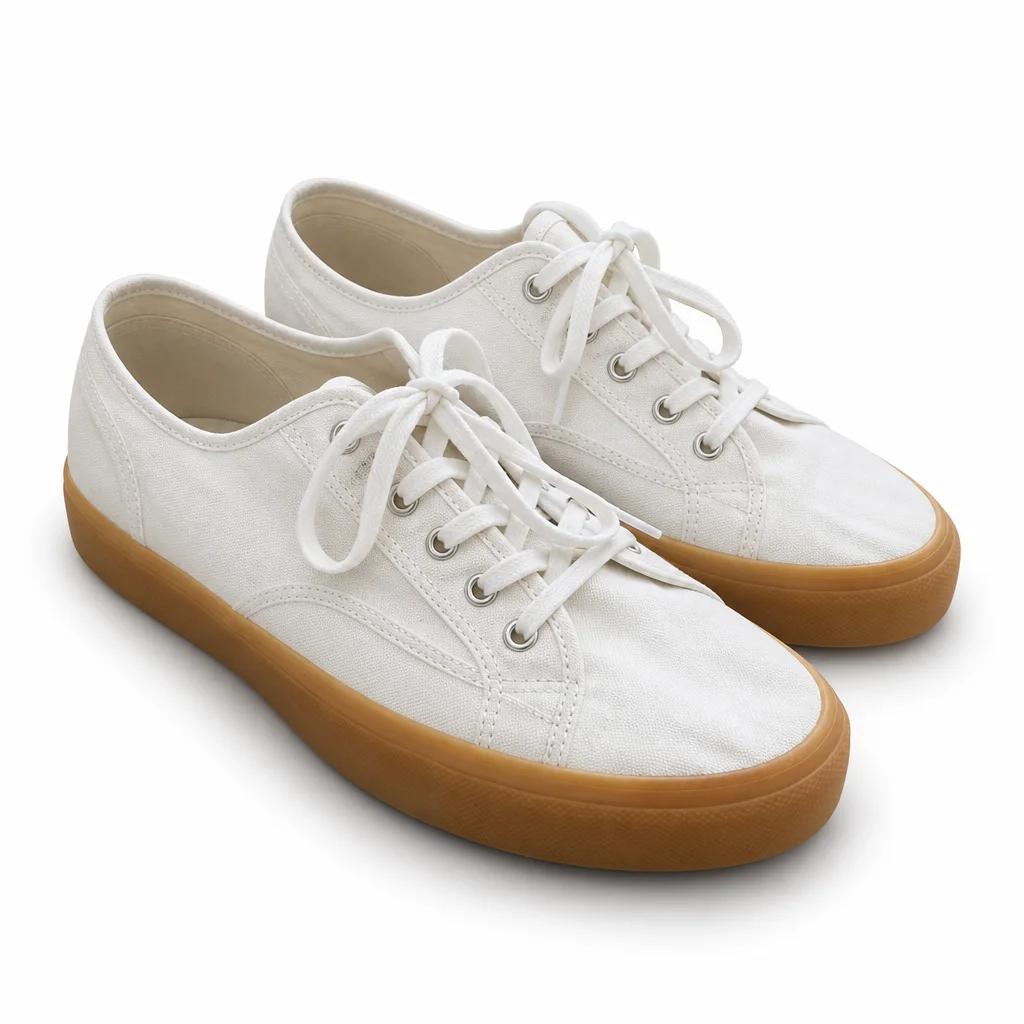
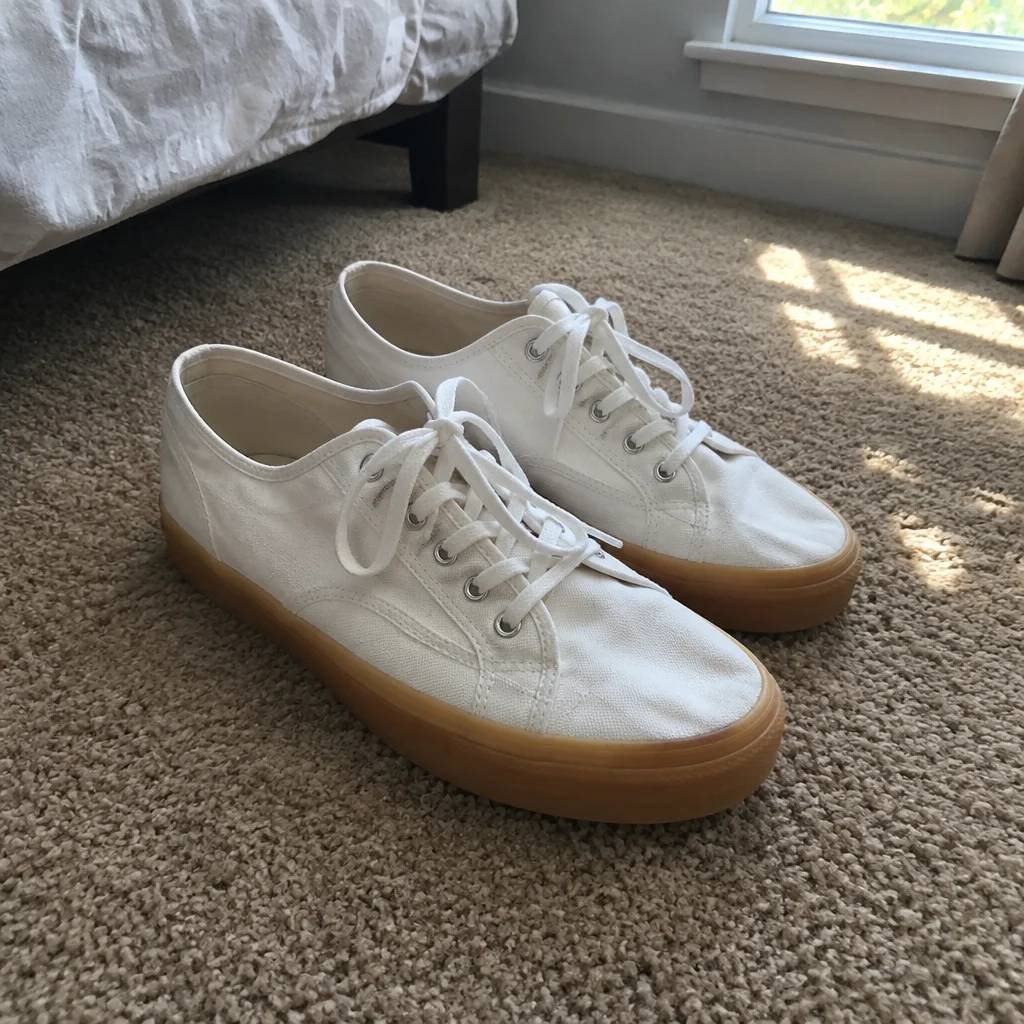
A clean white-background photo of the product, ready to animate or list.
Studio Backdrop Photo
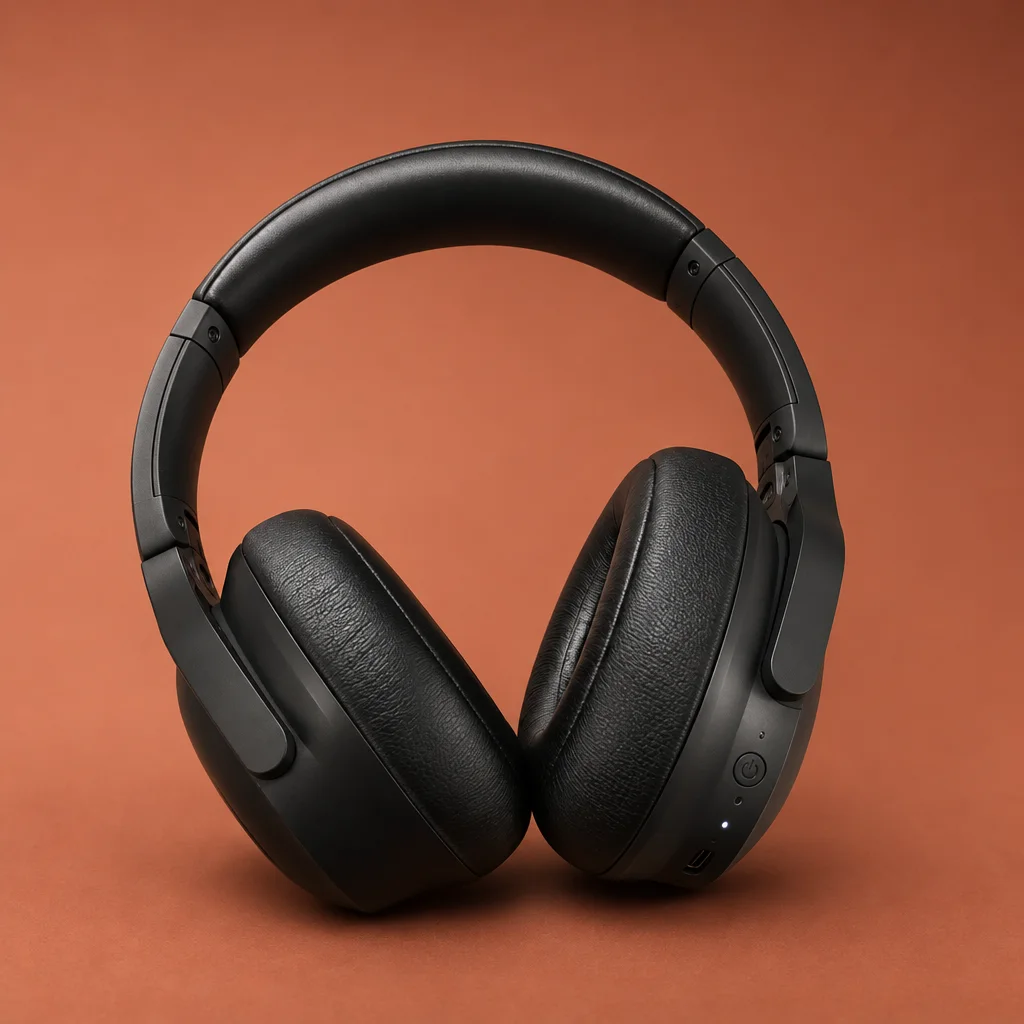
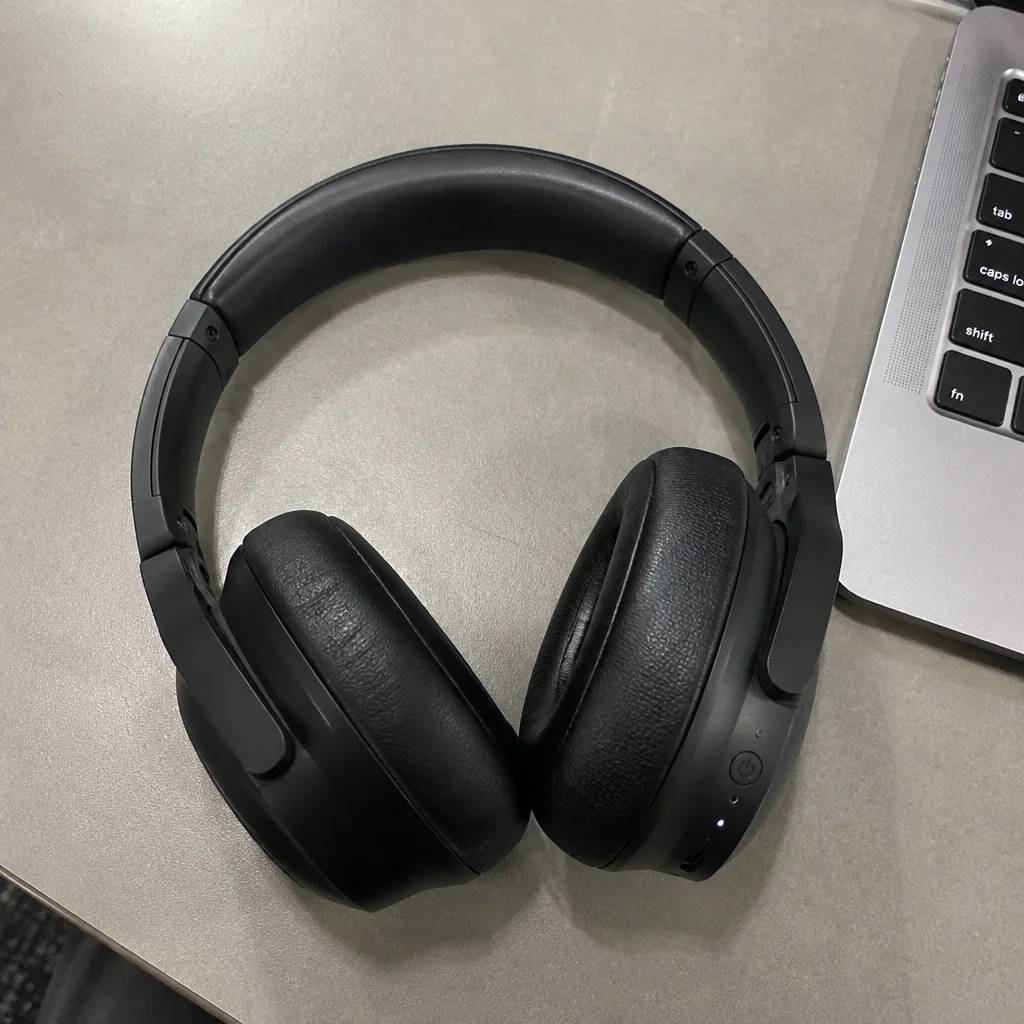
Re-shoot the product on fourteen studio backdrops, as a photo.